
All Updates
The complete history of FlipCloc
13 New Styles
-
13 New Styles Added
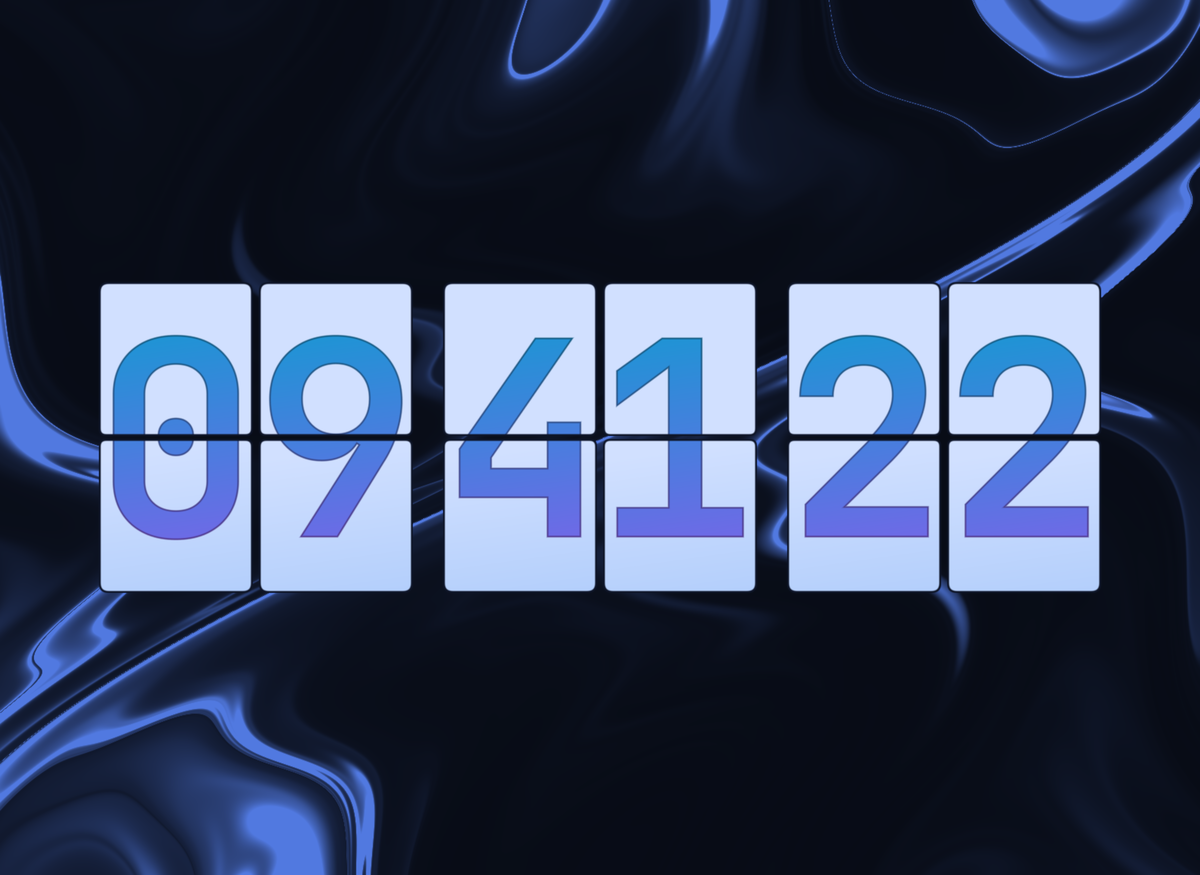
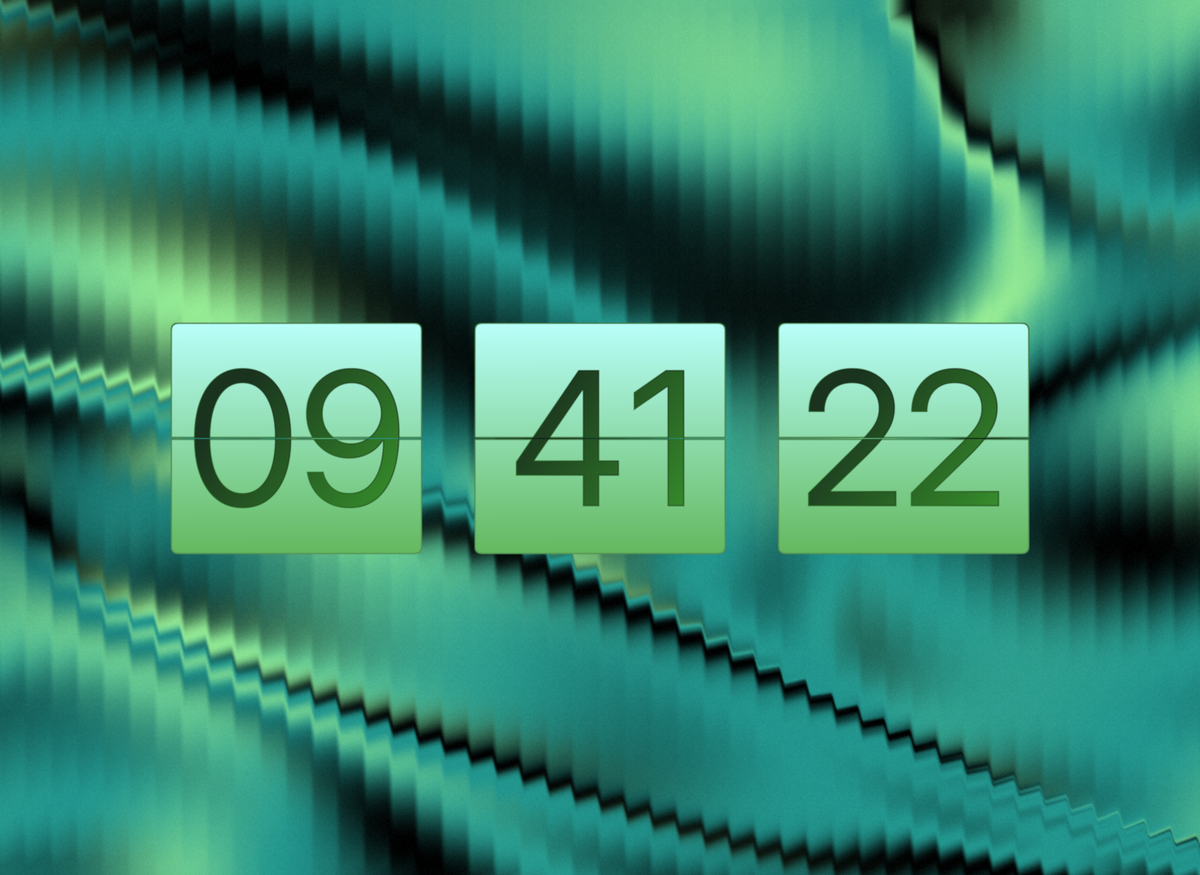
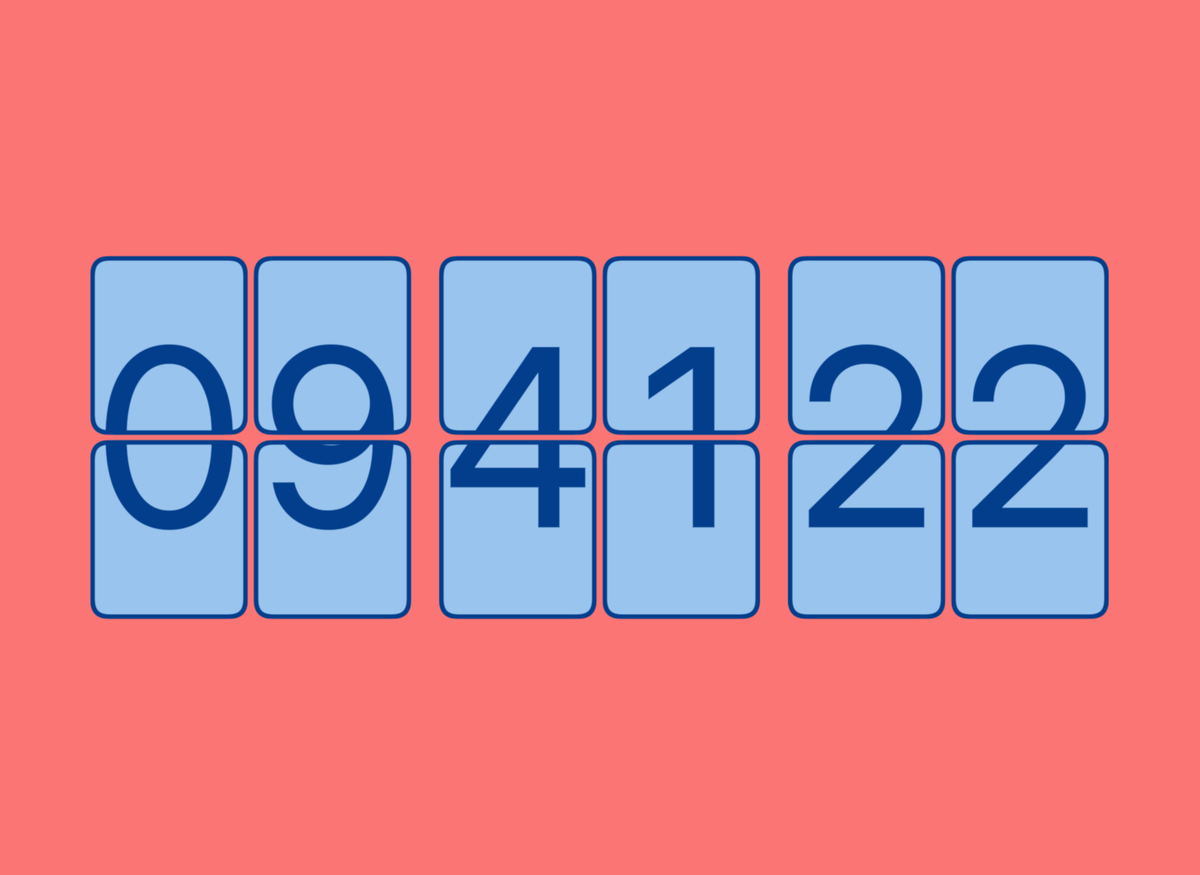
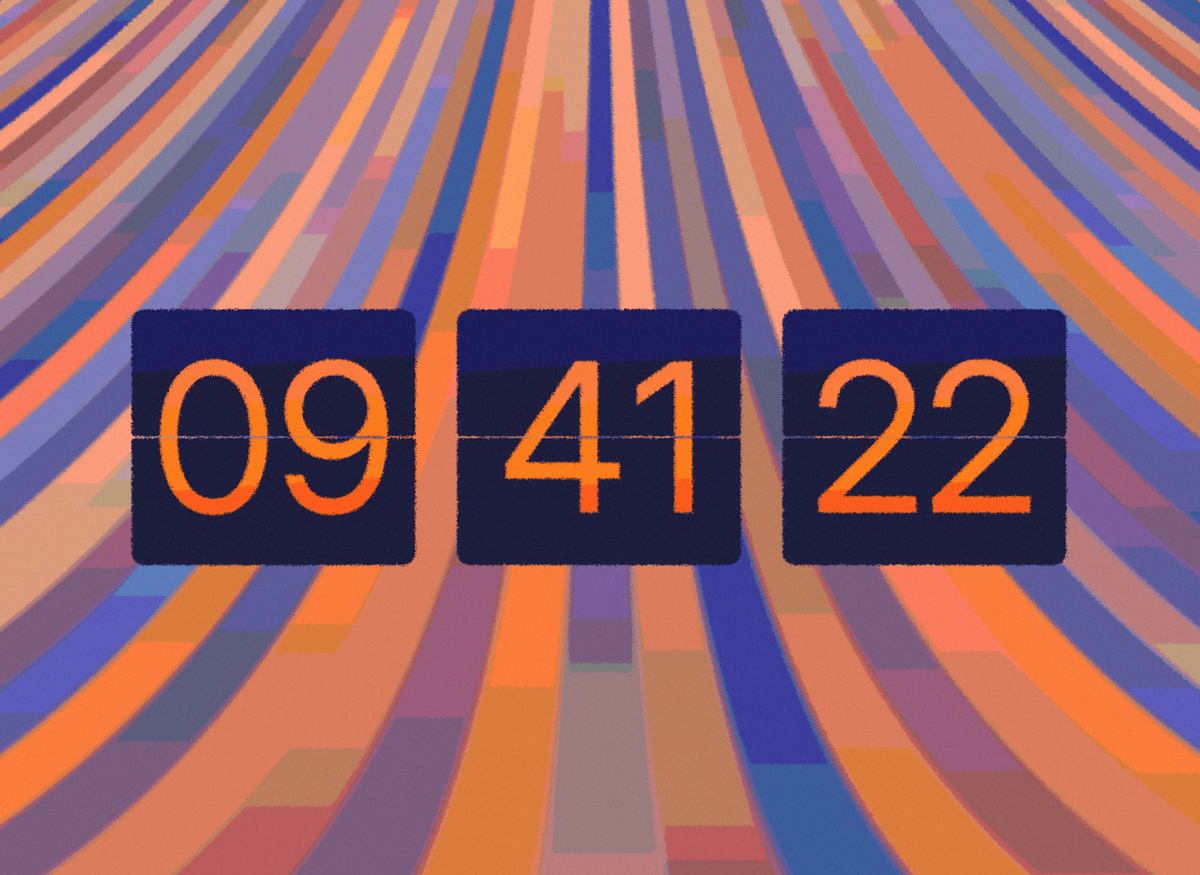
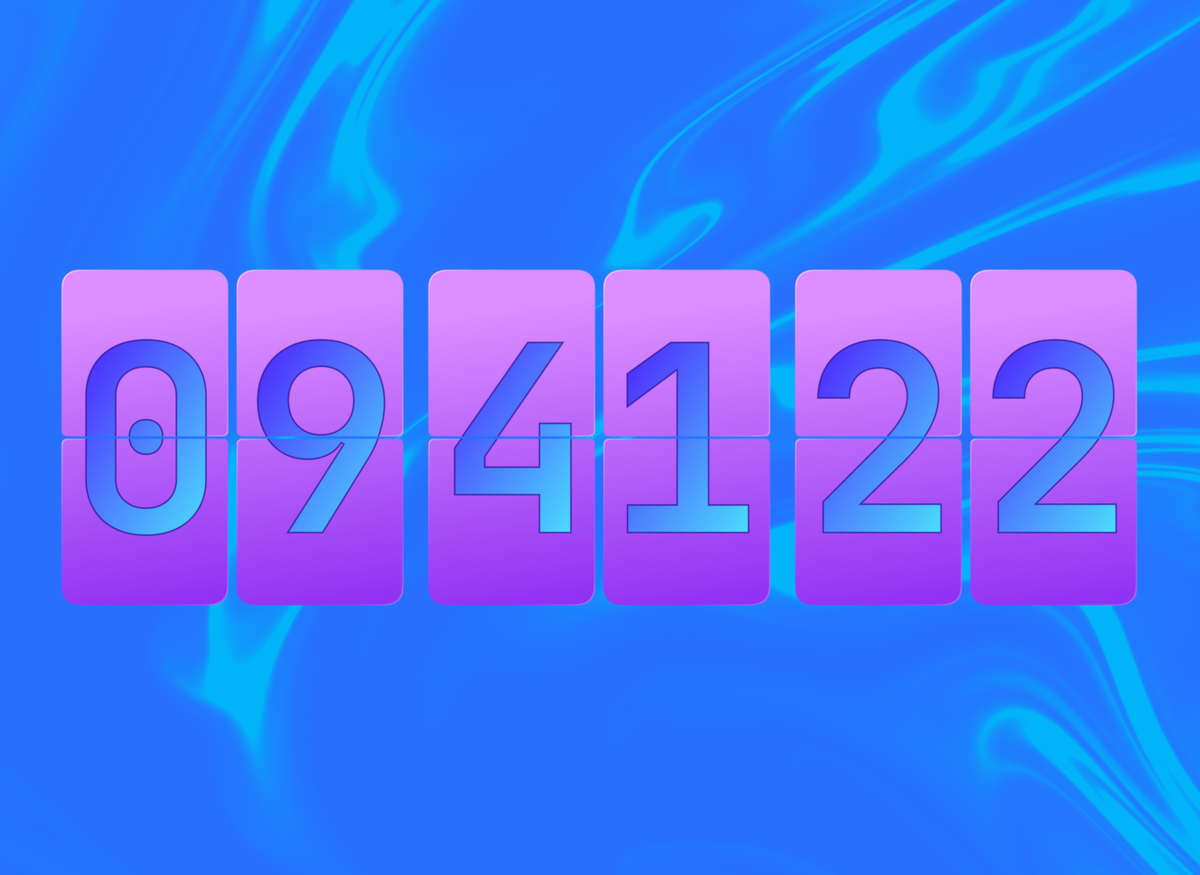
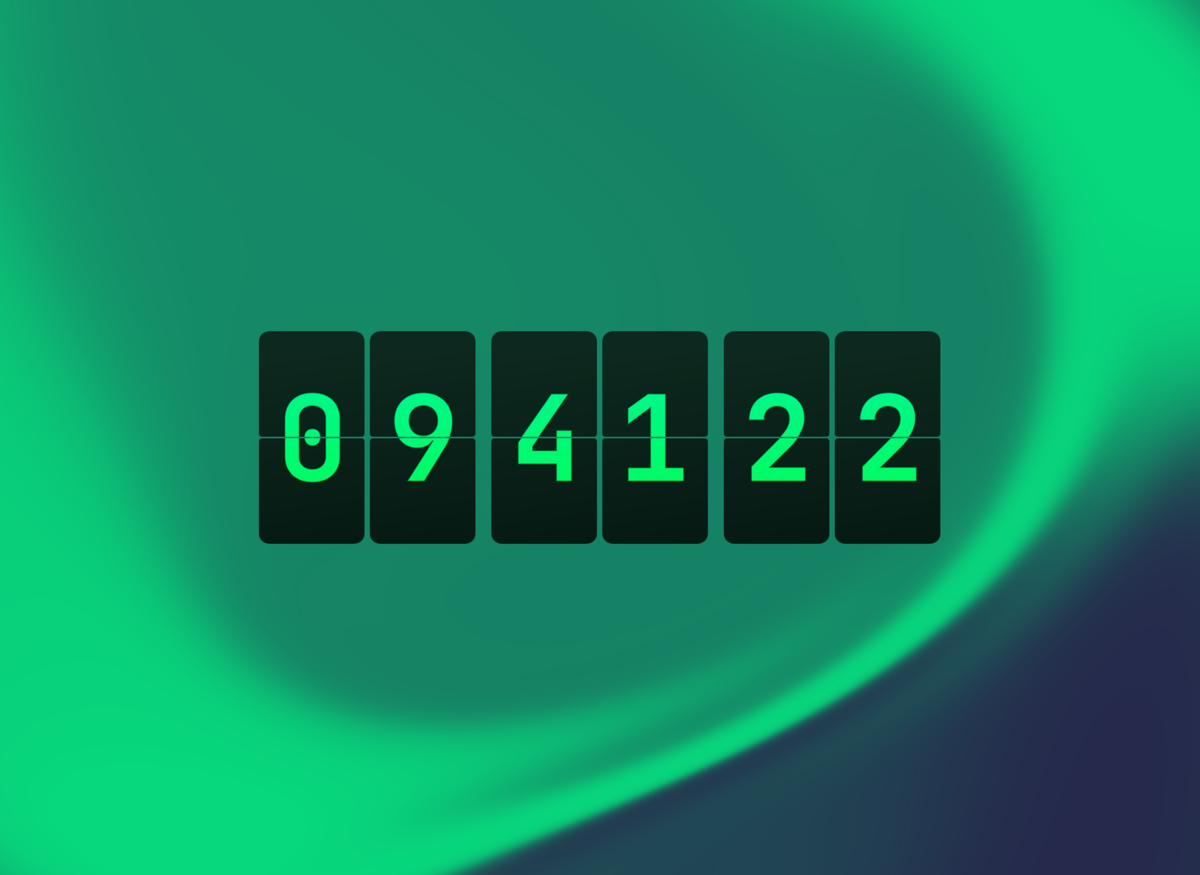
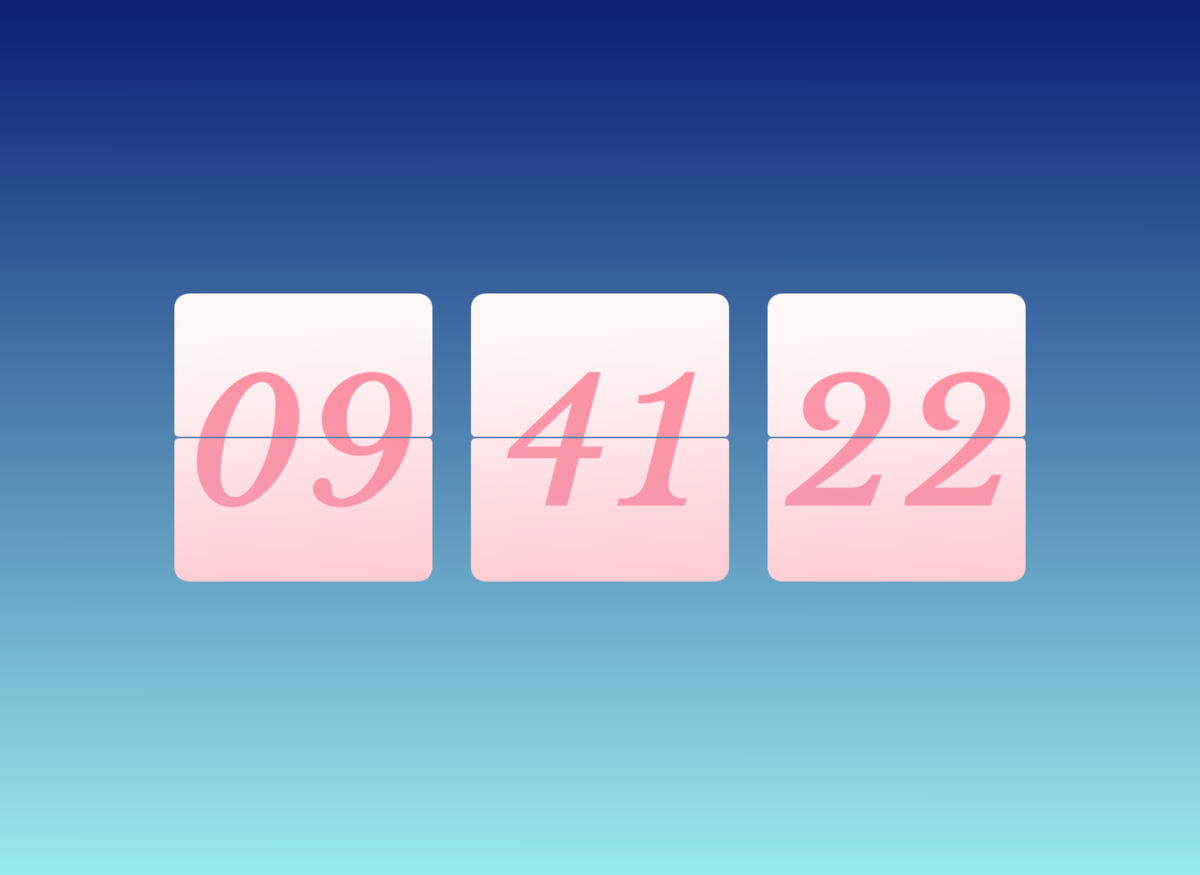
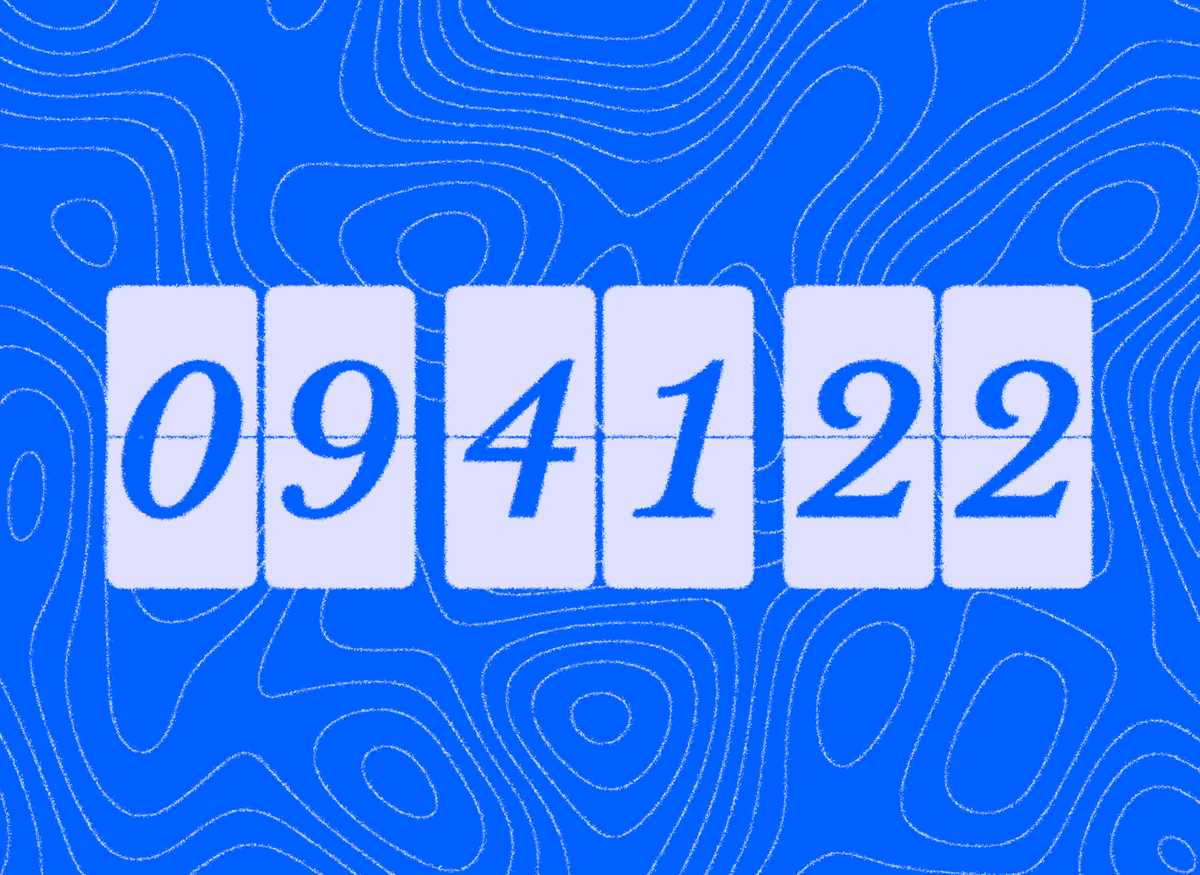
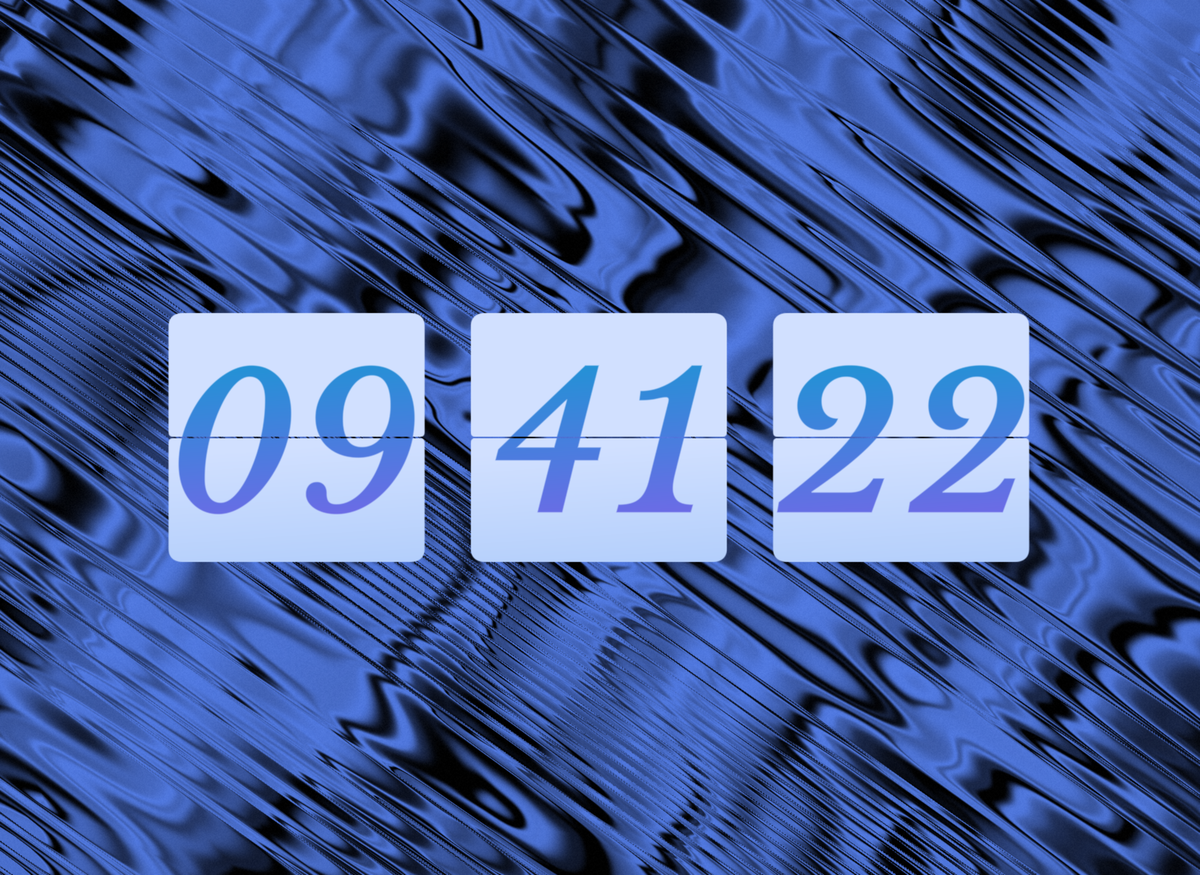
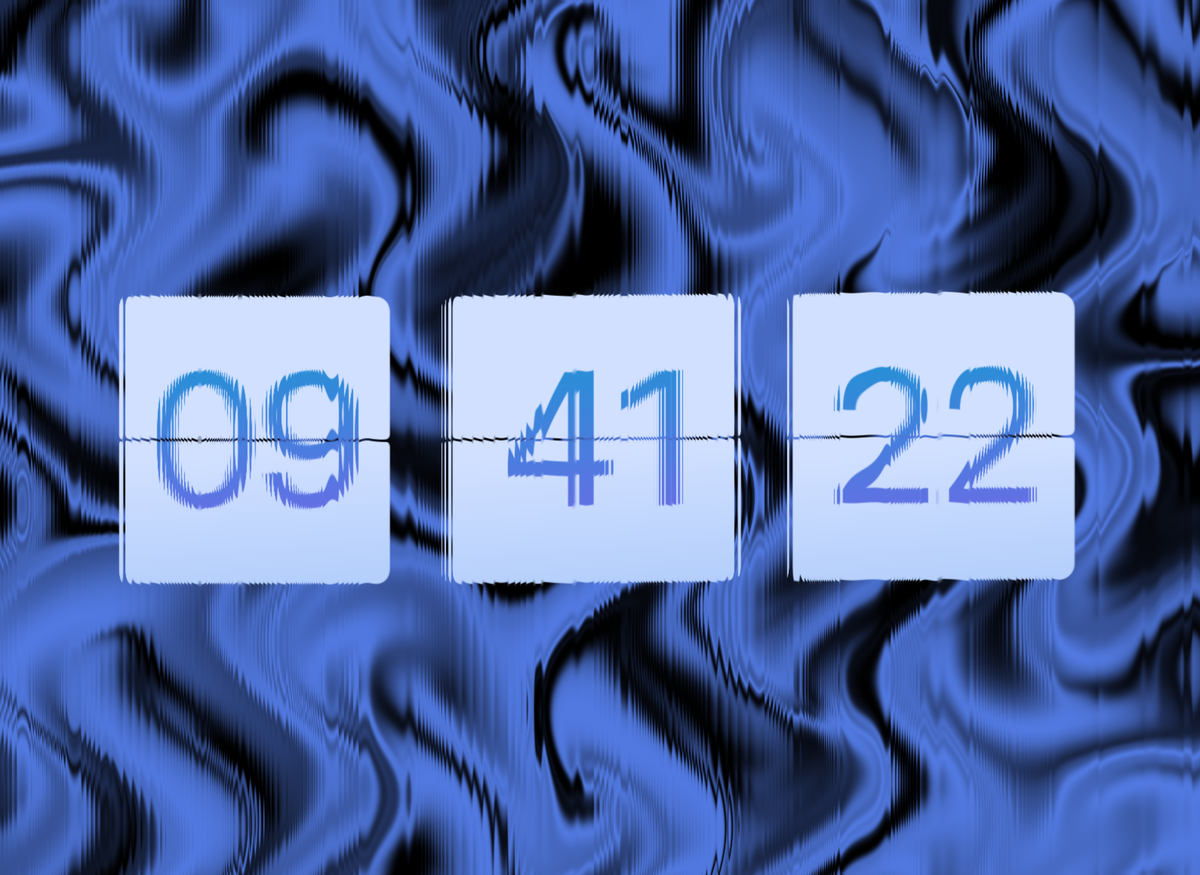
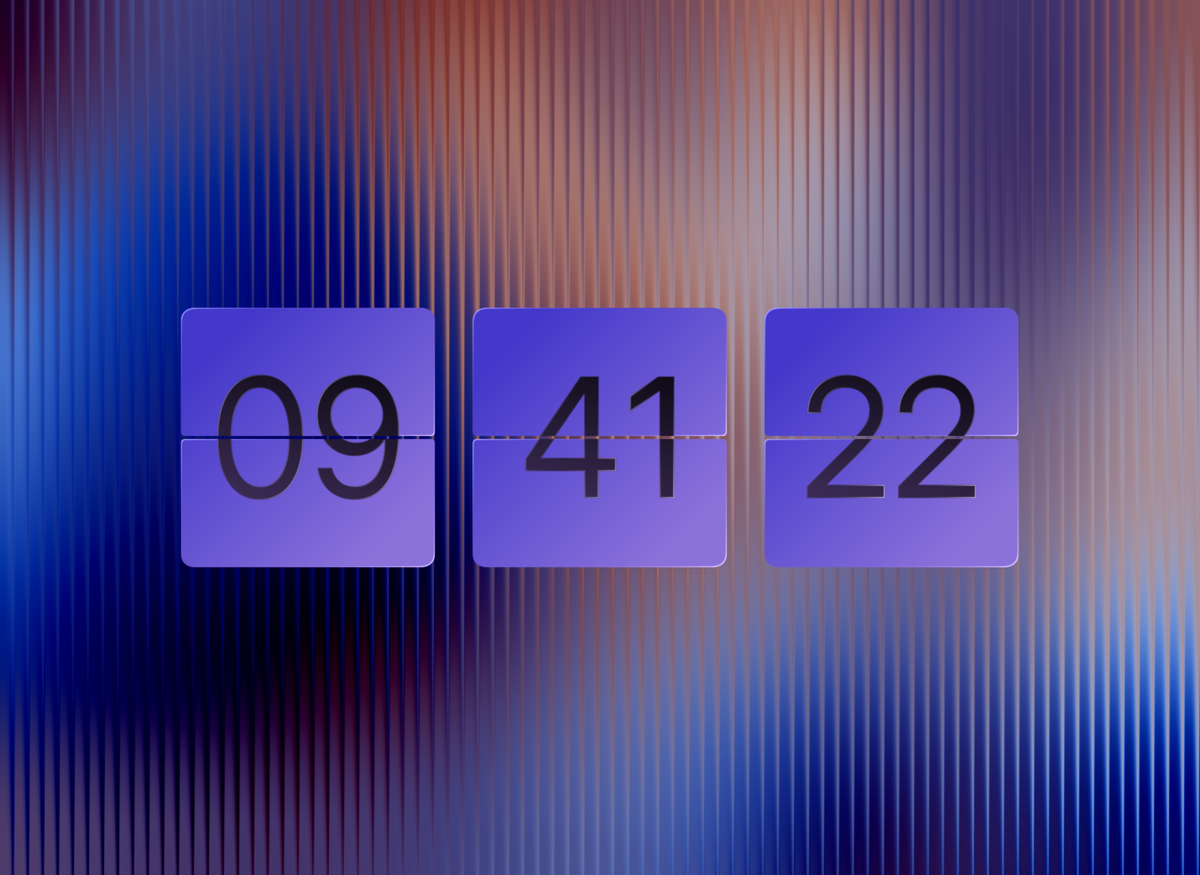
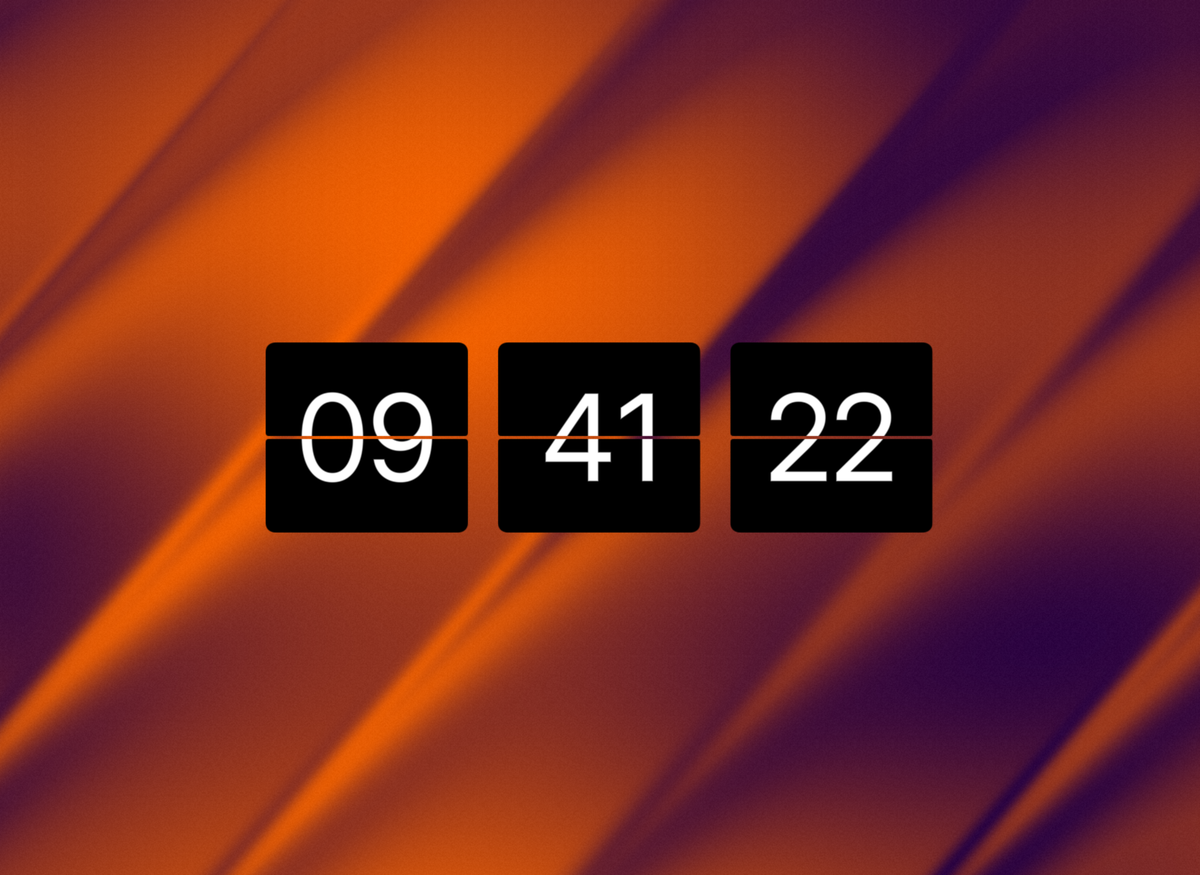
New styles highlighting the new flap and digit strokes -
Benthic Wave
-
Mint Echo
-
Papaya Bay
-
Helios
-
Astral
-
Emerald Isle
-
Berry Night
-
Cyanotype
-
Nocturne
-
Midnight Mirage
-
Velvet Flutes
-
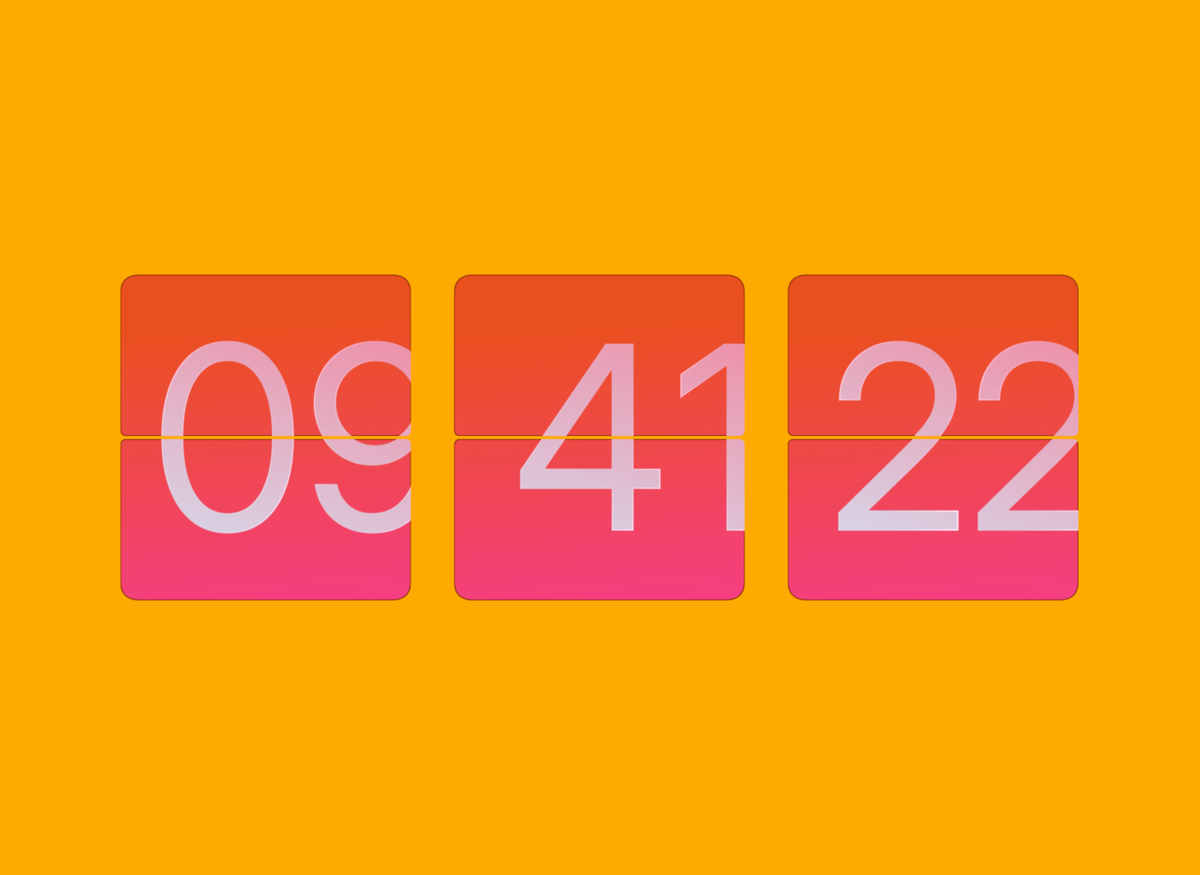
Race Ready
-
Alpenglow
-
Changes to Existing Styles
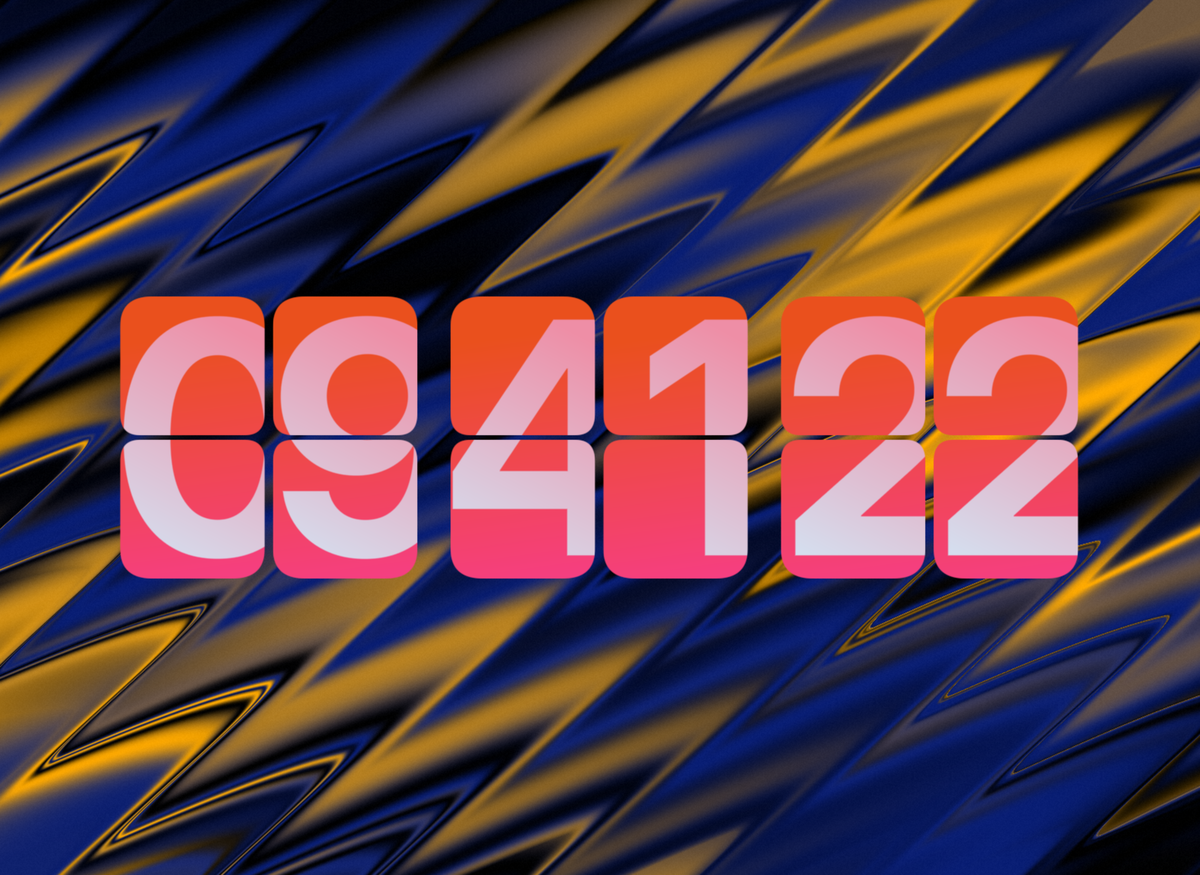
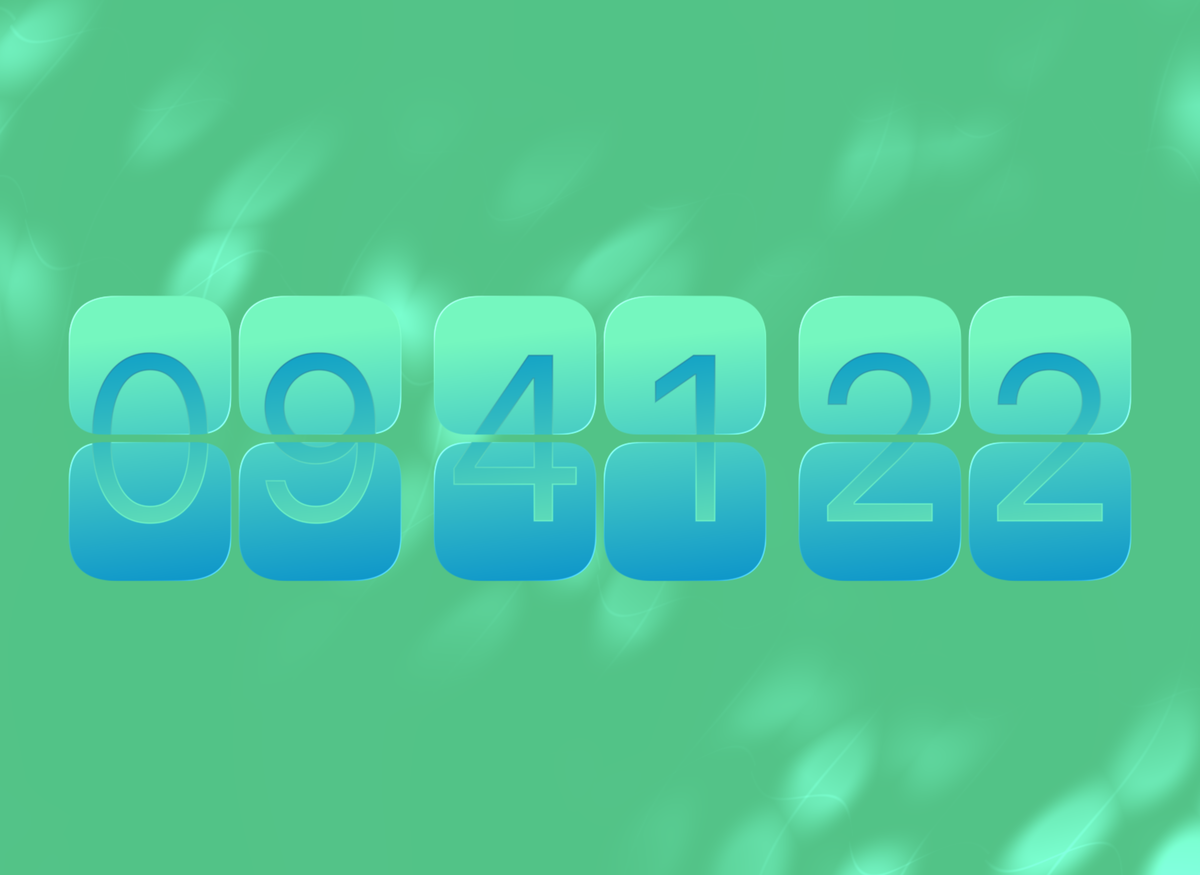
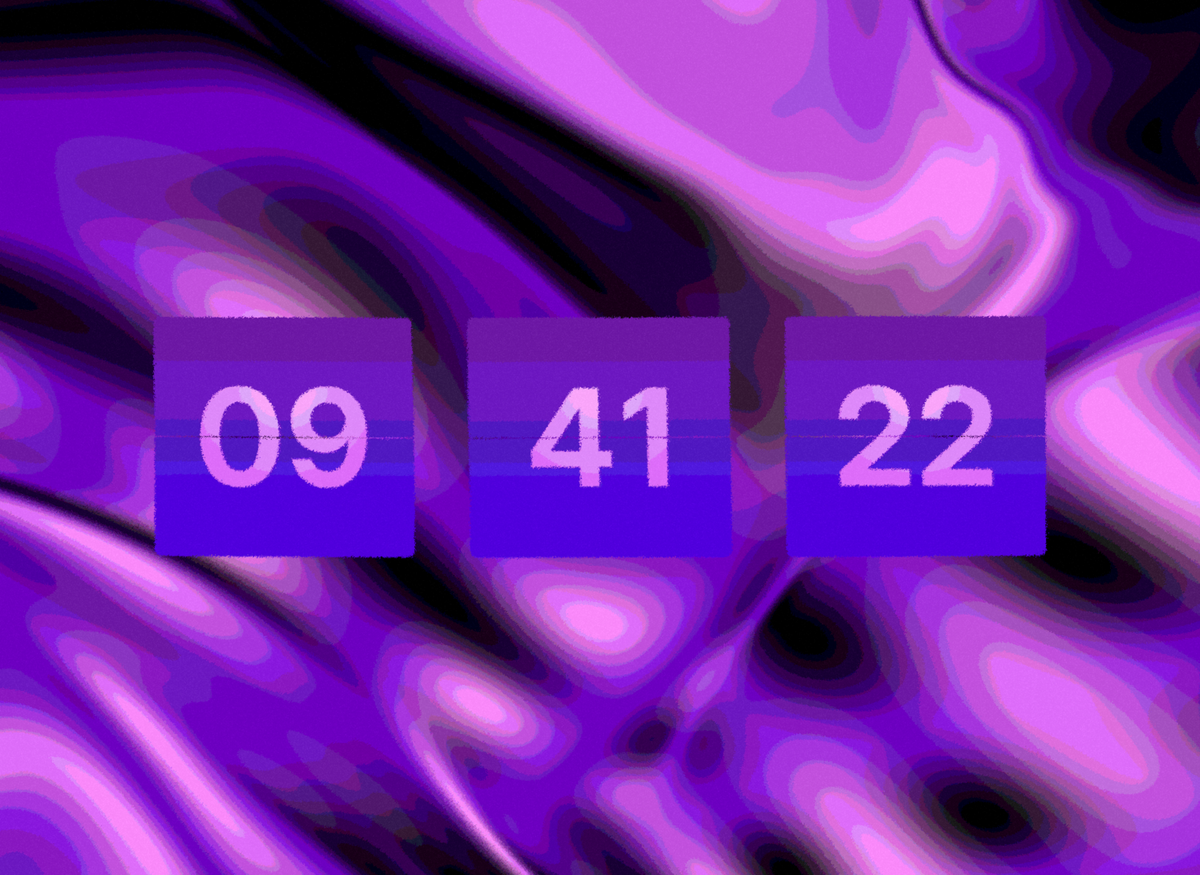
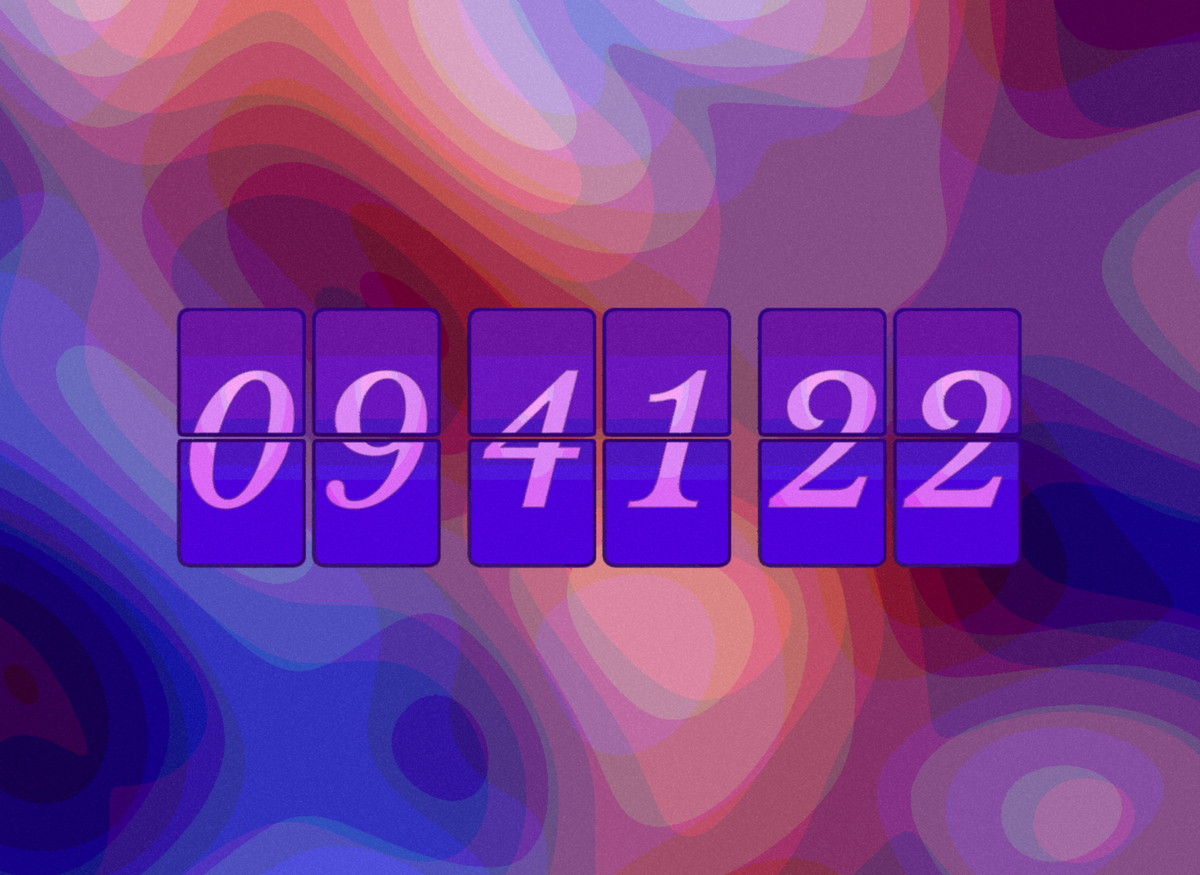
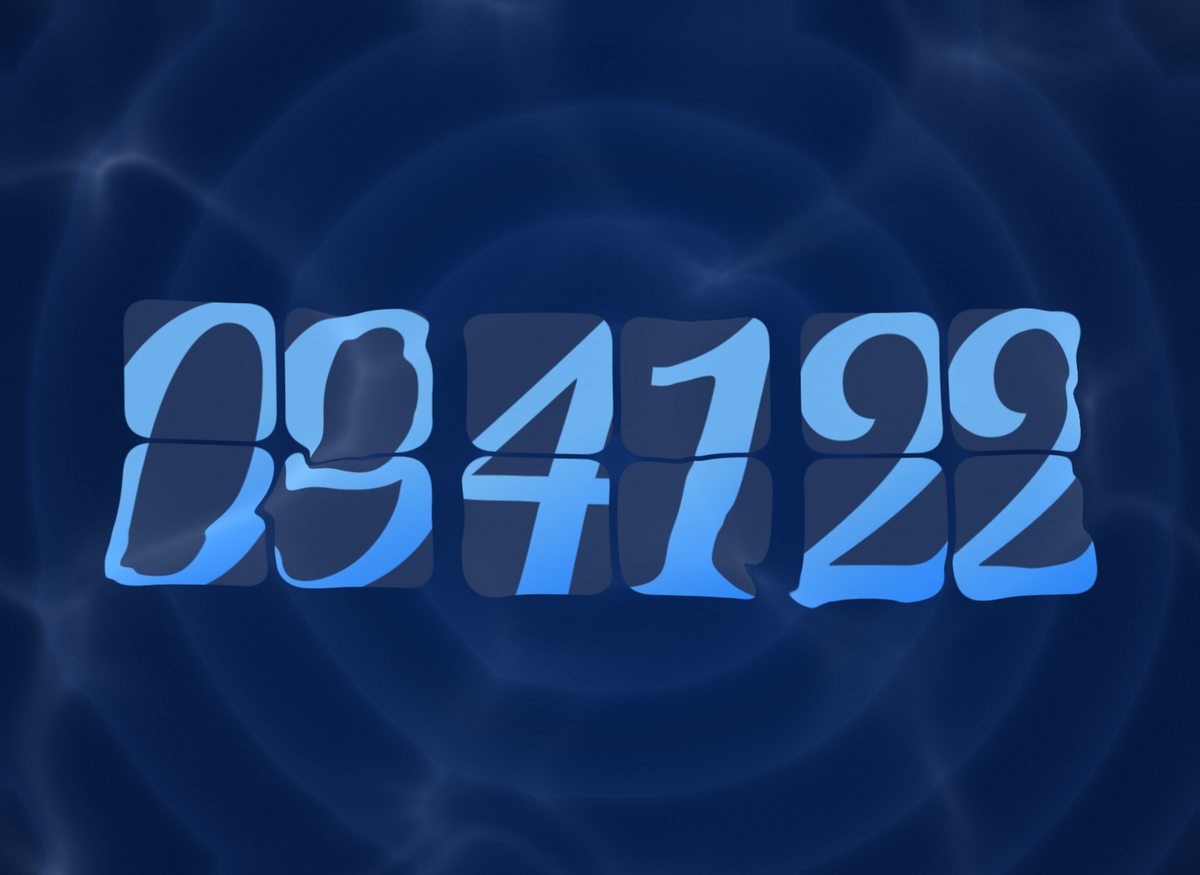
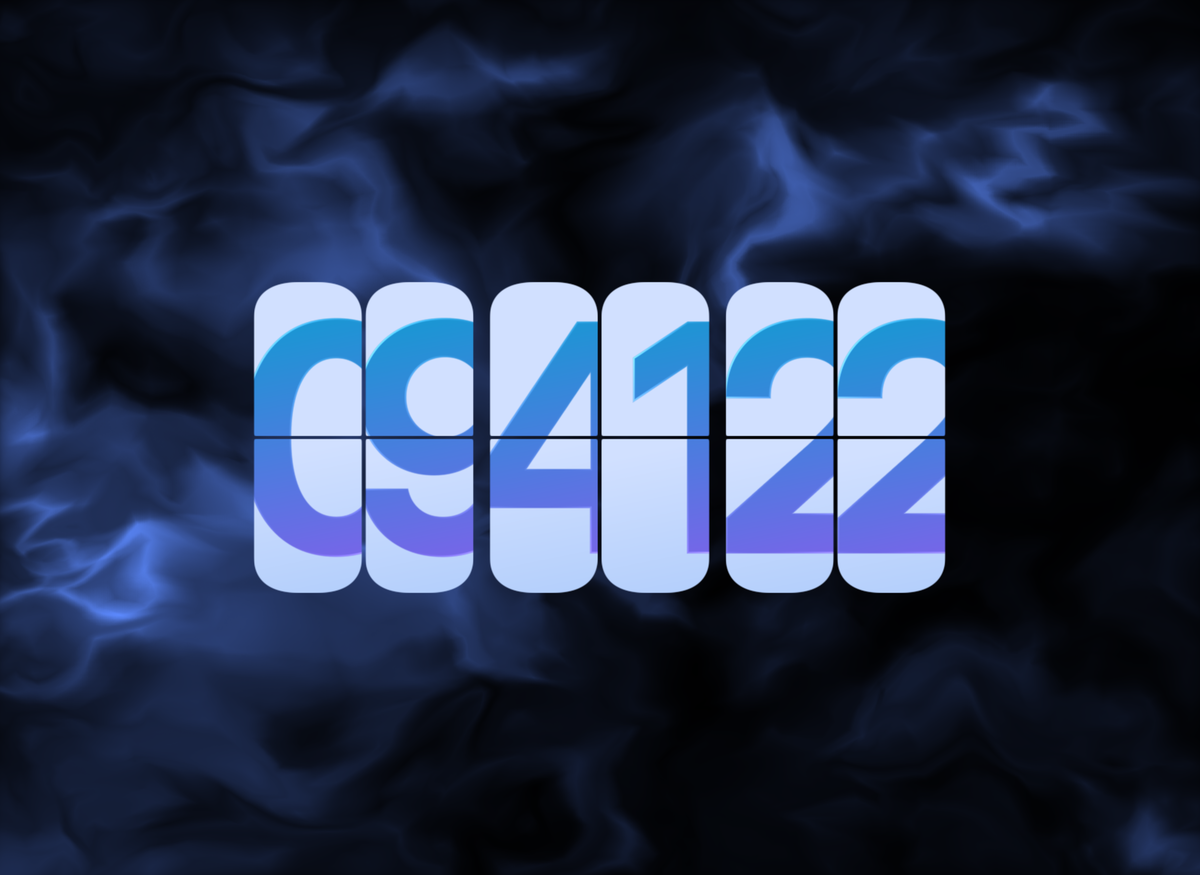
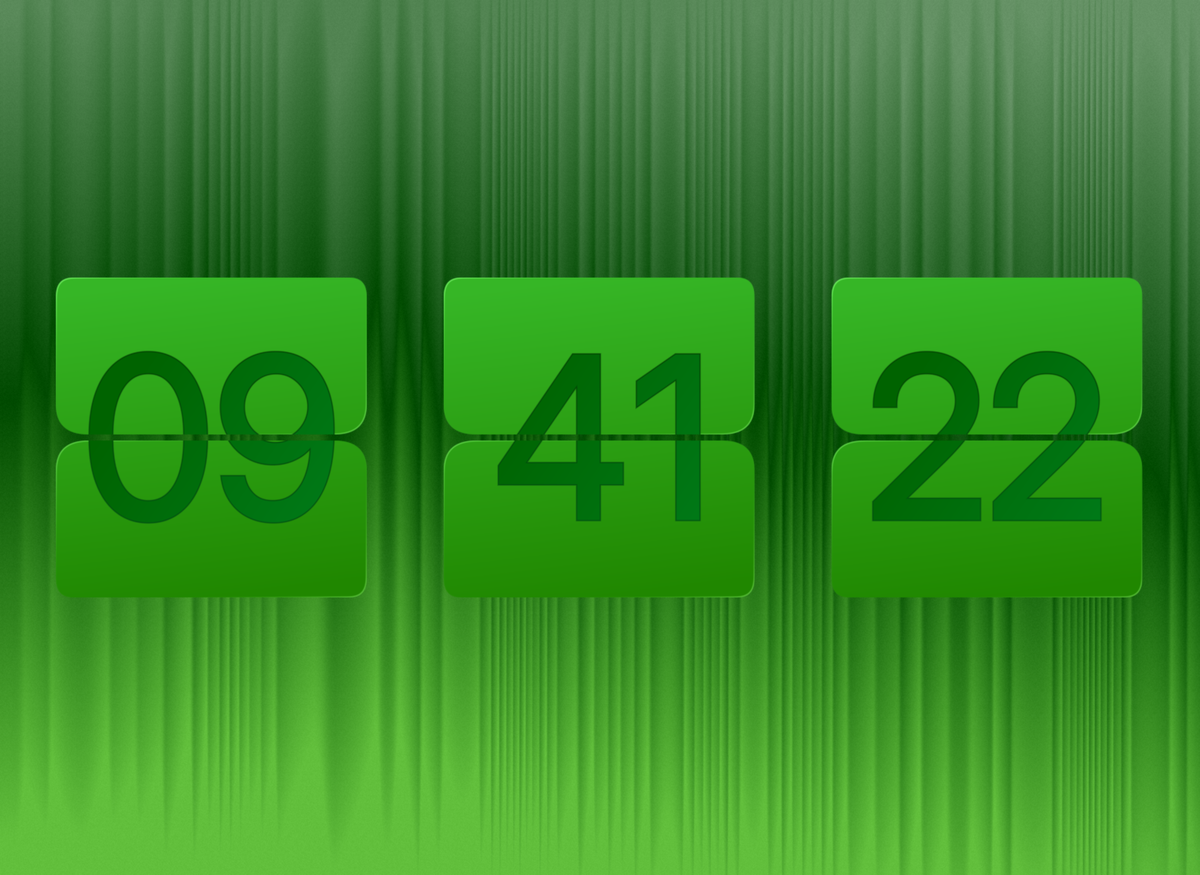
Refreshed few existing styles with flap & digit strokes, new themes, and effects -
Riviera
-
Aqua Mint
-
Abstract Luxury
-
Vivid
-
Calm
-
Snowboarder
-
Pine Forest
-
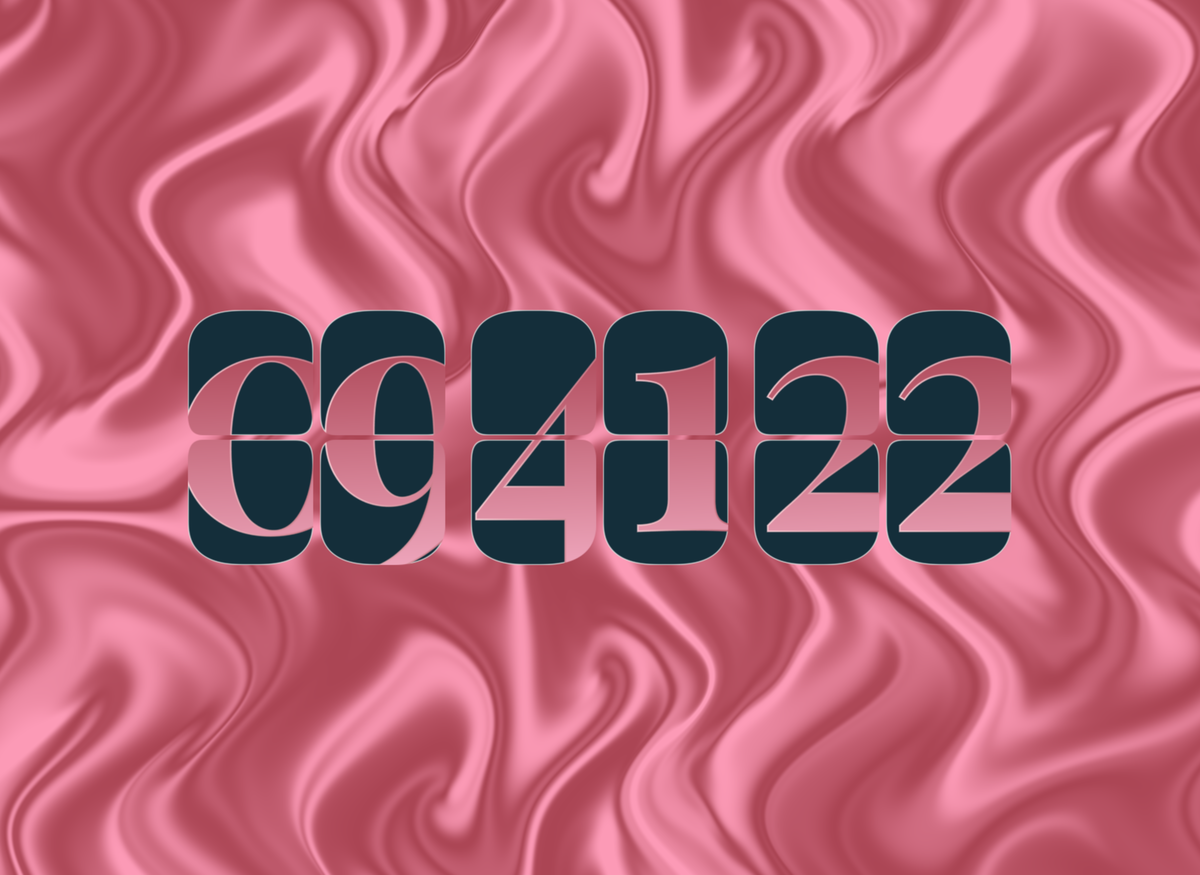
Rose Current
-
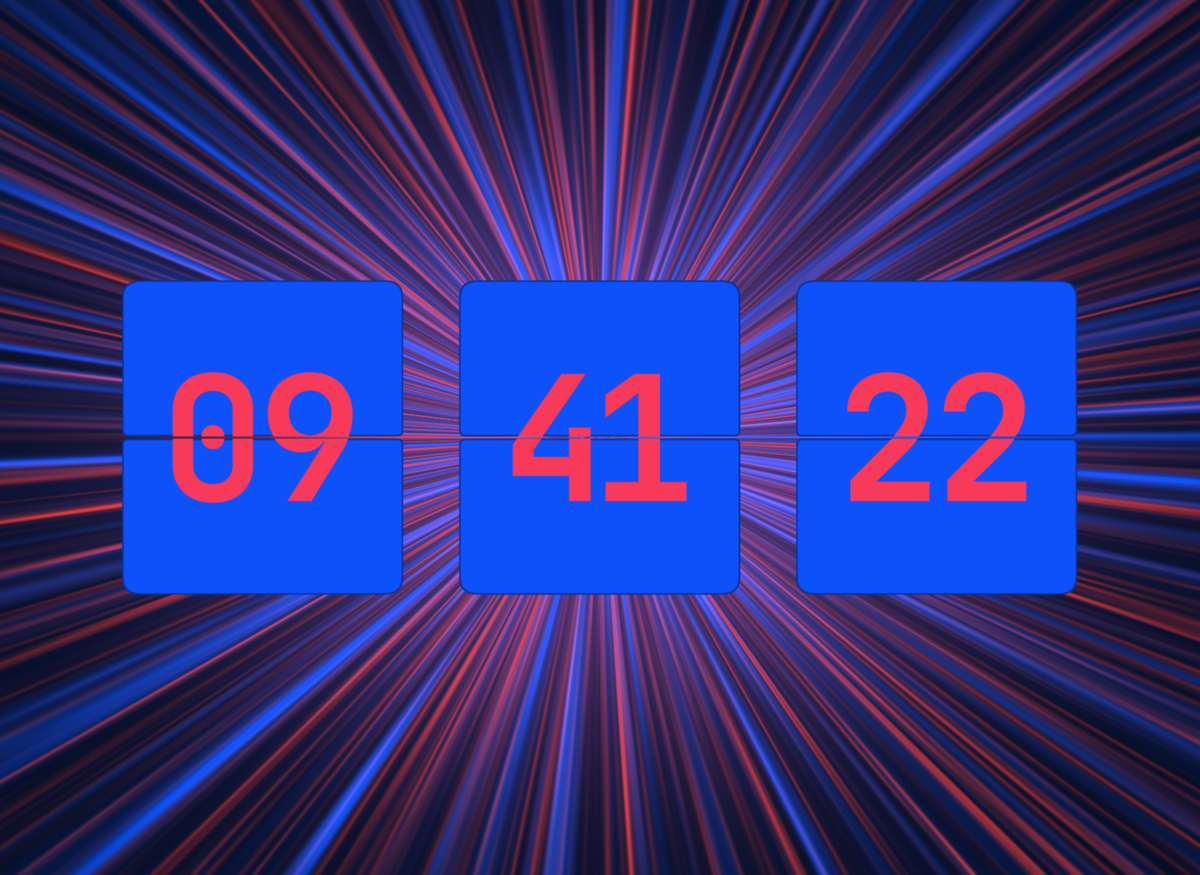
Laser Drift
-
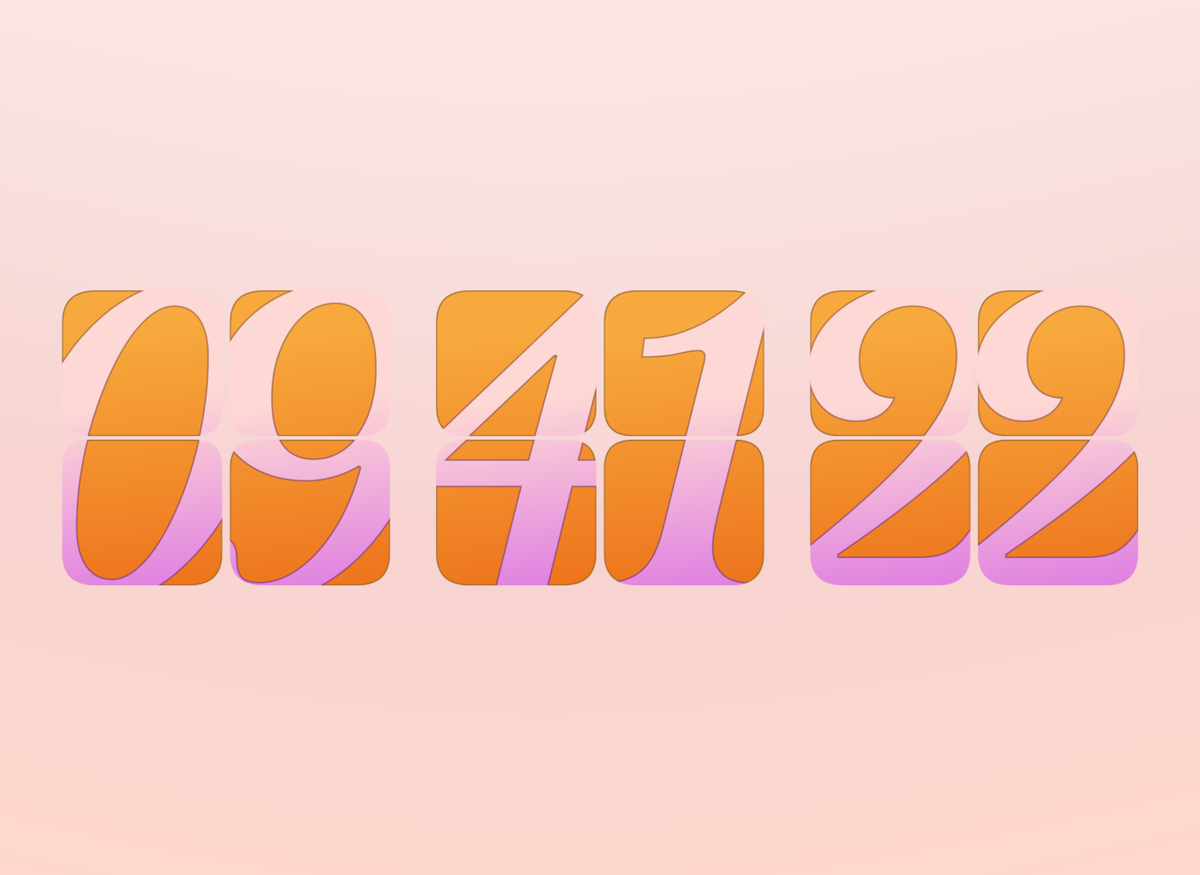
Peach Apricot
-
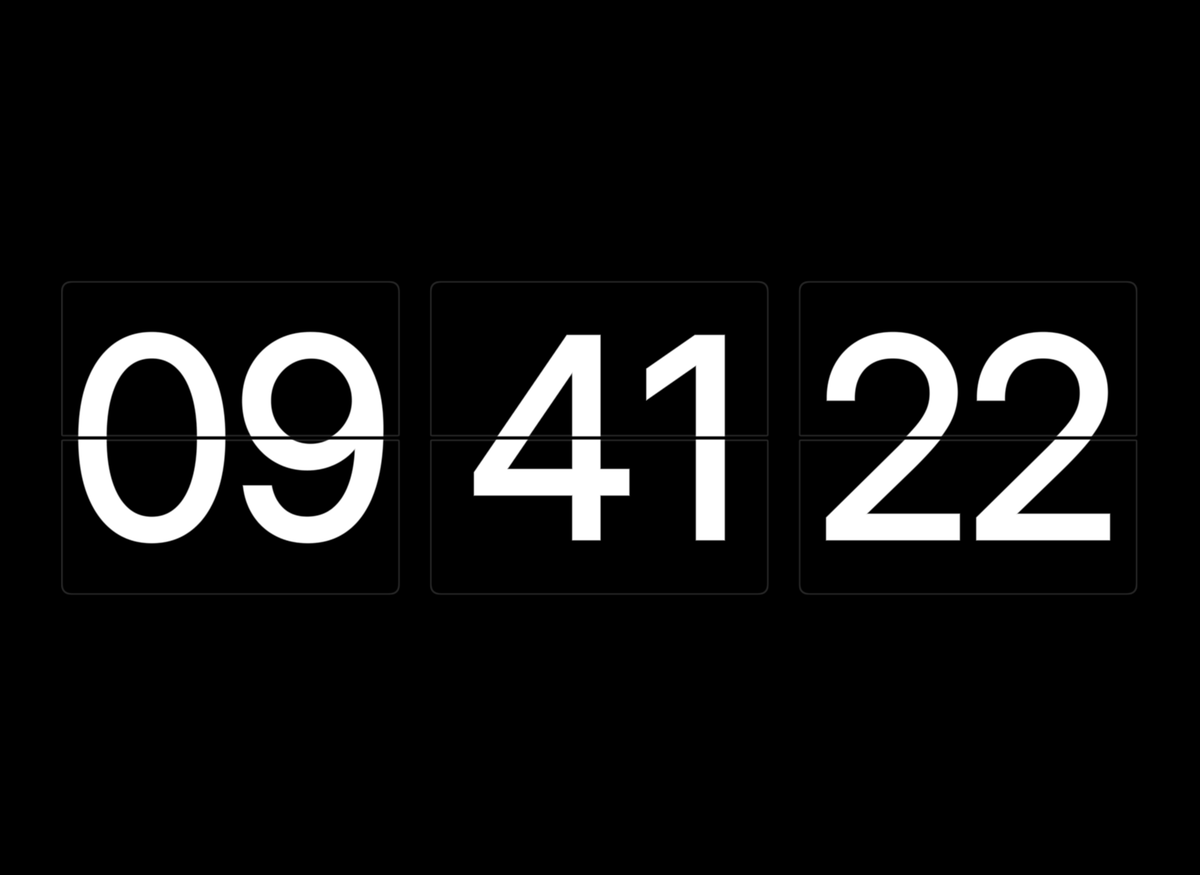
Classic B&W
-
Ice
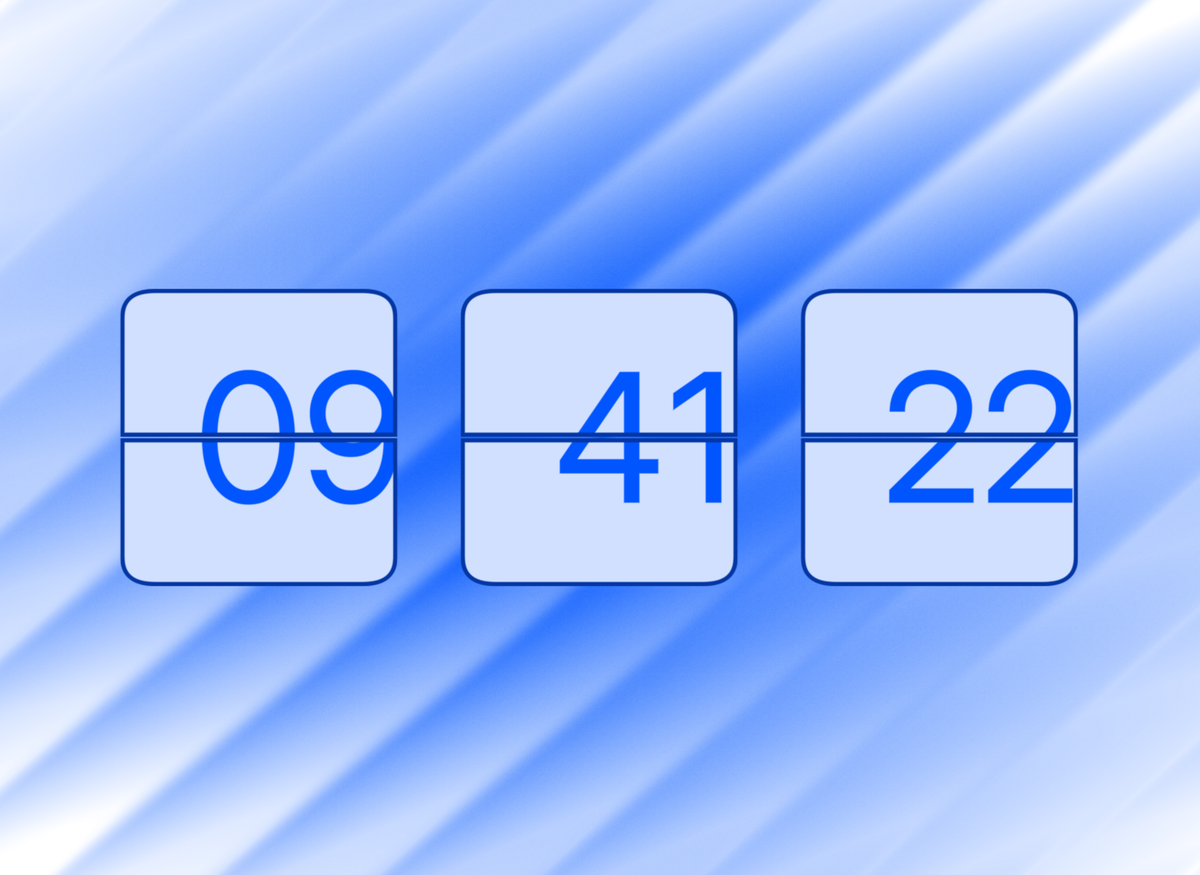
-
Forest
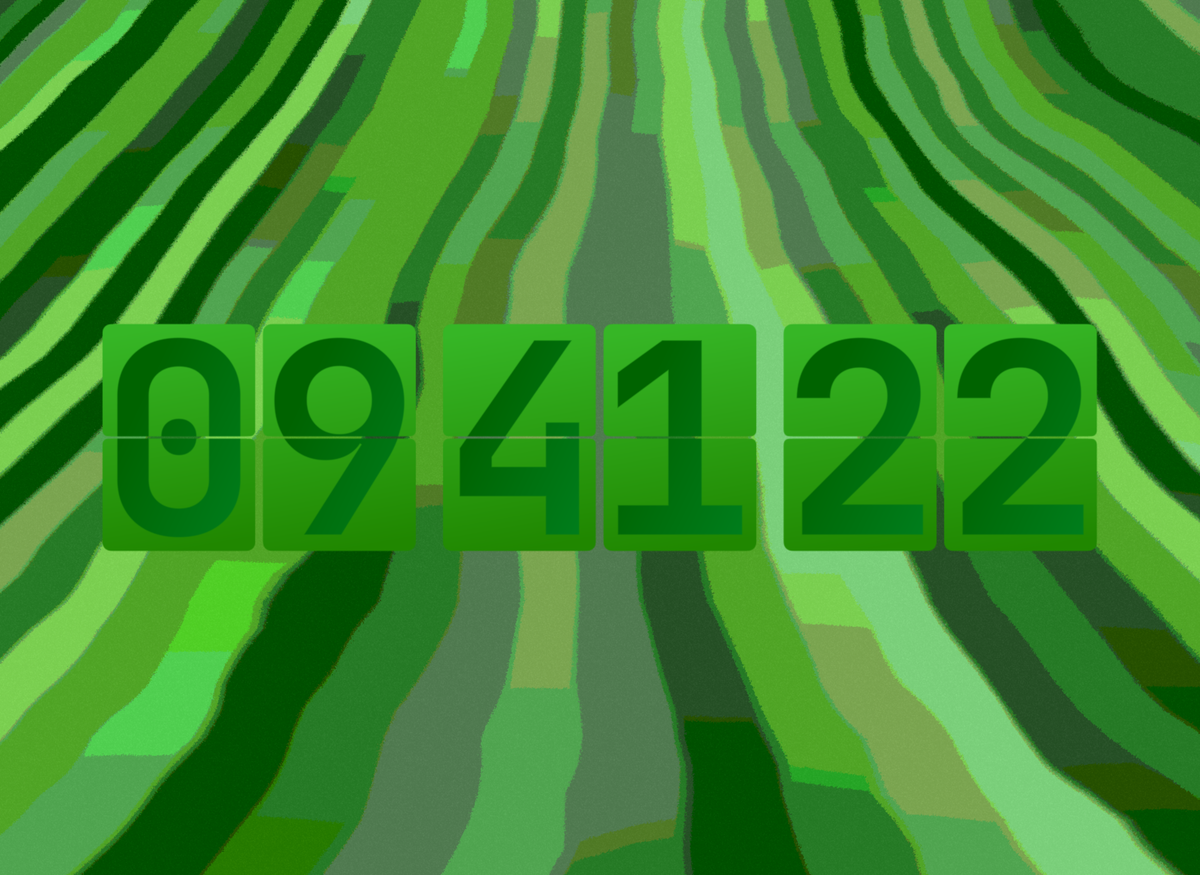
-
Blue Glass
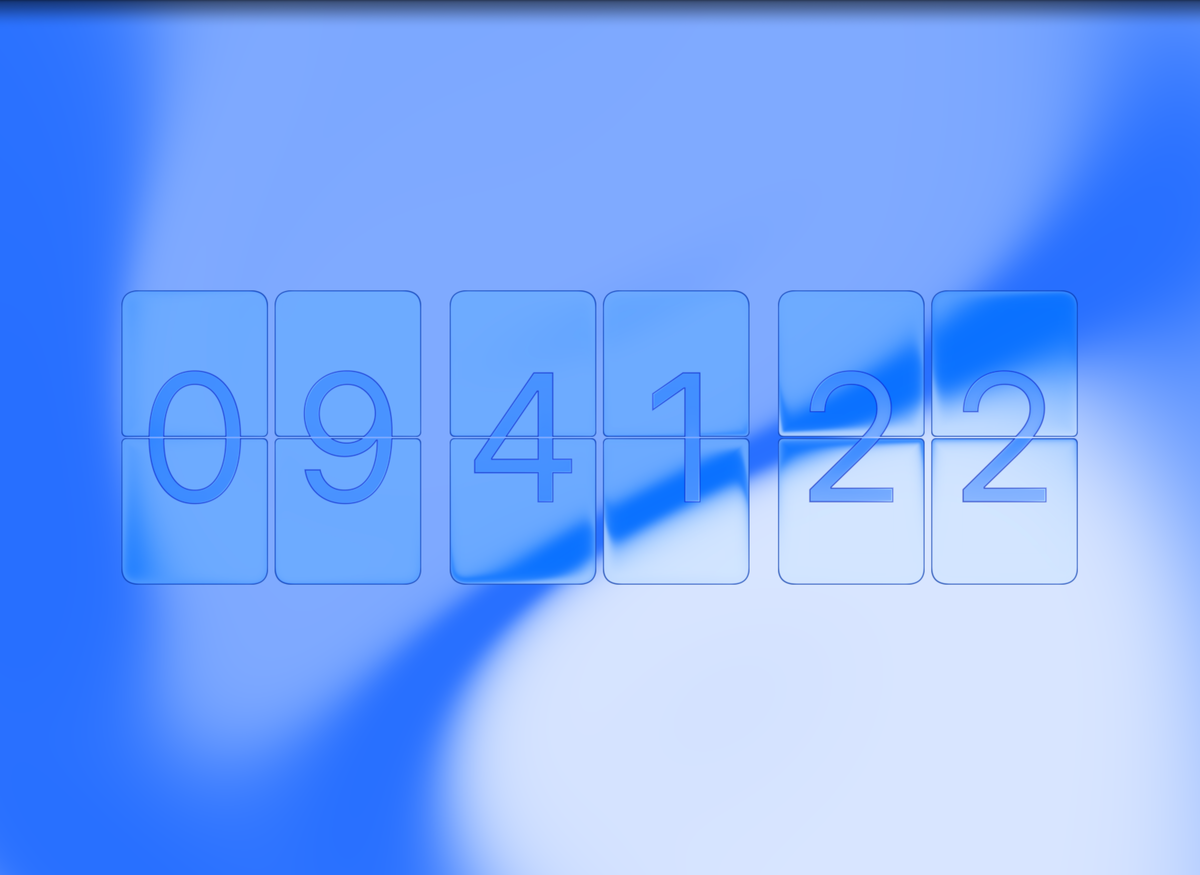
-
Matrix Glass
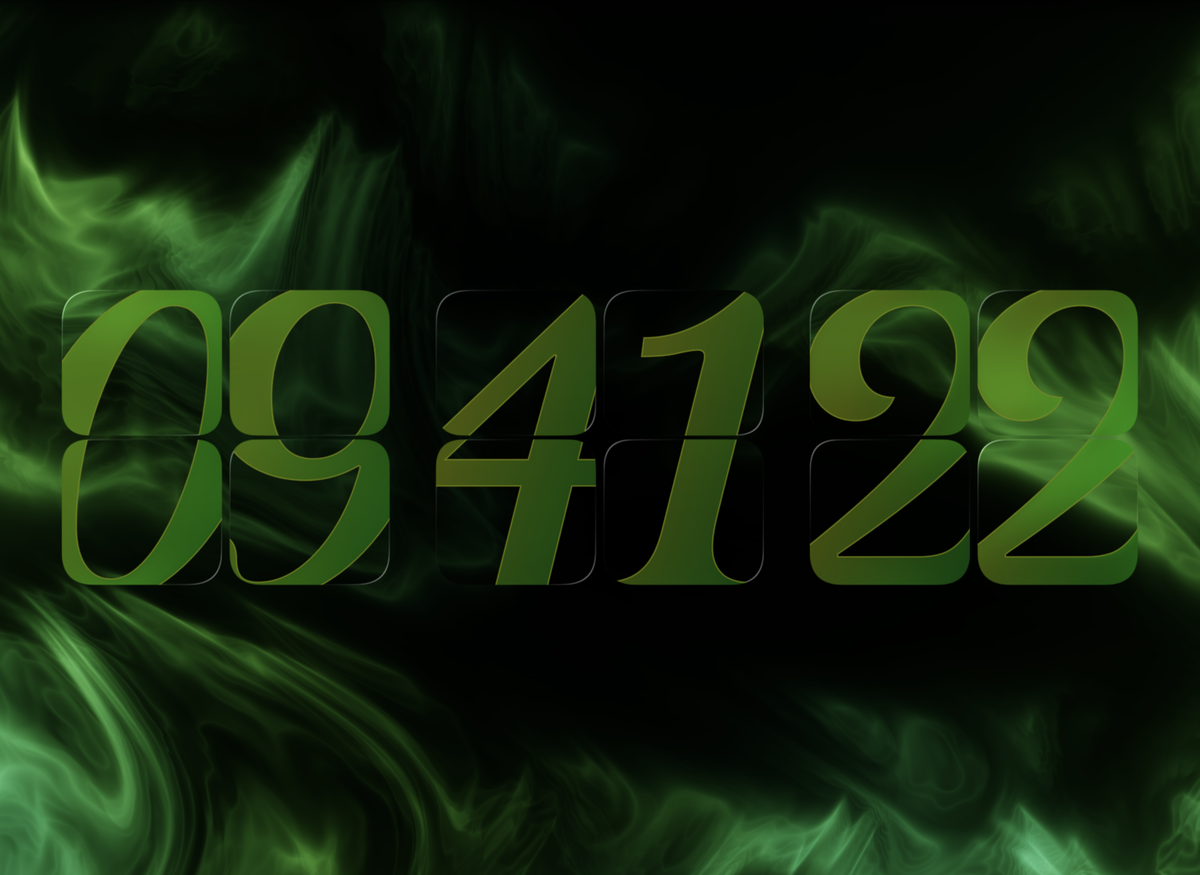
-
Void Glass
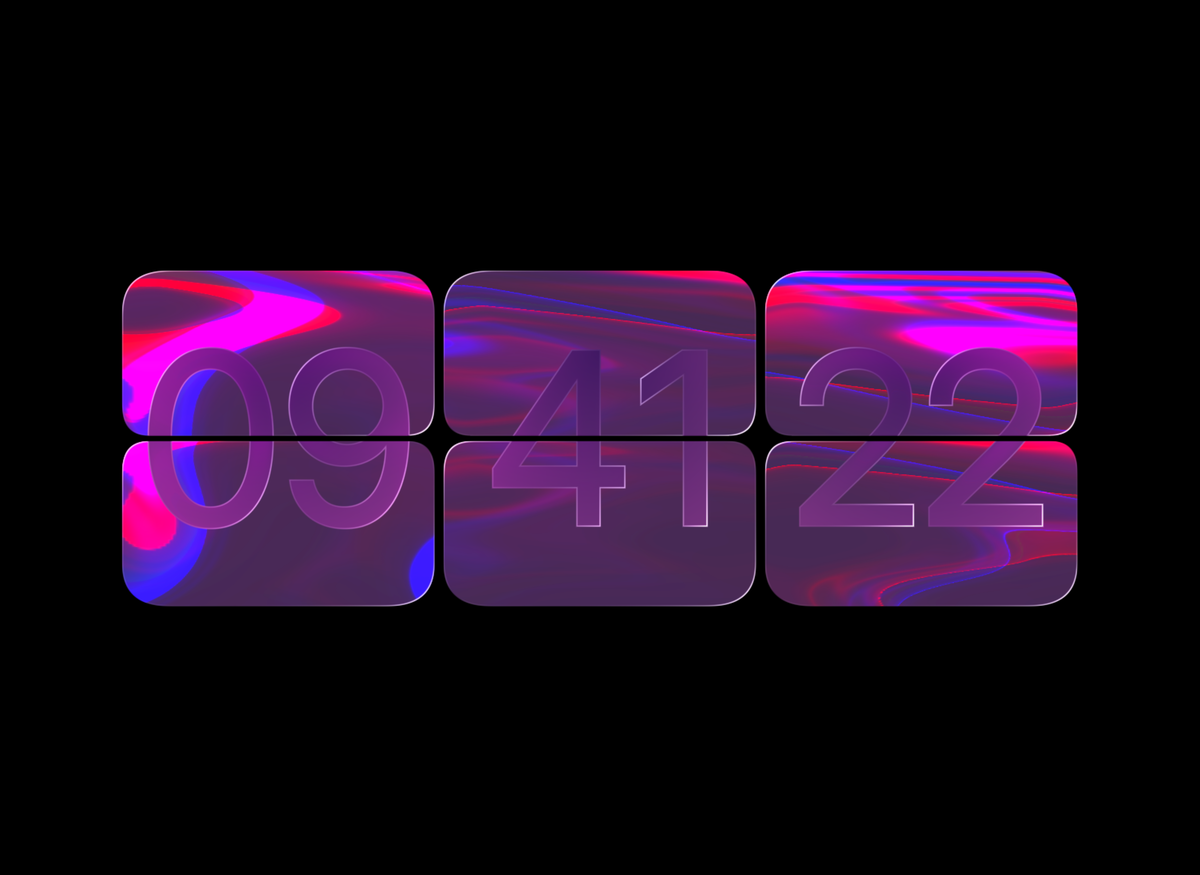
-
Royal Slab
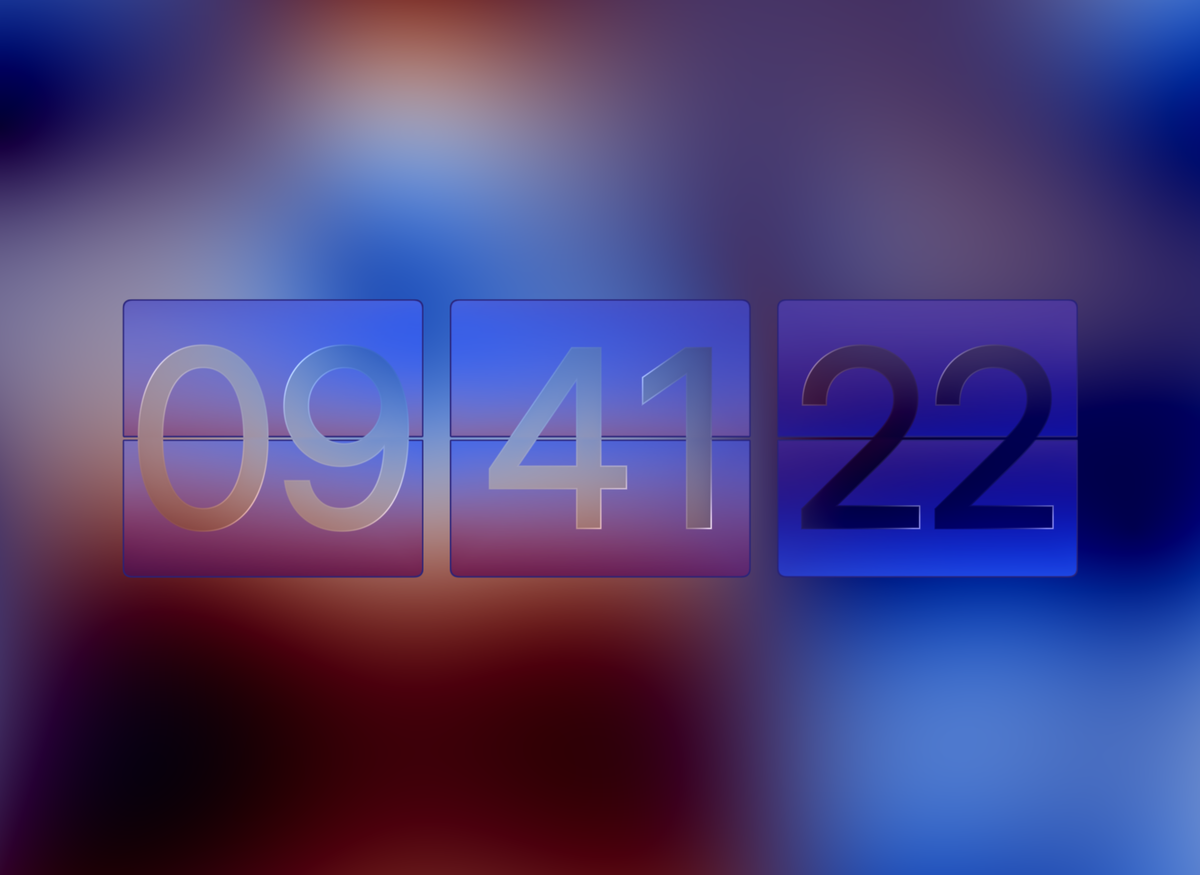
8 New Themes
-
8 Brand New Color Themes
Added 8 vibrant carefully created color themes: Flamingo, Solaris, Iris, Emerald, Berry, Miami, Lapis, and Nordic Sea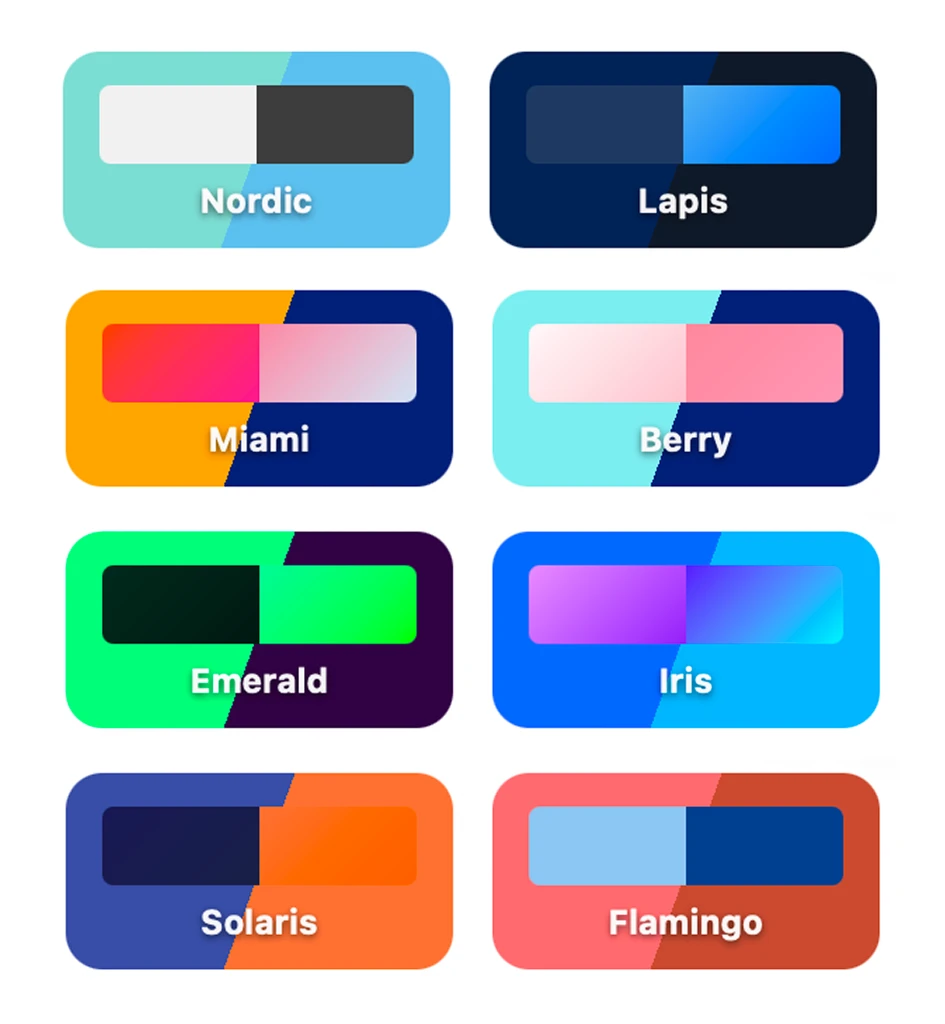
-
Stroke Colors added to existing Color Combinations
Added harmonious stroke colors across all existing FlipCloc themes for beautiful border and digit accents
Flap & Digit Strokes
-
Introducing Flap & Digit Strokes
FlipCloc now lets you add a stroke for both flaps and digits, individually. Choose between a Solid, Linear Gradient, & Reflected stroke style. Strokes stay uniform and seamlessly work across radii, clock size, stroke thickness, and overlay effects -
Fluted Glass Optimization
Optimized fluted glass anti aliasing to reduce jaggies at high lens power and distortion values -
Carousel Navigation
Carousel navigation moved above carousel for a cleaner look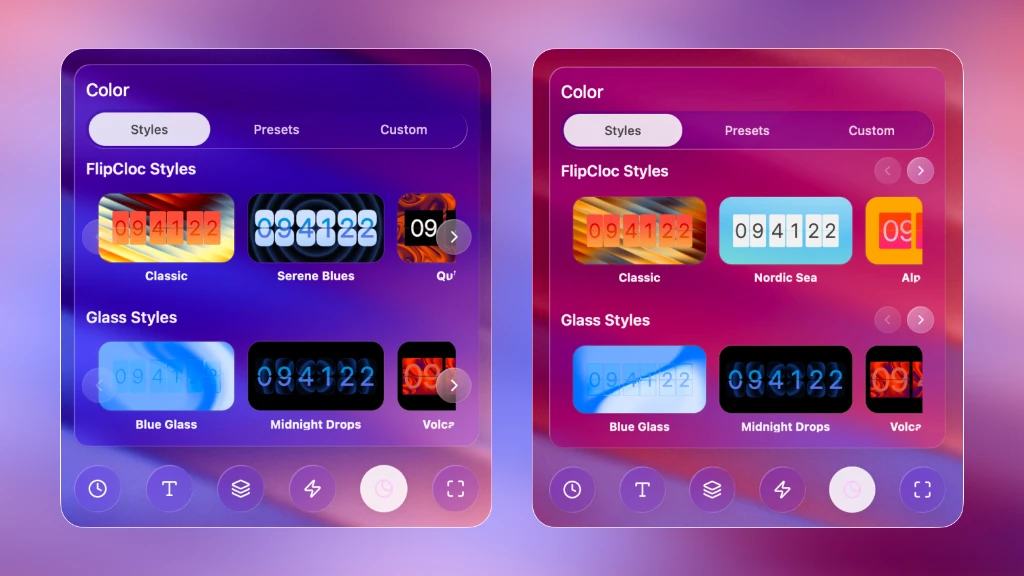
Screen Protection
-
Manual Screen Protection Controls
Manual burn in protection controls added. FlipCloc intelligently varies the clock position subtly to prevent pixels from showing the same content for long periods of time. Choose between off, low, high (default), and a fun, bonus DVD mode that makes the clock bounce around the screen
Share Themes via Code
-
Share Themes via Code
Easily and quickly share your custom designed clock with anyone or to another device using your own code. Codes expire in 24 hours. You can enter the code on another device or paste the auto generated URL to open FlipCloc with the custom code automatically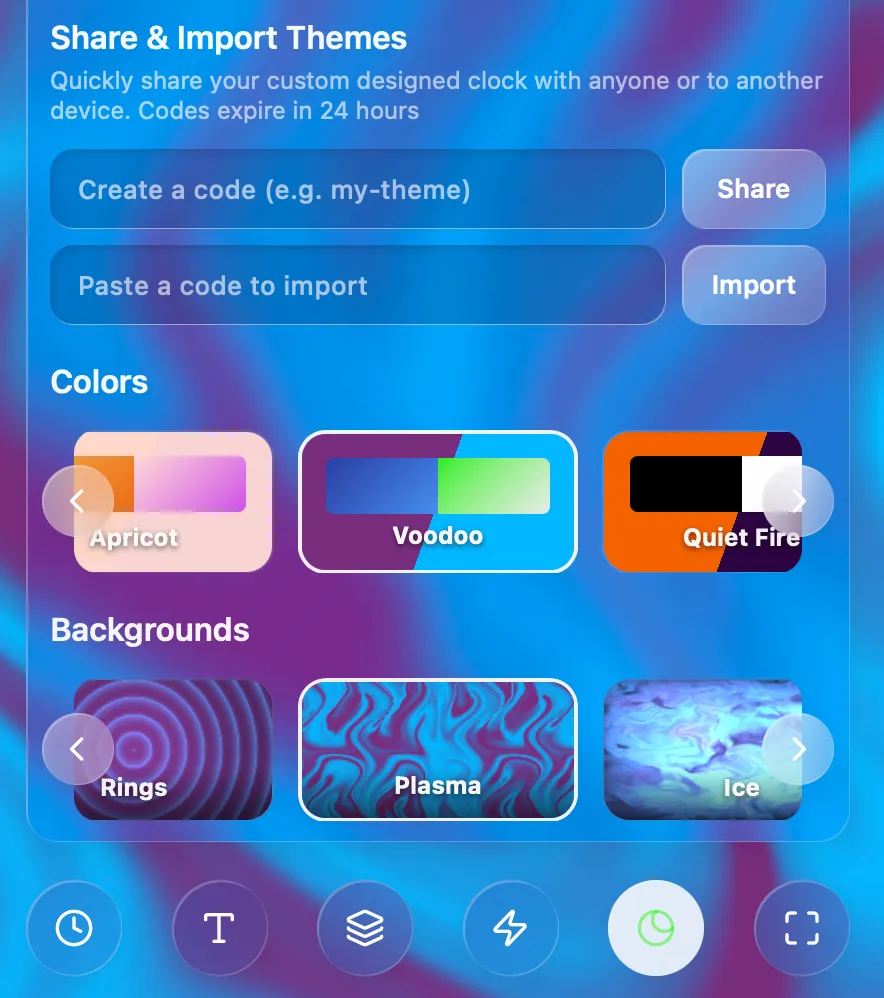
-
Audio Improvements - MacOS
Fixed all flap sounds sounding the same on Mac
Notifications
-
Notifications (Apps only)
FlipCloc can now send you native notifications on Windows and Mac for alarms even when the app is closed or not on screen
Notifications will show your alarm name. They ring as an alarm on windows and pop in for Mac. You can manually change Mac notifications to be persistent by changing your Mac notification settings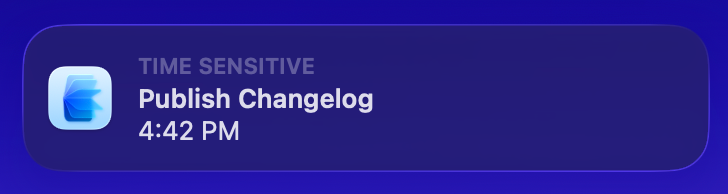
-
Haptic Feedback (Mac)
Certain UI elements now have haptic feedback on the Mac touchpad. You can notice it when pressing buttons, adjusting sliders, swiping through carousel, hovering on menu items, and interacting with the app -
Super Tiny Companion Mode
You can now resize the FlipCloc window to be even smaller than before for a super tiny companion mode always on your desktop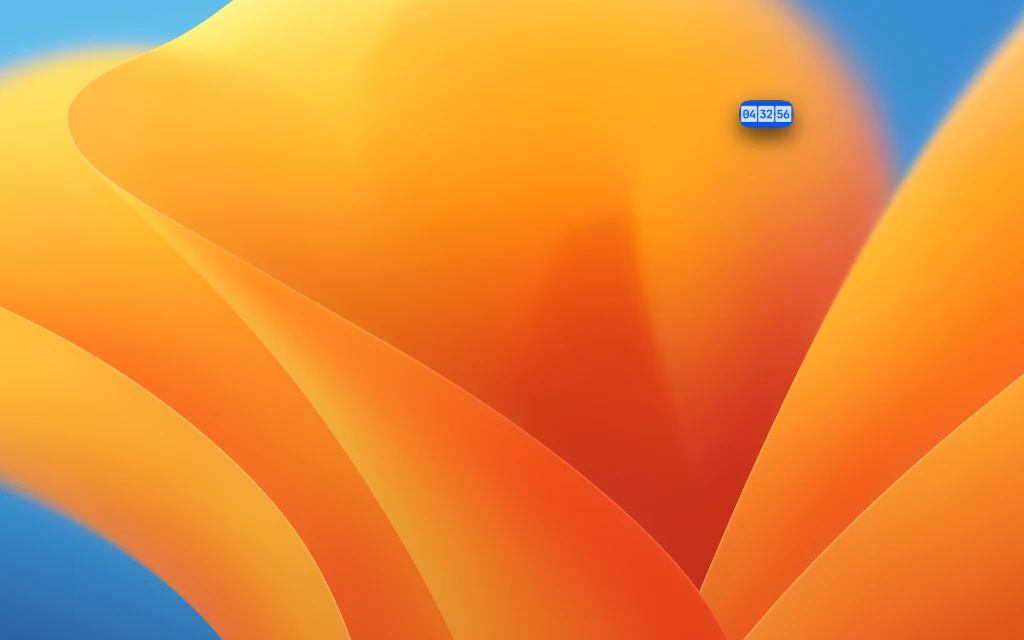
-
New Styles
Added two brand new aesthetic styles: Chalk Fireplace and Whimsy Art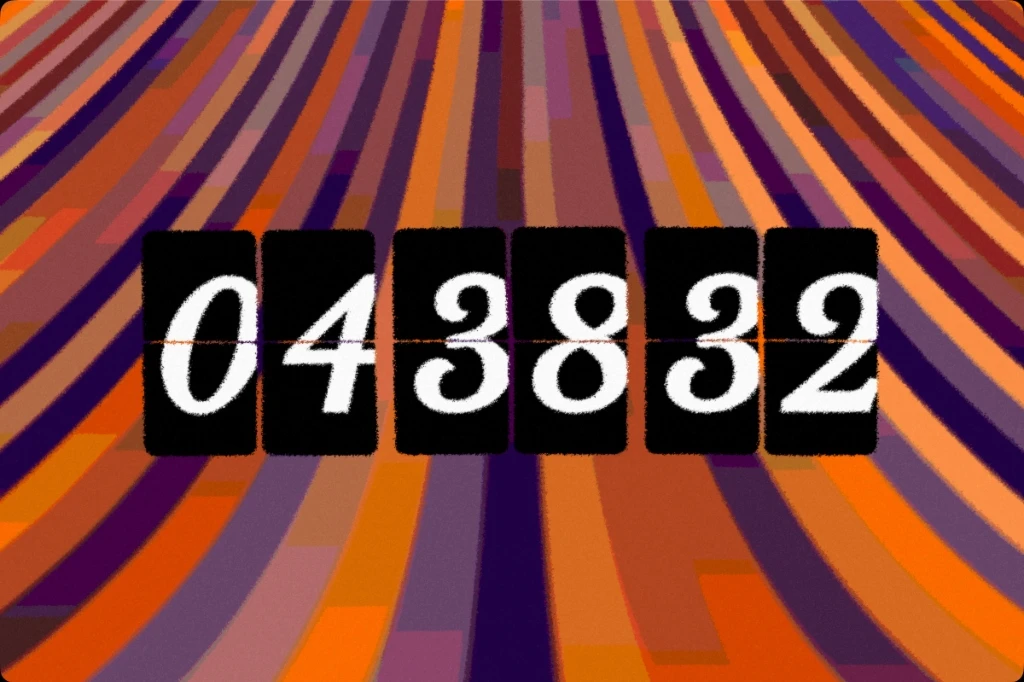
Alarms
-
FlipCloc Alarms
FlipCloc now supports Alarms! You can name your alarms, choose from 12 soothing sounds, and save them to your presets. Alarms can even be shown directly in the screensaver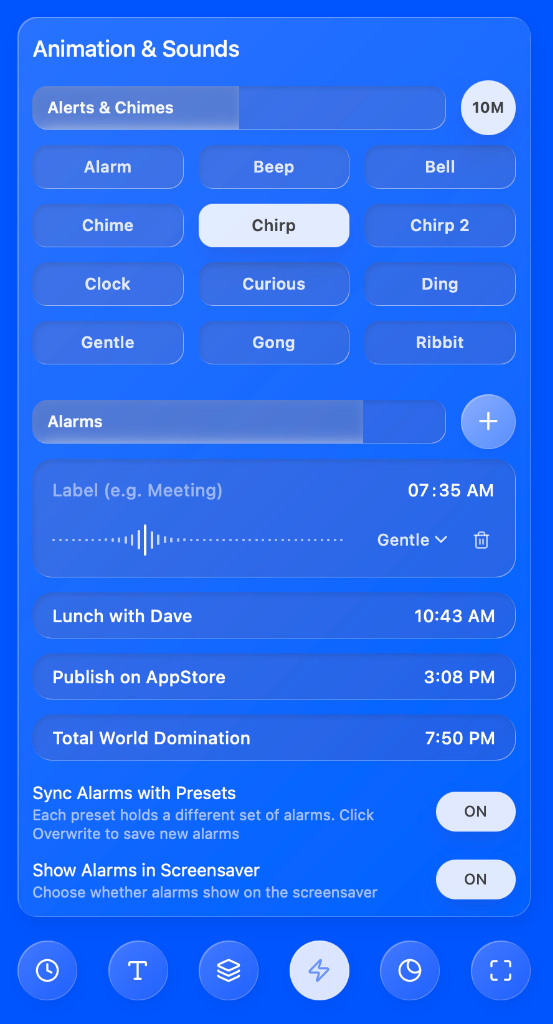
-
Alarm Alerts & Flashes
The clock will visually lighten as it nears an alarm time and elegantly flash when the alarm is ringing, accompanied by in-app toast notifications -
Audio Optimizations
Mac audio playback moved to the system level for much more reliable playback -
Multimonitor Screensaver Updates
The clock now shows only on primary monitor on Mac as well mirroring Windows behaviour
Sketch Overlay Effect
-
Intoducing Sketch, A New Overlay Effect
Introducing a gorgeous new overlay effect called Sketch, which gives your clock a beautiful hand-drawn, illustrated look full of whimsy -
New Themes & Styles
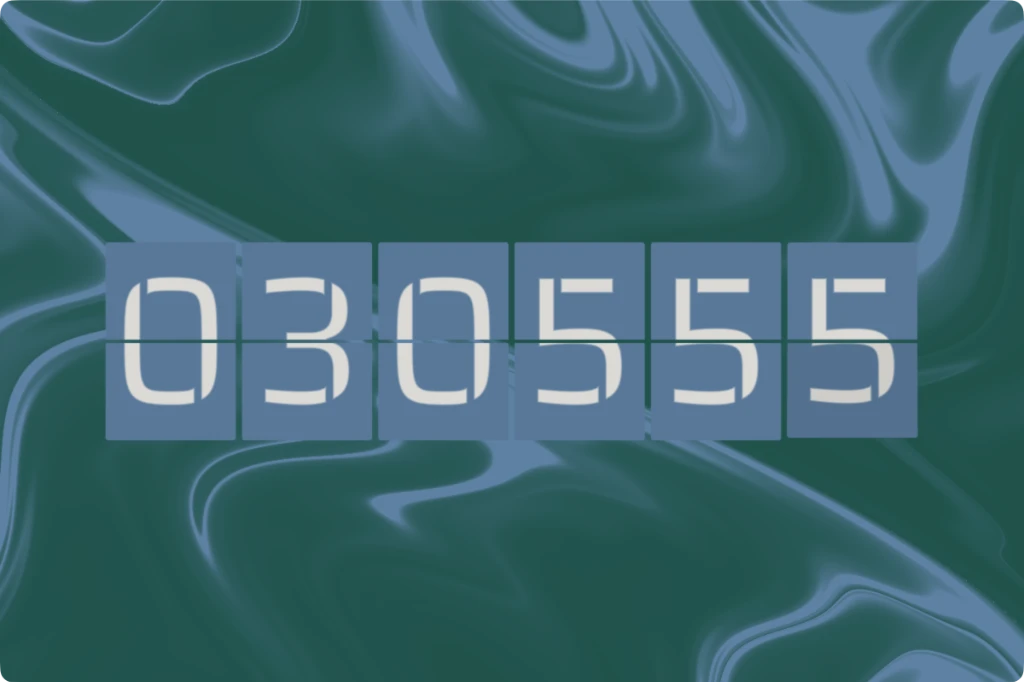
Added new themes (Tidal Wave, Breeze, Beans) and three gorgeous new styles to showcase them (Breezy Day, Crisp Bean, Tidal Wave)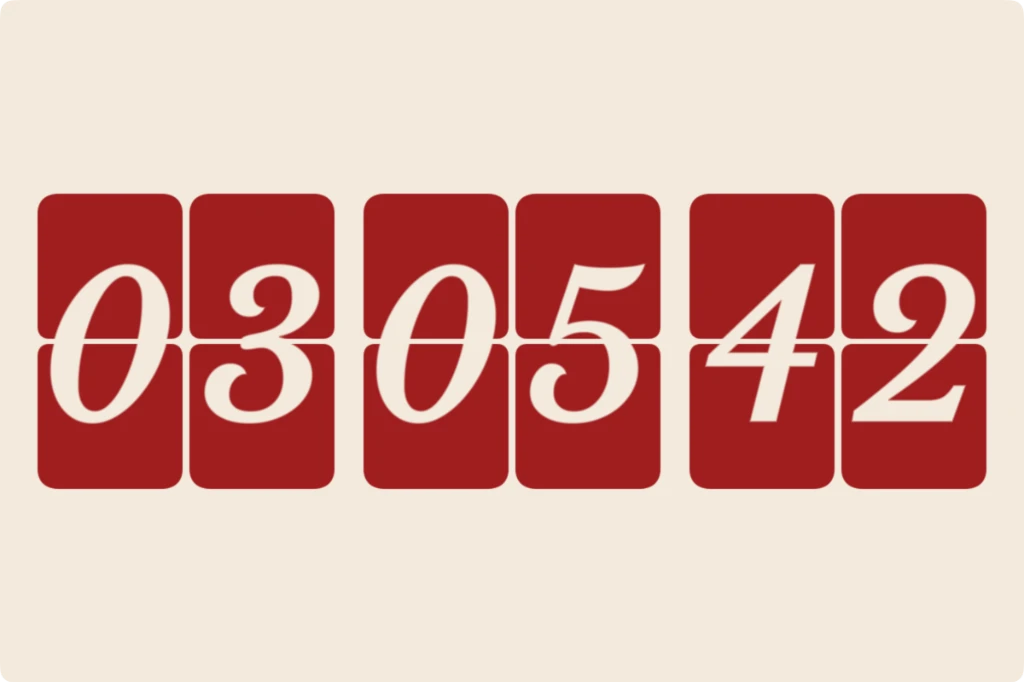
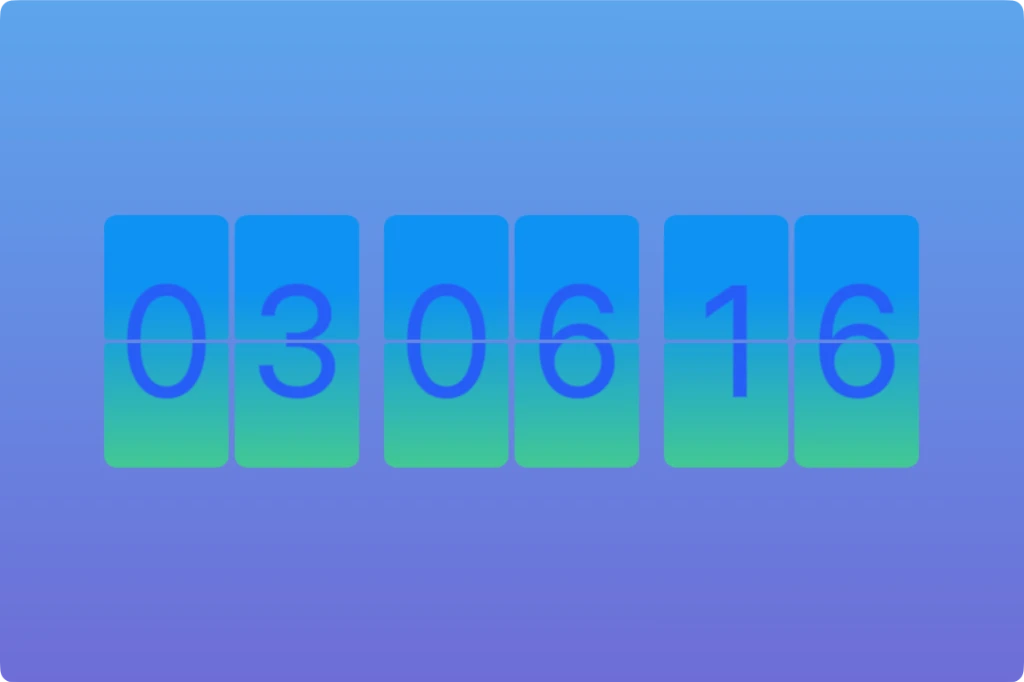
-
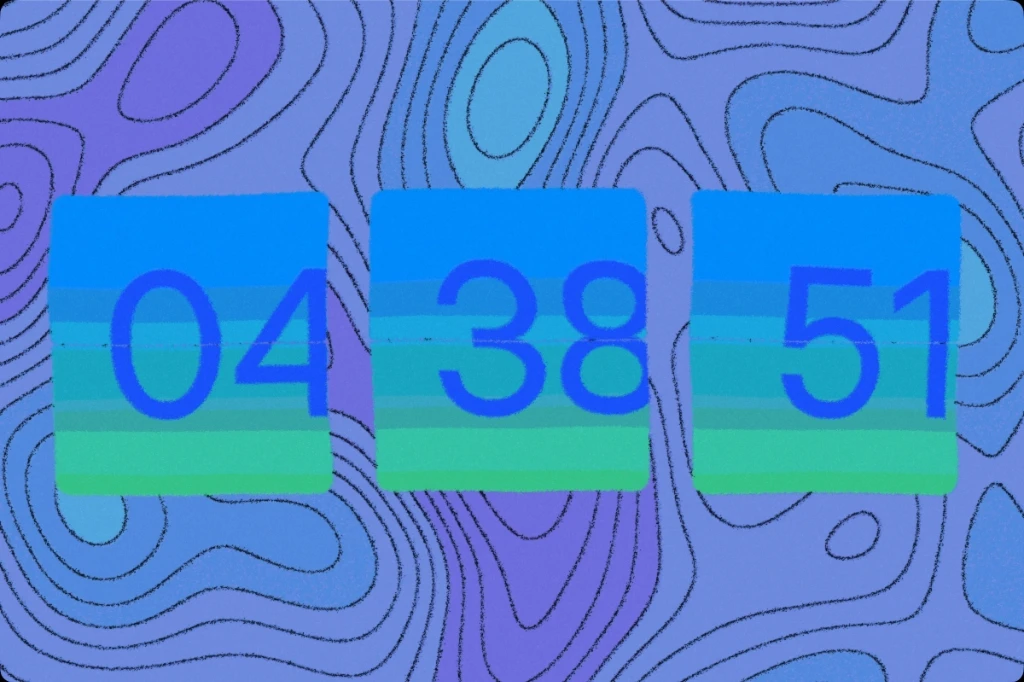
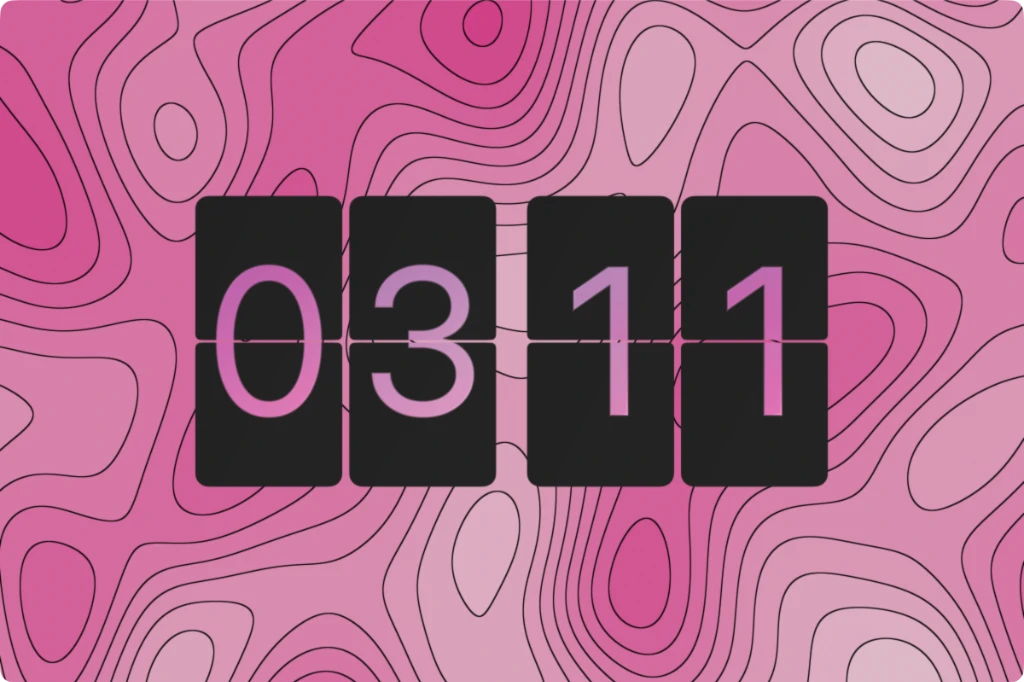
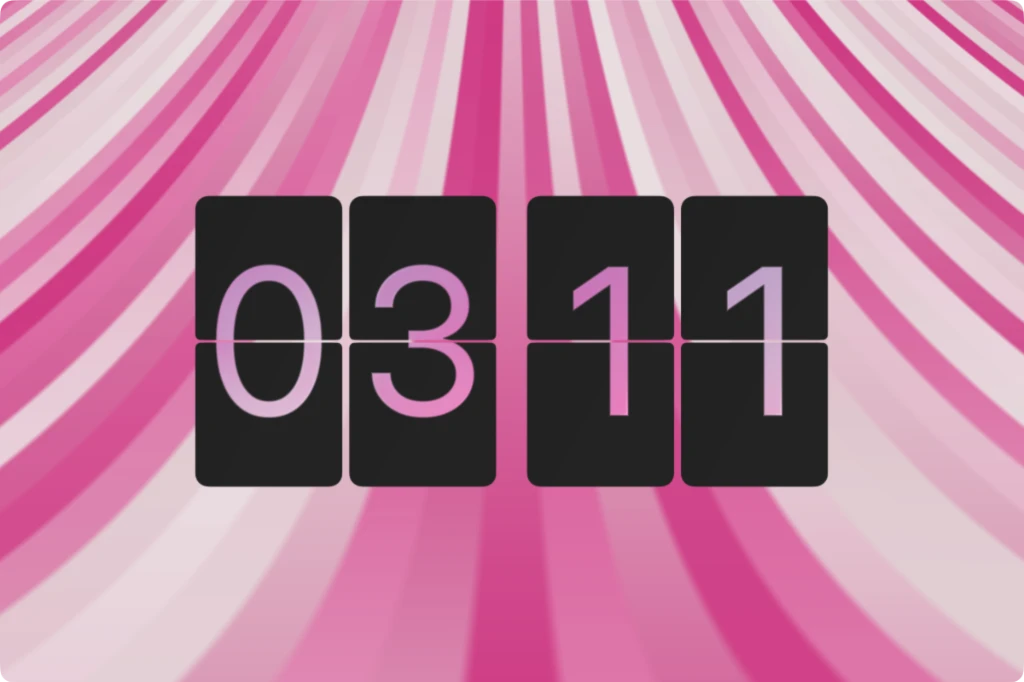
New Animated Backgrounds
Added 3 new dynamic animated backgrounds: Contours, Topography, and Ascencion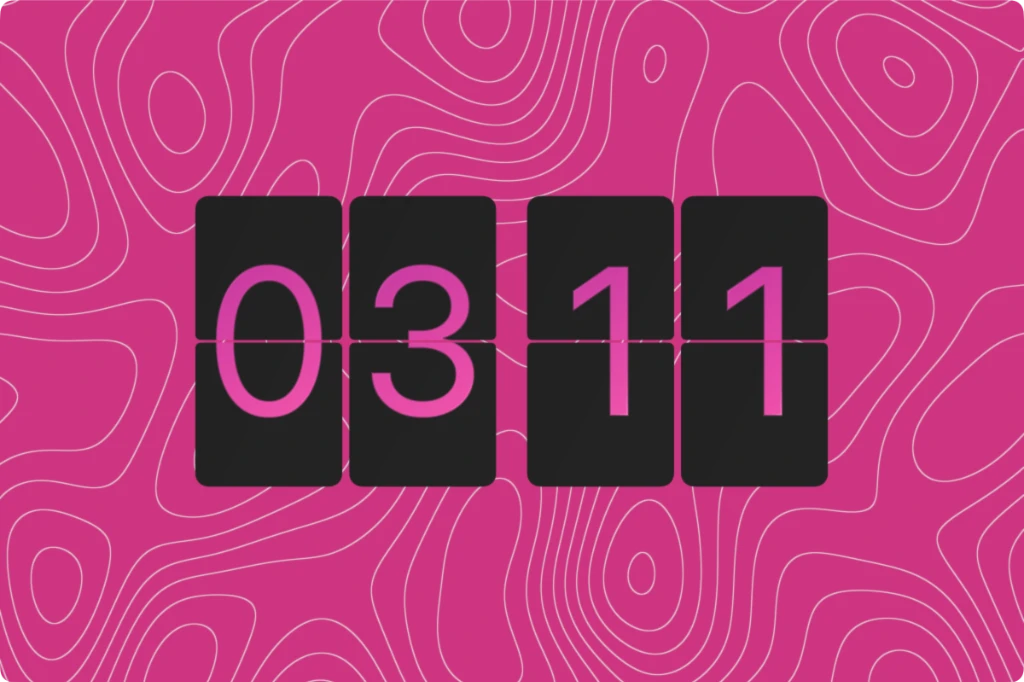
-
Optimizations
Reduced moiré on the fluted glass overlay and constrained distortion to screen space. Fixed rain overlay scaling, and optimized Mesh, Ice, and Plasma shaders for better performance -
UI Tweaks
Added a PWA guide button to the mobile hamburger menu and introduced an embed parameter to suppress the What's New modal for cleaner third-party embeds
A Brand New Identity
-
New Logo & Icons
Updated the FlipCloc brand with a fresh new logo, favicons, and app icons for both Mac and Windows
The marketing site also uses the lovely shades of blue for a cohesive identity
Glass Edge Refinement
-
Glass Flap Rendering Improvements
Added edge smoothing for flap glass to fix possible moiré patterns caused by sharp lines from certain backgrounds -
Shader Optimizations
Refined the plasma shader for better sharpness and optimized GPU usage
Fixed marble shader scaling over time and resolved moiré patterns
Added mesh animation shader with max resolution scaling to prevent concentric rings -
Performance Improvements
Moved glass checks for digits and flaps out of the render loop to improve rendering performance
Glass Presets
-
20 New Glass Style Presets!
Introduced 20 gorgeous new glass style presets. You can explore them in the app or use the direct links below: -
Login Flow
Login page revamped with more information such as links to the Mac App store, FlipCloc terms, privacy policy, & data handling -
Mac App
Added a confirm button on initial launch to confirm user's app or screensaver choice
FlipCloc for Mac
-
Introducing FlipCloc for Mac
The best flip clock, now on MacOS as a productivity app and screensaver
Designed specifcially for MacOS with new optimizations and features such as offline usage, no account creation, keep on top of other windows, follow across spaces, background sounds, native screensaver, lightweight install, immersive mode, and so much more
Learn more about FlipCloc for Mac →
Dynamic Sharpness
-
Dynamic Sharpness
FlipCloc dynamically changes the resolution of the canvas when screen size is smaller to keep FlipCloc sharp at very small sizes while keeping GPU usage optimized by not exceeding a maximum pixel count -
Clock UI Disabled Button Behaviour
UI buttons incompatible with your current settings are now disabled and dimmed rather than completely hidden. This ensures you always know what options are available while preventing the menu from shifting or resizing when toggling features. Hover descriptions let you know why a feature is currently disabled.
This approach creates a much more stable navigation experience. Related settings, such as 'Seconds' and 'Continuous', '60 FPS' and 'FPS', or 'Screen Alerts' and 'Screen Flashes' can now remain neatly grouped together without the interface bouncing around.
(Left: Before, Right: After)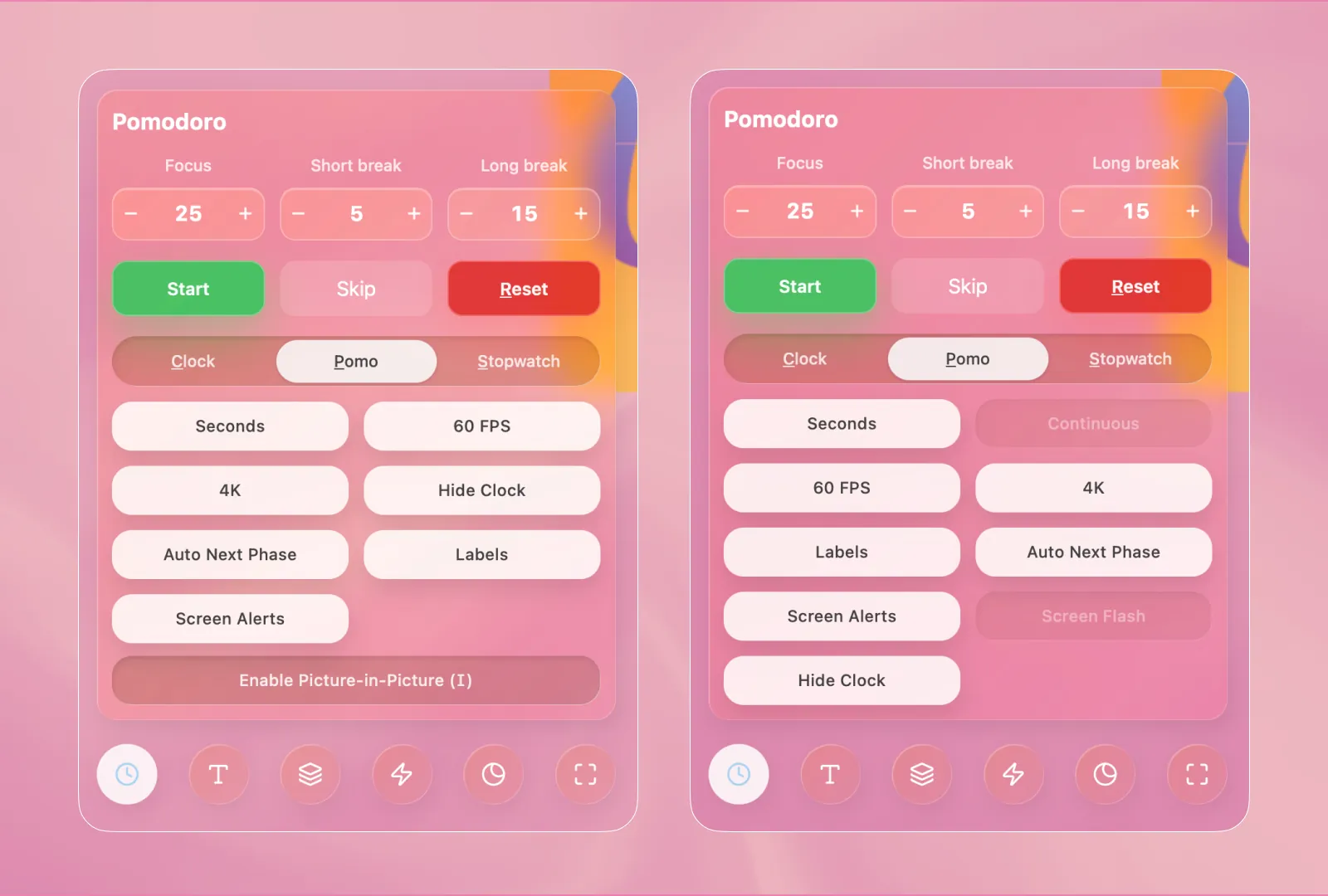
-
Menu Hover Effects
Refined, smoother hover animation for the menu that animates the icon and circular background in sync -
Resources Pages
Added new resource pages to help people get upto speed with a flip clock, the pomodoro technique, and how a flip clock is useful for productivity
Color Preview
-
Themes Renamed to Colors
Themes renamed to Colors for better clarity -
Color Preview UI
Color preview updated to show flap, digit, and background colors all at once including gradients if any
This shows you the entire color palette at once instead of only the background colors
(Above: Old, Below: New)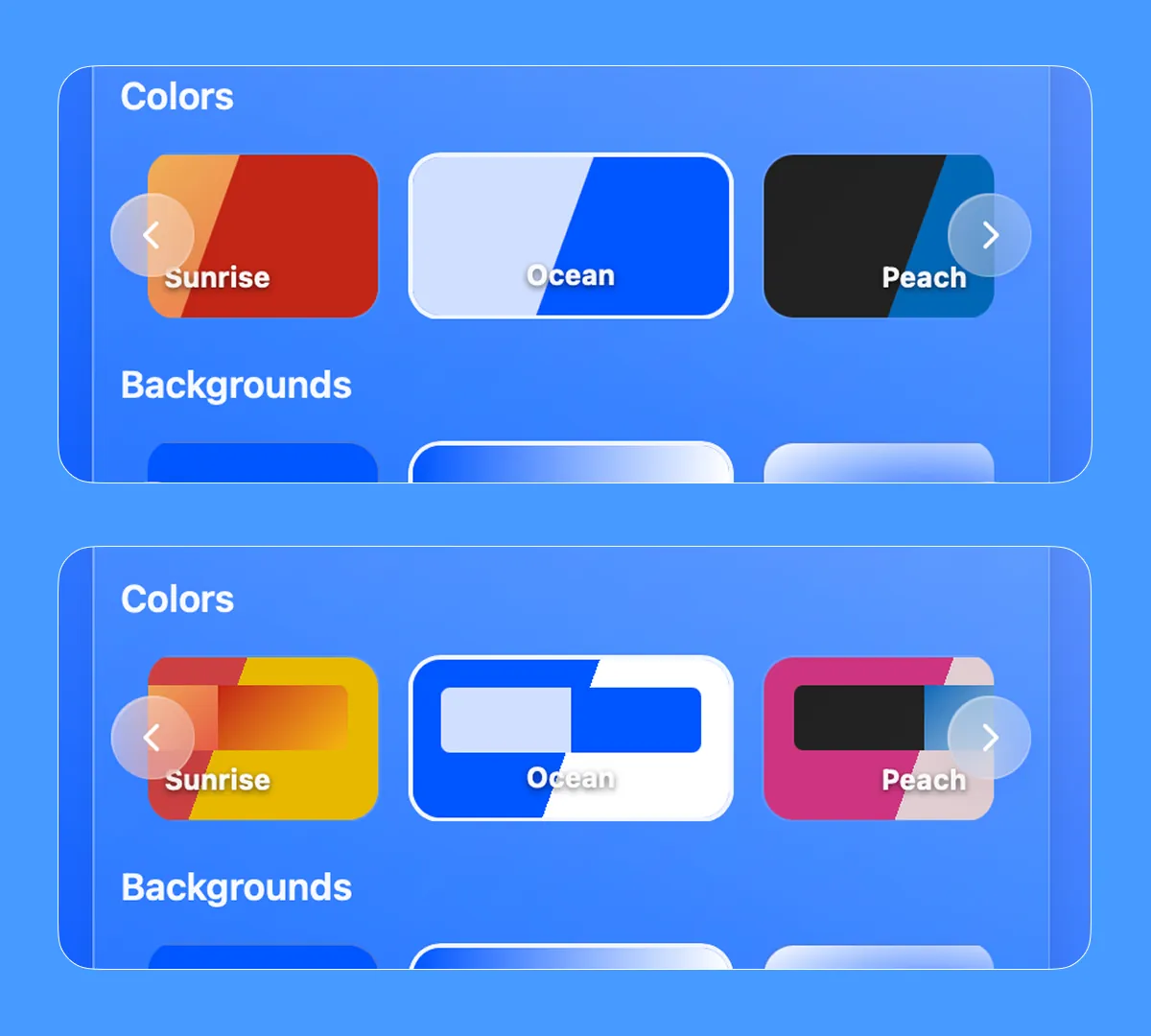
-
Haptic Feedback
Haptic feedback added when the menu is hidden and unhidden for better UX
Glass
-
Glass Overlay Effects
A gorgeous new glass effect that turns the flaps and digits into a beautiful glassy flip clock. Featuring 4 presets: Clear, Frost, Liquid, and Smoked, with physically accurate refraction, dispersion, and Fresnel lighting
As is FlipCloc tradition, you have the ability to fine tune the glass completely to your liking. These glass effects seamlessly amplify the animated shaders and background masking to create even more gorgeous, dynamic visuals
You can explore the new Glass effects under the Colors (the second to last menu item) > Custom > Overlay Effects > Glass -
Seconds on Mobile
Default behaviour on mobile set to hide seconds to show a larger clock on the smaller screen
Background Masking
-
Background Masking
Background Masking is a new visual indicator that lets you map the current seconds, minutes, Pomodoro progress, or a custom duration (like your workday) as an additional animation for the background
It features several different shapes (including circle, heart, rectangle, center split, horizontal, and vertical) combined with fun effects like hide, dim, desaturate, and invert
Background Masking works beautifully in combination with the evergrowing background animations and overlay effects (including the new Glass update) to create infinite gorgeous visuals
You can access these settings by navigating to Colors (the second to last menu item) > Custom > Background and scrolling to the bottom -
Hide Clock
You can now completely hide both the flaps and digits to use FlipCloc purely as an animated background or a distraction-free visual tracker using Background Masking
This new toggle can be found under Clock Controls (the first menu item)
Direct Links
-
Direct Links
You can now instantly access your favorite modes directly through your browser using our new direct links:
See the bottom of this update for a complete list of all available direct links -
Font Loading Performance
Fixed lag when switching styles by preloading all fonts to the GPU cache -
Locked Features Messaging
Better messaging when a trial for locked features are reached -
Menu Hover Animation
Menu items scale in sync for a more polished hover with a saturation boost -
Lazy Loading
Improved initial load times by lazy loading heavy modals and removing unused dependencies -
Silk Shader
Fixed an issue where the silk shader background would go out of scale over time -
Windows Token Management
Hardened the session flow in the Windows App and Screensaver preventing token timeouts during extended sessions -
Auto Hide Menu
Fixed a bug that prevented the menu from auto hiding -
Overlay Style
Set defaults to prevent an overlay mode being selected without an active overlay style -
All Available Direct Links
Here is the complete list of direct links you can use to instantly access FlipCloc modes or styles. You can request a direct link through the contact page
Core
Simple- flipcloc.com/simple-clock
- flipcloc.com/simple-timer
- flipcloc.com/simple-pomo
- flipcloc.com/simple-countdown
- flipcloc.com/simple-stopwatch
Minimal- flipcloc.com/minimal-clock
- flipcloc.com/minimal-timer
- flipcloc.com/minimal-pomo
- flipcloc.com/minimal-countdown
- flipcloc.com/minimal-stopwatch
Aesthetic- flipcloc.com/aesthetic-flipclock
- flipcloc.com/aesthetic-timer
- flipcloc.com/aesthetic-pomodoro
- flipcloc.com/aesthetic-online-countdown
Styles- flipcloc.com/beautiful-flipclock
- flipcloc.com/animated-flipclock
- flipcloc.com/dark-pomodoro
- flipcloc.com/flipclock-with-seconds
Timers- flipcloc.com/5-min-timer
- flipcloc.com/10-min-timer
- flipcloc.com/15-min-timer
- flipcloc.com/30-min-timer
- flipcloc.com/45-min-timer
- flipcloc.com/1-hour-timer
Countdowns
The Lite Plan
-
Lite Plan Introduced
To make FlipCloc more accessible to everyone, a cheaper new lite plan has been introduced that has all the wonderful FlipCloc features except overlay effects and animated backgrounds -
Separately Purchase Windows App or Screensaver
Previously, FlipCloc Windows App & Screensaver were only available for purchase on the Max plan. Now you can individually purchase them in the Lite & Pro plans, or get all versions in the Max plan -
Menu Spacing
Menu items spacing adjusts on resize to prevent overlaps at smaller sizes and spacing is increased in PWA mode to compensate for the removal of fullscreen -
Windows App Enhancements
- Hide Title Bar: The title bar now syncs to hide with the menu for a completely clean environment
- Native Keep On Top: No workarounds or additional apps needed, FlipCloc has native stay on top functionality now
- Tiny Window Support: Resize the app to extremely small sizes, smaller than standard web browser minimums
- Drag Anywhere: At smaller window sizes, you can click anywhere in the app to move the app around
- Native Fullscreen: The maximize button now uses the native Windows maximize feature
-
Lite Plan Upgrade Modal
Users on Lite Plans will be able to trial the full features from their app for 7 minutes if they'd like to explore all FlipCloc functionality
Embedded Fonts
-
Embedded Fonts
Fonts embedded to remove layout shift and improve loading speed and performance -
Toast Notifications
Added a toast notification system to notify users when PIP, fullscreen, or overlay effects are disabled -
Performance
Lazy loading menu to improve loading speed and performance -
UI & Modal Polish
Overhauled modals for consistent frosting, shadows, borders, and contextual intent messaging
What's New Modal
-
What's New Modal
Added a 'What's New' modal with sounds and changelog links, properly isolated from screensavers -
4 New Styles
Added Serene Blues, Quiet Fire, Classic BW, and Neon Green clock styles -
Tweaks to Existing Styles
Melt, Calm, Pine Forest, and Ethereal Fog styles were updated -
Mac Resolution Scaling
Implemented detection for Mac displays, intelligently optimizing rendering DPR to boost performance and reduce system resource usage on high DPI MacOS screens -
Menu Button Behaviour
The Menu button is now tap to open to be consistent with other menu item behaviour. Disabled the hover to open functionality to improve UX -
Screensaver Stability
Fixed a white screen that sometimes flashed when the screensaver didn't launch correctly and relaunched
Sounds, Alerts, & Chimes
-
Atmosphere sounds, alerts, & chimes
New beautiful, continuously looping ambient atmospheric sounds. Alerts & chimes added with a collection of 12 beautiful, gentle sounds for the perfect nudge -
Revamped Flip Sounds
Improved flipping sounds with 4 options moving away from the previous system generated sounds. Also slightly louder to blend in with the atmosphere, alerts & chimes -
Individual Sound Control
Individually control the volume for flip, atmosphere, and alert + chimes to layer and create your perfect soundscape -
Screensaver Multi Monitor Behaviour
Updated default behaviour in the Windows screensaver to show clock only on primary screen -
UX Improvements
Loading & progress states added across UI. Better flow between the web app and marketing page. Added link to view plans & pricing under upgrade menu -
UI Upgrade Carousel
Fixed overlapping description text in upgrade screen, and added a notify me for native apps -
Auto Updates
Implemented an auto update system for the app and screensaver to always keep them up to date
New Typography & Styles
-
Default Styles
5 New default flip clock styles added to choose from. Citrus Pop, Bubblegum, Voodoo Night, Peach Apricot, Dream, Ocean Veil, Rose Current, Laser Drift, Aqua, Mint -
Typography
Two new font options added - Baskerville & Saira. Some older fonts were removed and replaced with newer ones (Inter, Inter Bold, Jetbrains Mono, & Playfair) for a total of 6 -
UX Improvements
Shake on error modal for the sign in page. Added plans & pricing link to sign in modal. Removed tap anywhere to exit sign in modal to prevent accidentally exiting the sign in flow
Richer PWA Details
-
UI Refinements
Minor adjustments to spacing and alignment across the settings menu -
Richer PWA
Richer PWA details with more information popping in for iOS, android, and browsers -
UI
Cleaned up the Pomodoro values input section and fixed text overlaps in certain scenarios -
Minor PIP Bug
Fixed PIP mode getting larger on mode change
Stability Patch
-
Bug Fixes
Fixed a rare crash when switching themes during an active Pomodoro session -
New Shortcuts
M to directly jump into pomodoro mode and input values for all phases. F for Fullscreen. N for next pomo phase. I for PIP mode -
Pomodoro wasn't skipping 0 value phases
Fixed pomodoro auto skipping 0 value phases so that pomo mode can easily be used as a countdown -
Bug: Clock was getting stuck on resize
Fixed clock getting stuck when seconds were hidden and canvas was resized -
Bug: Menu opened on reload at small size
Fixed menu being visible at smaller sizes when it shouldn't be allowed to -
Minor UI Fix: Enter after an input field
Pressing enter on the login and verify screen takes you to the next step. Ease of use improvement -
Better UX: Separate set as screensaver button
Added separate set as screensaver button in the app instead of using the overwrite button to set screensaver
New Text Rendering Algorithm
-
Revamped Text Rendering
A complete overhaul of our font rendering engine for crisp, lightning-fast text rendering at all sizes. Text now uses beautiful pre-compiled SDFs, improving performance by eliminating runtime preview generation and unlocking new effects for digits -
Enhanced Stability
Under-the-hood optimizations to ensure FlipCloc remains reliable during long-running sessions -
UX
Clicking start pomo in the mini menu or pressing space now hides the menu automatically to have zero distractions on screen -
Bug Fixes
Resolved minor UI glitches and improved layout consistency in full-screen mode
Longer minute change animation & fade out
-
Longer animation on minute change with a beautiful fade out
Made the tick animation slightly longer and more noticeable, coming to a beautiful, gradual stop -
Date Display
Corrected international date formatting in the screensaver view
Screen flashes & alerts
-
Screen Flashes
Added screen flashes that push the background colors and digits towards white when a pomodoro phase is complete -
Screen Alerts
Added screen alerts that progressively lighten the background when a pomodoro or countdown is getting close to completion to alert the user -
Continuous mode animation enabled when seconds are hidden
Added the option to have the background animate continuously when seconds are hidden instead of only animating on every minute tick -
Fixed FlipCloc flashing screen when loading presets from defaults on load
Made the loading screen smoothly show the last preset used instead of first loading the defaults and then loading the user's chosen preset -
Allowed saving of all values to presets
Previously not all values were saved to presets, now fixed by saving all values to presets to avoid confusion about what values are saved -
Allowed typing in values for pomodoro / countdown
You can type in values into the pomodoro / countdown to quickly enter values instead of clicking multiple times to get to the required number -
Allowed countdown mode in pomodoro
Values can be zeroed out in pomodoro so that it be used as a countdown -
UX
When changing modes, pomodoro or stopwatch stop and save your progress which can be resumed after switching back. The logout and upgrade buttons have been moved to hamburger menu to reduce distraction. Main menu & mini menu pops up automatically when a phase is over or paused -
Mini Menu Z-Ordering
Mini menu z-ordering fixed and clock menu height limited to match the others -
Screensaver
Performance optimizations in window spawn process on screensaver launch -
Pomodoro values saved to Presets
Allowed saving pomodoro values to presets for quick access to frequently used timers
Shortcuts, Mini Menu, & Continuous Mode
-
Introduction of shortcuts
Pressing 1 - 5 now allows you to quickly change presets, N for next phase. C for Clock, P for Pomodoro , S for Stopwatch -
Fixed click to unhide menu not unhiding on touchscreen laptops
Fixed click to unhide button not working on touchscreen laptops -
Mini Menu
Added a mini menu that pops in smartly when needed for quick controls to start, stop, or go to next phase -
Continuous mode animation enabled when seconds are hidden
Added the option to have the background animate continuously when seconds are hidden instead of only animating on every minute tick
Hello World
-
Public Launch
Initial release of FlipCloc on Web and Windows, bringing the iconic flip clock aesthetic to screens everywhere -
Windows Screensaver
Native integration allowing users to use FlipCloc as a beautiful interactive screensaver -
Windows App
Beautifully crafted native Windows app with great performance and visuals -
Web App
A beautiful flip clock / pomodoro timer / stopwatch that can be used on any device with a browser -
Animated Backgrounds
Launched with a plethora of fully dynamic backgrounds, FlipCloc is the flip clock you customize to make yours -
Customization
Tonnes of customization. FlipCloc is meant to be customized to match your space, mood, aesthetic, or anything you fancy -
High Performance & Optimized
Highly optimized, with numerous performance improvements in place to run smoothly on as many devices as possible. With user controllable settings to improve performance on lower powered devices