
Customization Guide
Complete guide on how to use FlipCloc Customization
Quick Guide
- 1
The menu icons control different customization settings
- 2
Clock, Font, Flaps, Animation & Sounds, Colors Themes & Presets
- 3
All setting can be saved to presets
Complete Creative Control
FlipCloc is built on the philosophy of extreme flexibility. Every single aspect of your clock from the mechanical bounce of the animation to the specific hex code of the digits can be completely customized to match your setup, mood, or aesthetic goals
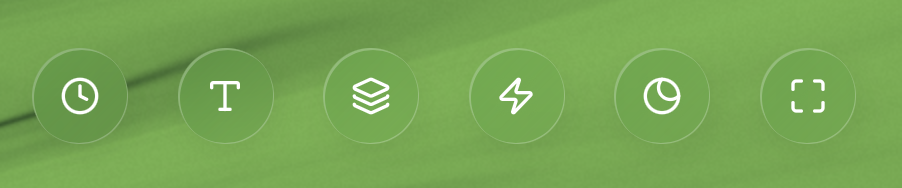
The central hub for all your aesthetic and functional adjustments
A True Digital Canvas
Whether you are aiming for a minimalist "moon" setup, a vibrant "cyberpunk" workspace, or a professional "whiteout" look, FlipCloc provides the precision tools needed to get there. There is no element left to chance
Aesthetics
- Colors — Background, flaps, and digits
- Fonts — Typography
- Backgrounds — Dynamic shaders and colors
- Overlay Effects — Effects like Frost and Rain
Geometry & Motion
- Flaps — Flap properties
- Animations — Motion style
- Presets — Save and load your combinations
- Styles — Curated preset customizations