App Guide
Complete guide on how to use FlipCloc App
Quick Guide
- 1
Purchase the Windows License to get access to the FlipCloc App
- 2
Lightweight, no installation, and hassle free access to FlipCloc on your device
The Native Desktop Experience
The FlipCloc Desktop App for Windows provides a more integrated experience compared to the web version. It runs as a standalone window, can be set to stay on top of other apps, and offers better performance for long-running sessions
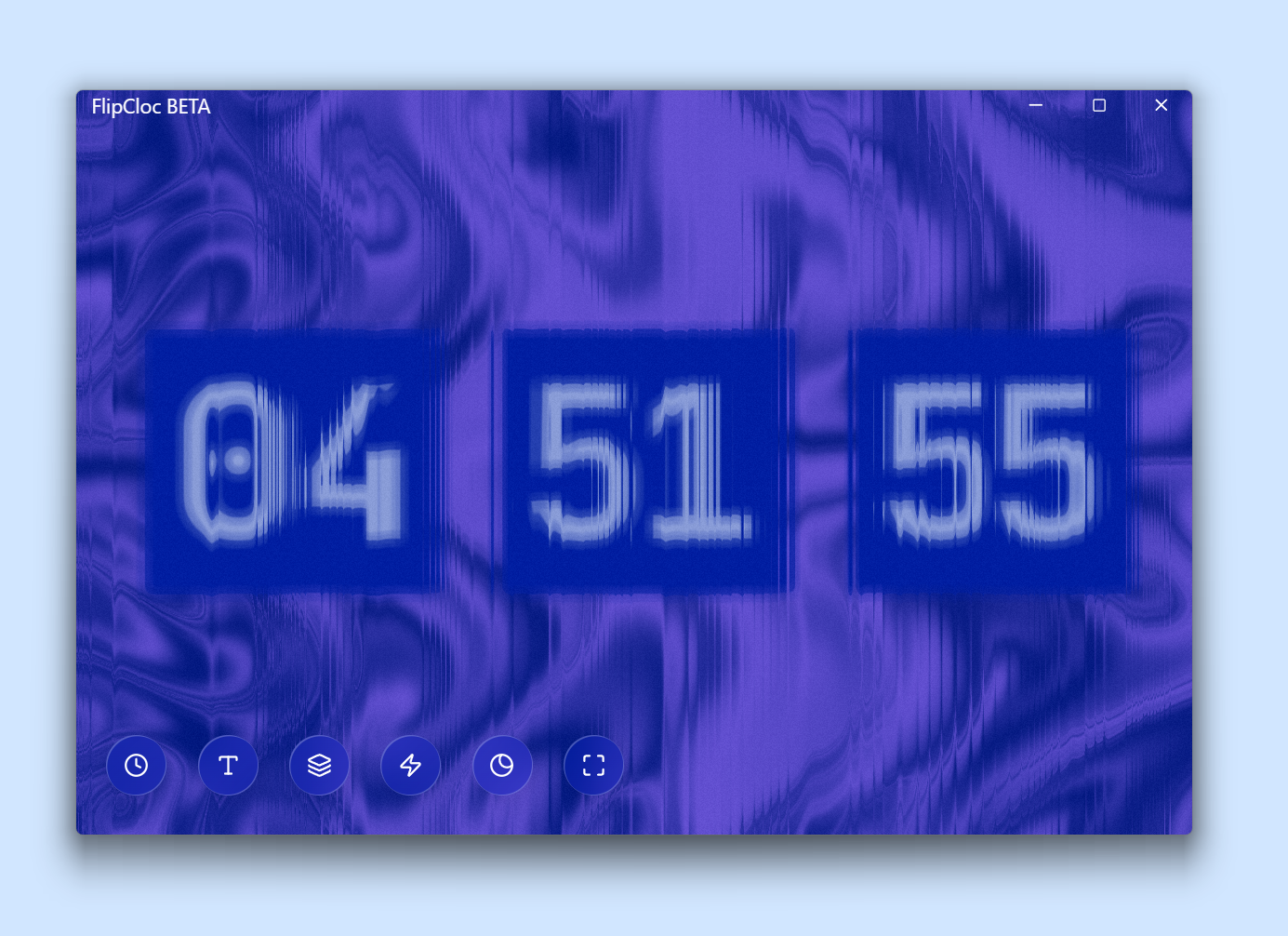
The Windows App provides a dedicated, native workspace for your clock
Benefits of the App
- Better Performance: Better performance with no broswer distractions
- Resize to small sizes: Resizes to as small or as large as you like
- Background Audio: Have all sounds play in the background as well
How to Download
You can download the Windows app after purchasing a license. Once purchased, you will receive a download link for the lightweight executable file
PWA Mode (Global Access)
For macOS, Linux, and mobile users, FlipCloc can be used in PWA (Progressive Web App) Mode from any browser. It offers a dedicated window and quick access without any installation