
Backgrounds Guide
Complete guide on how to use FlipCloc Backgrounds
Quick Guide
- 1
Select from a growing collection of beautiful, dynamic backdrops
- 2
Customize the colors
- 3
Add overlay effects to take it further
Dynamic Backdrops
Your clock doesn't exist in a vacuum. FlipCloc features a selection of dynamic, high-performance background shaders that bring life to your workspace. Each background is designed to be subtle enough for focus but vibrant enough to be decorative
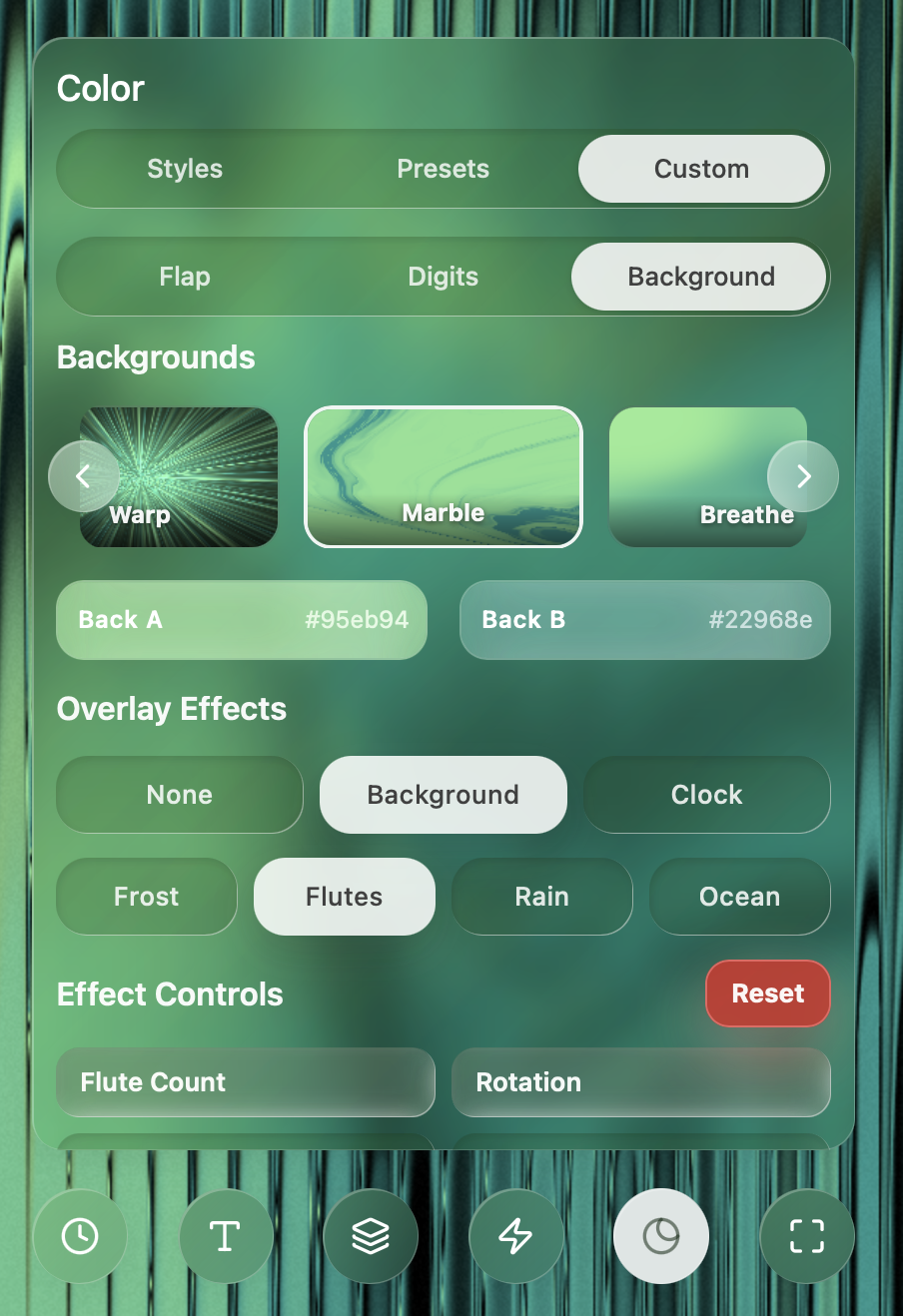
Explore dynamic backdrops, vibrant gradients, and solid colors
Dynamic Backgrounds
FlipCloc backgrounds are generated in realtime. You can control the colors and choose to add effects to it Different backgroudns use different amount of system resources