Meticulously designed features, aesthetics, and utility
Time01 / 52
Atomic Precision, Zero Drift
FlipCloc synchronizes down to the exact millisecond with your system clock, ensuring flawless accuracy that never falls behind or drifts
Detailed Flaps02 / 52
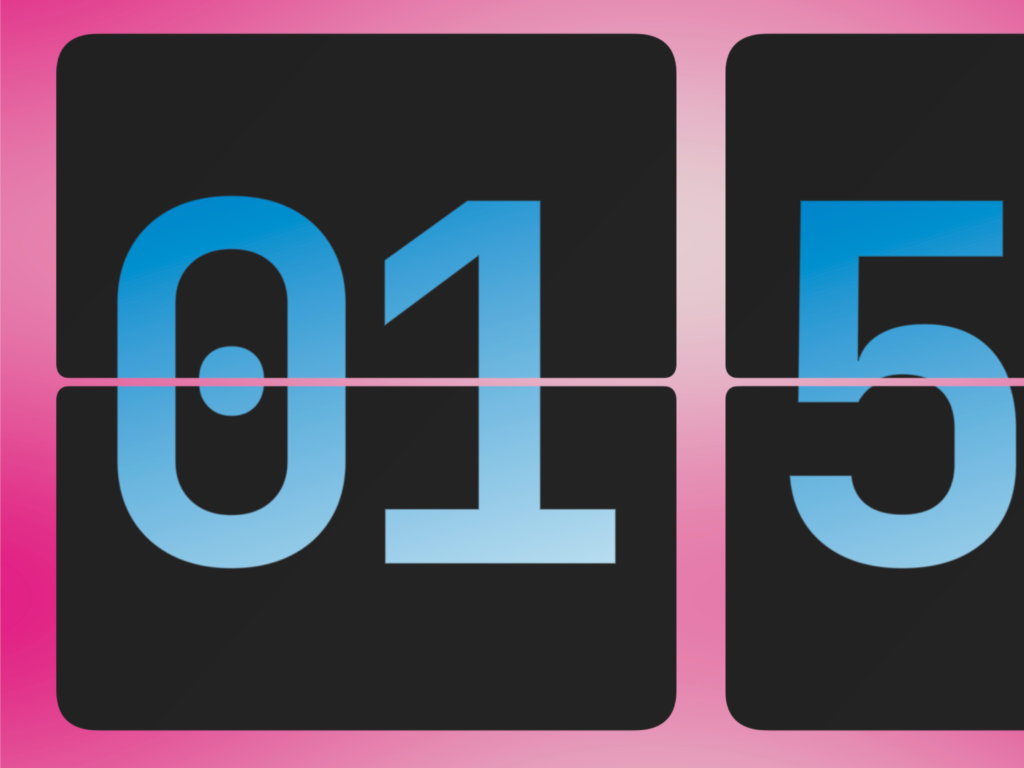
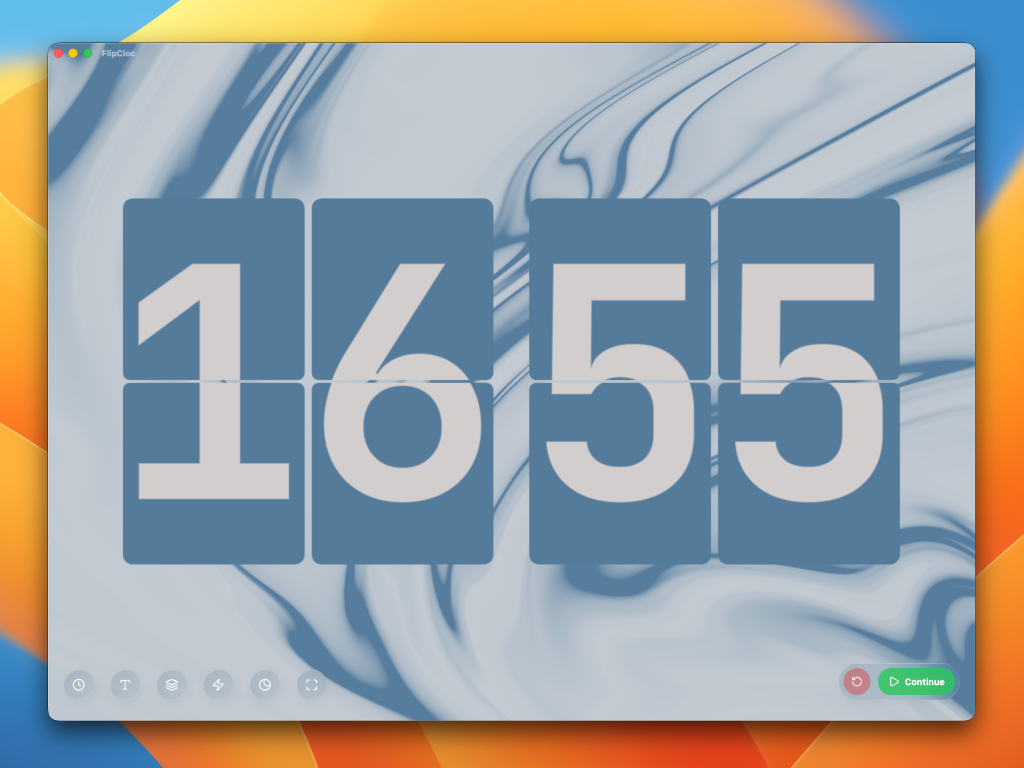
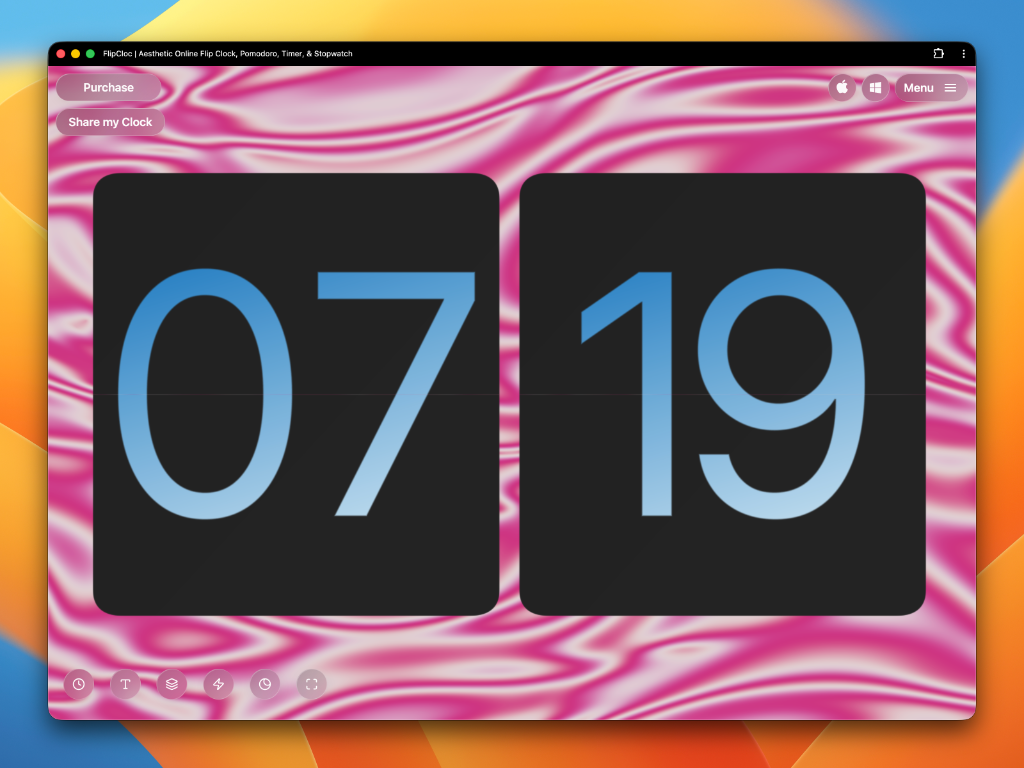
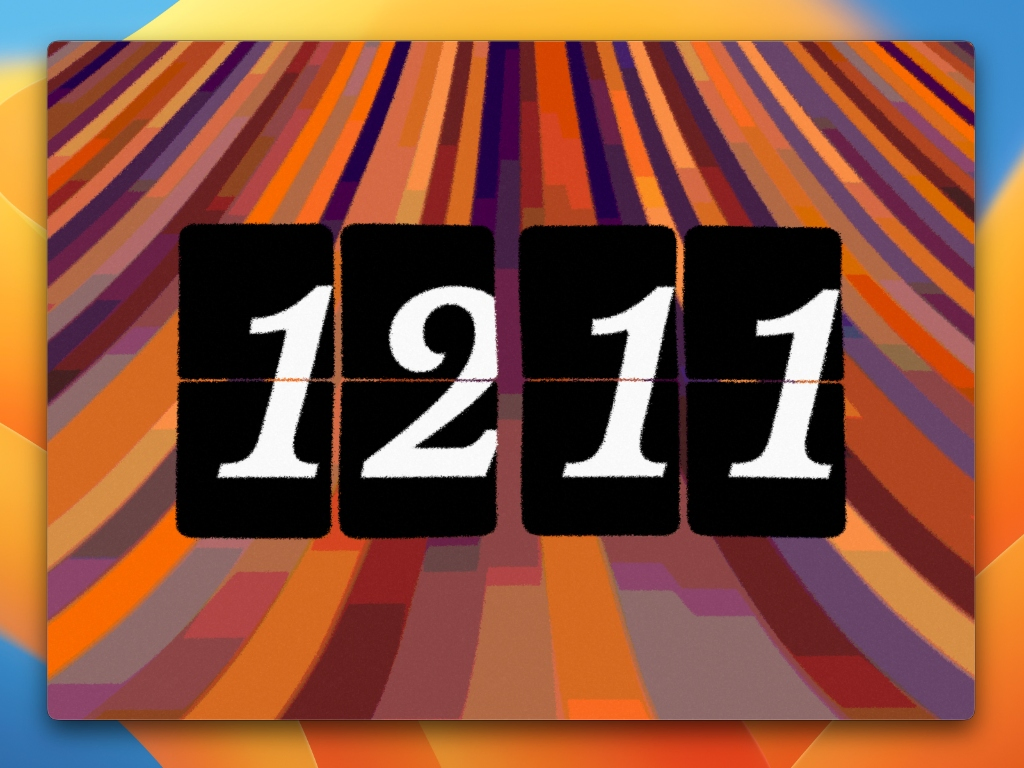
Flawlessly Rendered Flaps and Digits
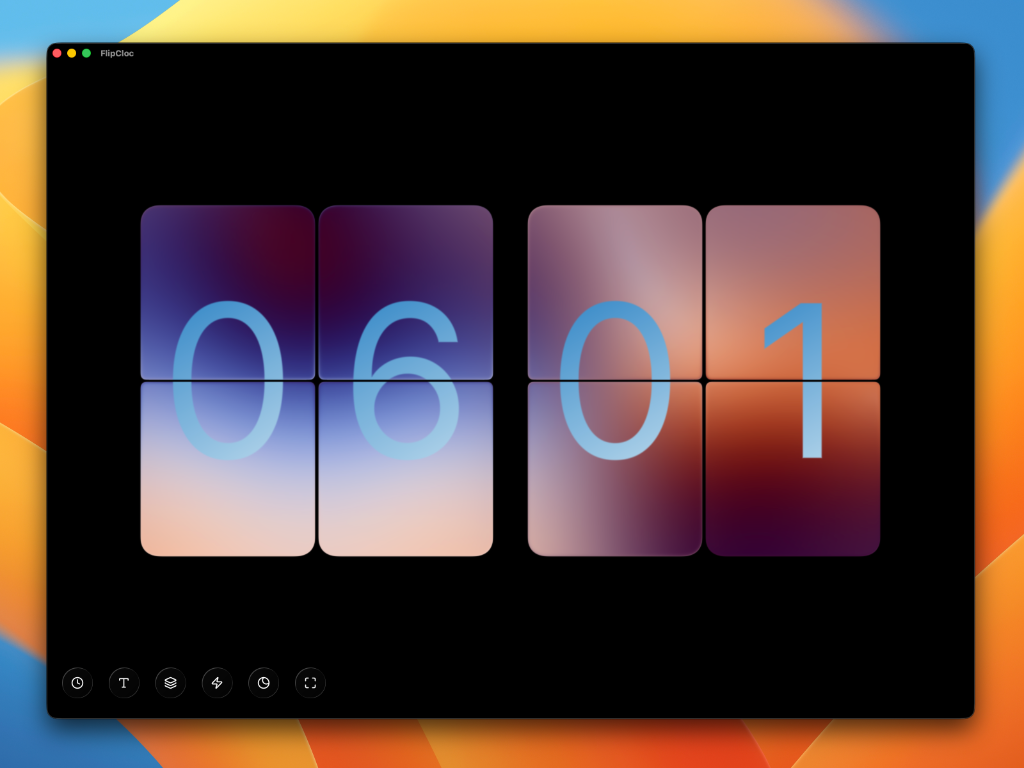
Continuous curvature edges, perfectly composited digits, a proper split gap, FlipCloc is designed with extreme attention to detail to create a beautiful experience. No glitches, hacks, or lazy fixes here
Gorgeous Motion03 / 52
Beautiful, Fluid Flip Animations
Smooth, detailed flip animations handcrafted and timed to create an authentic flip you can feel. Flip animations are customizable to add bounce, perspective, depth, and stagger
See your changes in real-time, with no page reloads or lag. FlipCloc is the ultimate personalized digital clock, infinitely customizable to match your exact setup, mood, or style
Color Themes05 / 52
A New Vibe in One Click
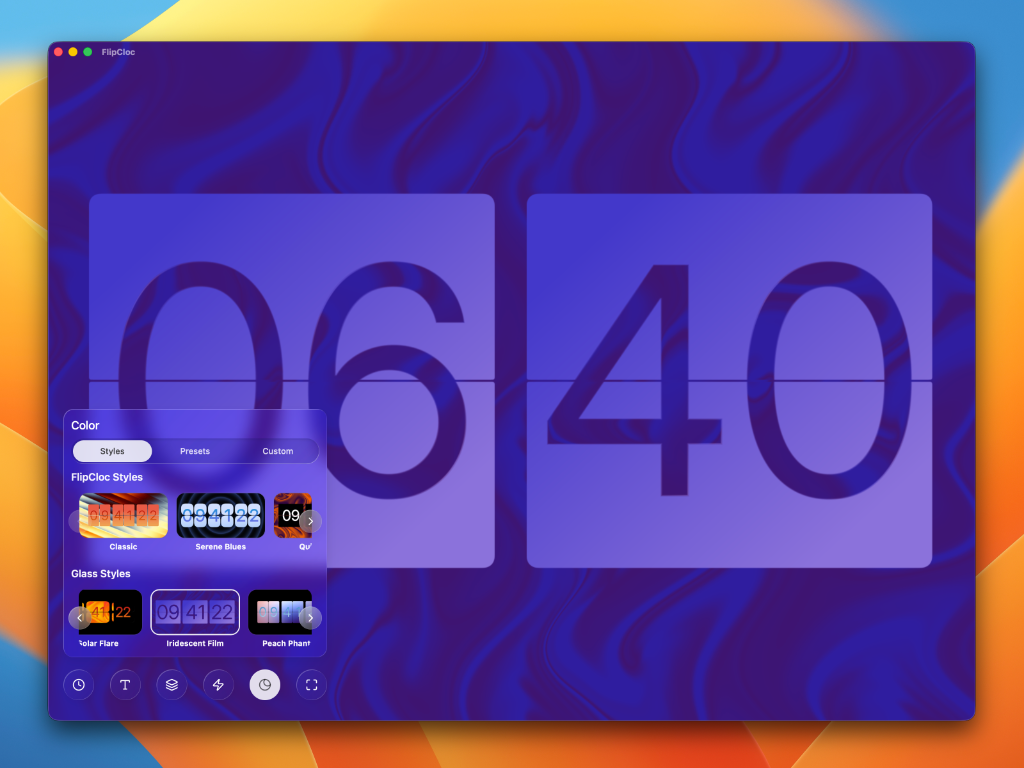
Choose from an ever-expanding collection of 24+ beautifully curated color presets. Instantly change only the colors of your clock without affecting the layout, background, or other custom properties.
Styles06 / 52
A Style for Every Mood
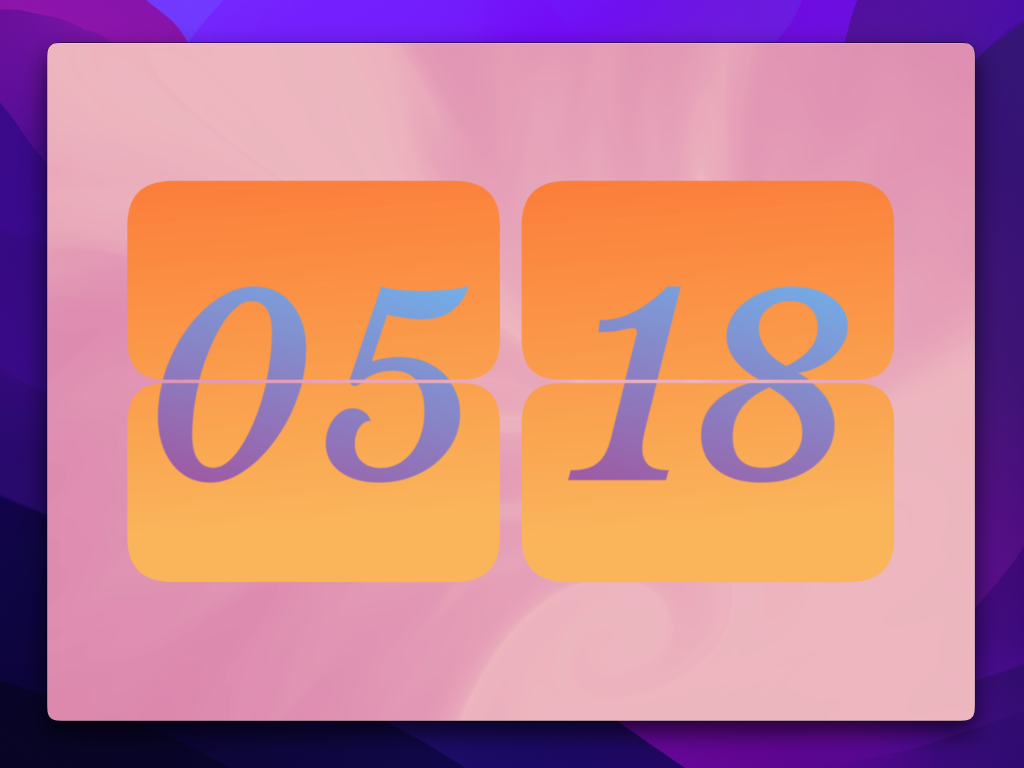
Choose from an ever expanding library of 47+ unique aesthetics. Curated, handcrafted designs that instanly change your entire clock design. Use it as they are or as a starting point to design your own clock with a new background, colors, and more
Typography07 / 52
Fonts That Reflect You
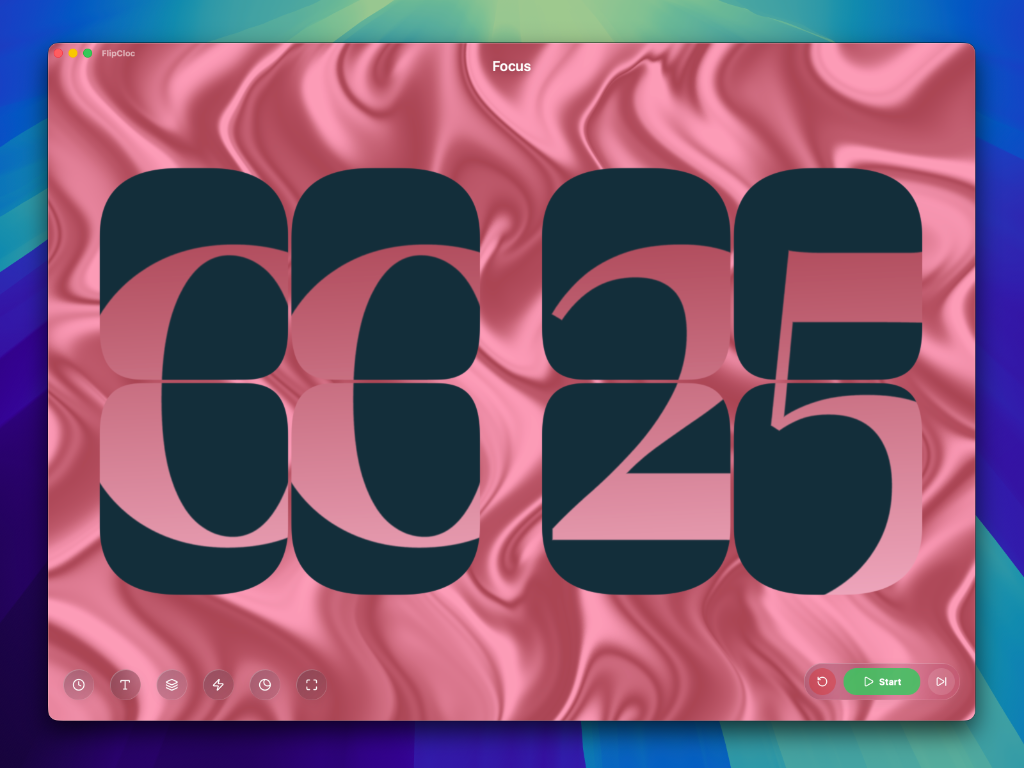
Choose a font that refelcts your aesthetic or mood. Carefully chosen for high legibilty and contrast, and perfectly centered inside the flaps. New fonts drop regularly to keep FlipCloc fresh
Colors08 / 52
16 Million Colors to Choose From
Go wild and customize FlipCloc to any color of your choice. Individually change the background, flaps, & digits, and even try out gradients. FlipCloc lets you be the artist and design your clock to your taste
Flaps & Digits09 / 52
Design Your Flip Clock
Customize the flaps, heavily round the top corners, slightly round the bottom ones, offset text inside the flaps, make the digits humungous, increase the spacing between the flaps, and more
FlipCloc gives you absolute control over every little detail to really dial in the clock style to your specifications, seamlessly updating in real time
Flip Animation10 / 52
Customize the Flip Animation
Customize exactly how your clock moves. Add a playful bounce at the end of a flip, increase the perspective for a wider 3D effect, tweak the depth so the flaps physically interact as they flip, or offset the timing of the flaps for a staggered cascade
The sound engine is tied directly to the physics. Change the way the flap bounces or falls, and the satisfying mechanical sounds adapt perfectly in sync
Animated Backgrounds11 / 52
Beyond the Classic Flip Clock
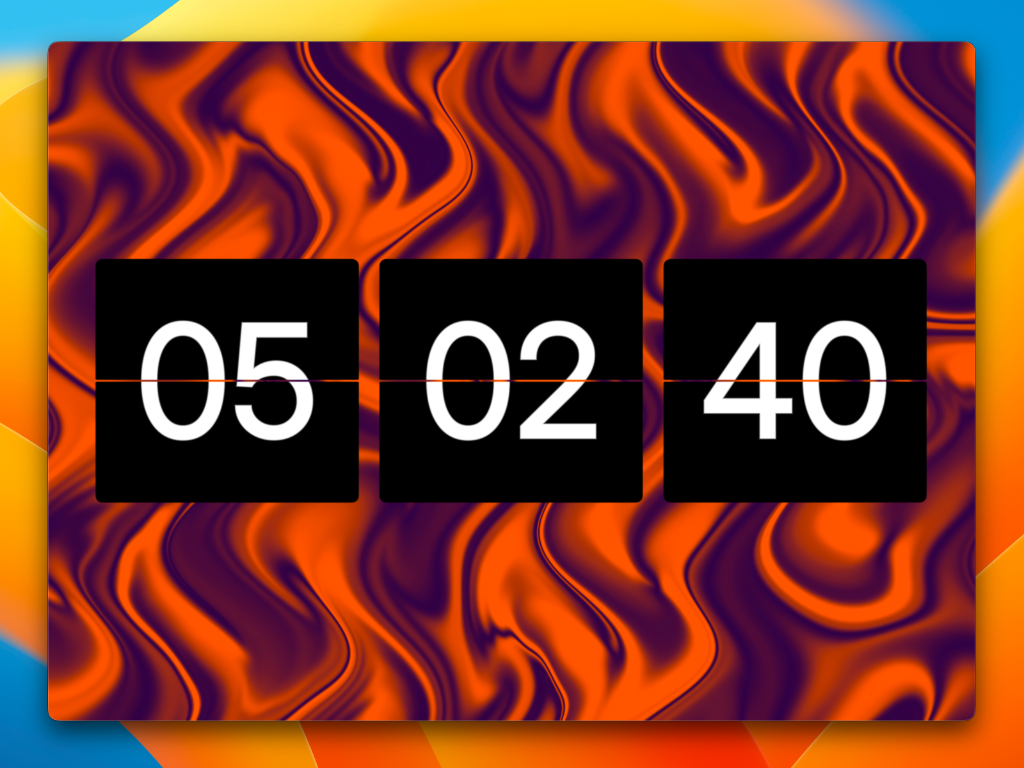
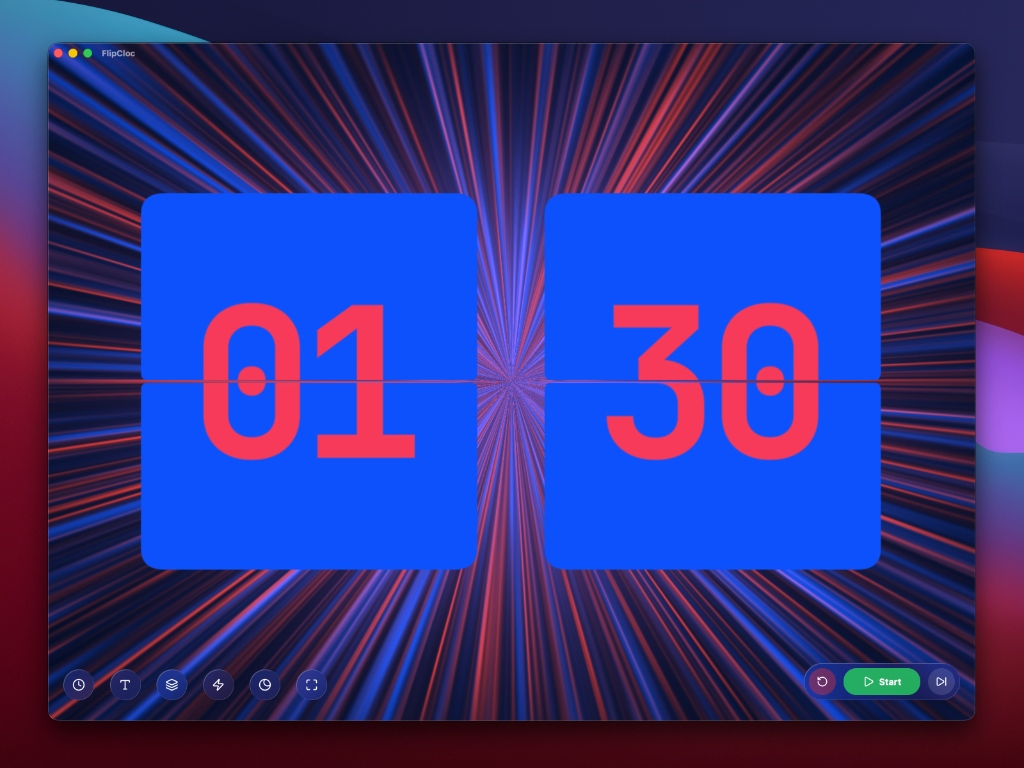
Animated backgrounds are a completely unique FlipCloc feature no other flip clock has. Gorgeous, natively rendered backgrounds scale perfectly to any window size and are fully customizable to any color
New backgrounds are added regularly. Each one is individually crafted, ensuring silky smooth playback and extreme optimization
Overlay Effects12 / 52
Artistic Effects That Layer on Top of Your Clock
Elevate your setup with 5+ stunning overlay effects that dynamically interact with both your clock and the animated background to transform your clock design
Choose from rain, frost, fluted glass, ocean, sketch, and more as they drop
Background Masking13 / 52
Shape Time with Dynamic Masks
Create a truly unique aesthetic by animating the background in sync with the rhythm of the clock
Experiment with fun masking shapes like rectangles, hearts, circles, or split lines to desaturate, invert colors, or selectively hide the background behind your digits. You can also choose to animate the background to a completely different timer, such as the end of your workday
Glass14 / 52
Gorgeous Glassiness
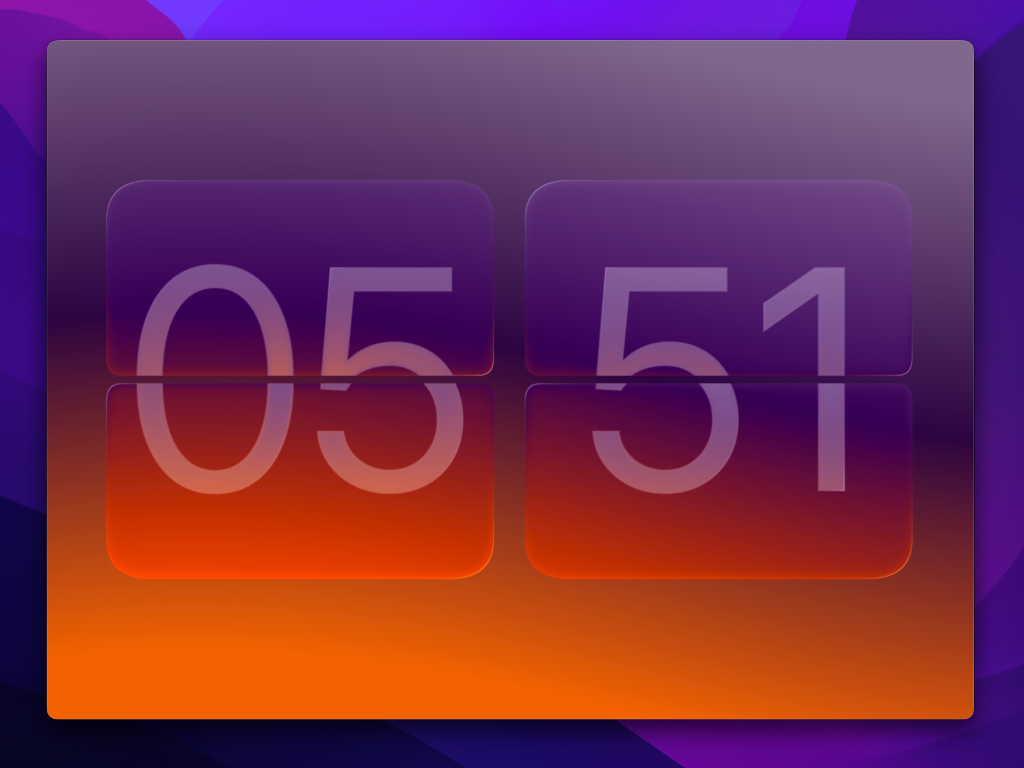
A glass engine created from scratch for FlipCloc. FlipCloc glass refracts, reflects, and interacts dynamically with the background to create a beautiful living clock
Includes presets such as clear, frosted, smoked, and liquid glass. Every parameter is fully customizable so you can create your own unique glass. The effect can be applied individually to the flaps and digits, with the option to sync them
Lightweight15 / 52
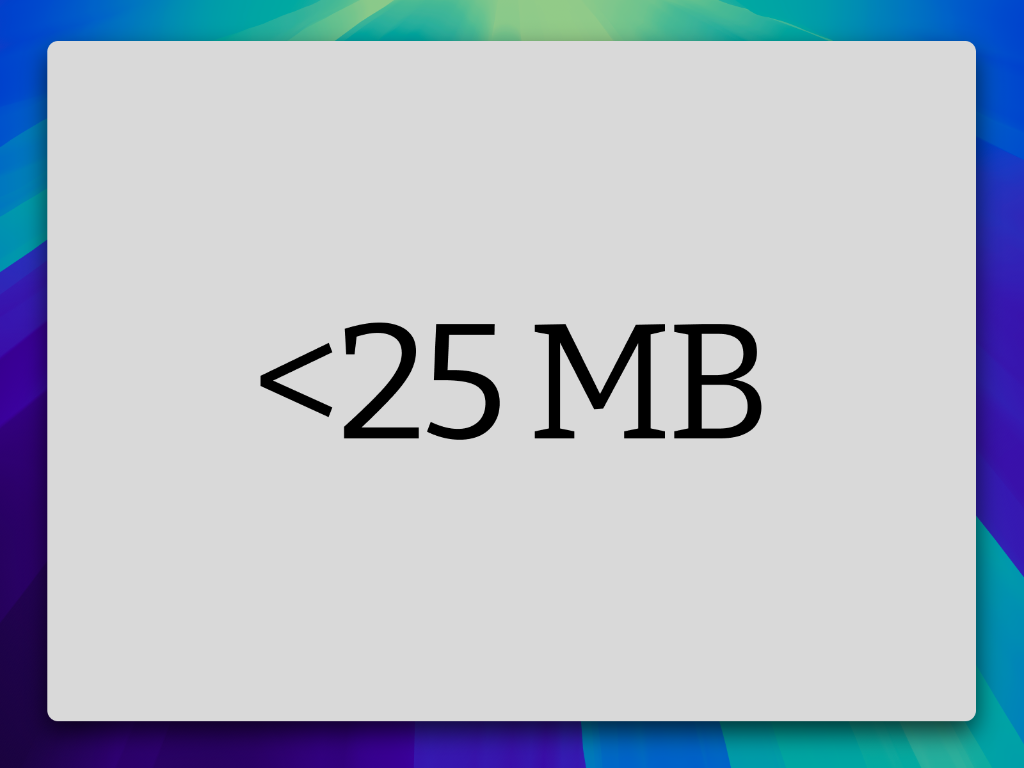
Tiny Footprint, Massive Features
FlipCloc is engineered to be incredibly lightweight and highly efficient. It takes up less than 25 MB of space while packing an absolute ton of features
Highly Optimized16 / 52
GPU Powered Aesthetics
FlipCloc utilizes hardware acceleration to render the clock and background at a silky smooth quality without taxing your device
Each and every shader is manually designed for the ultimate balance of quality and performance, with an engine that smartly scales based on the exact pixel count of your screen
Seconds17 / 52
Choose Your Pace
Take full control over how you view time. Easily toggle the seconds flap to watch every moment tick by, or hide it for a cleaner, quieter aesthetic
Clock18 / 52
What's FlipCloc without the Clock
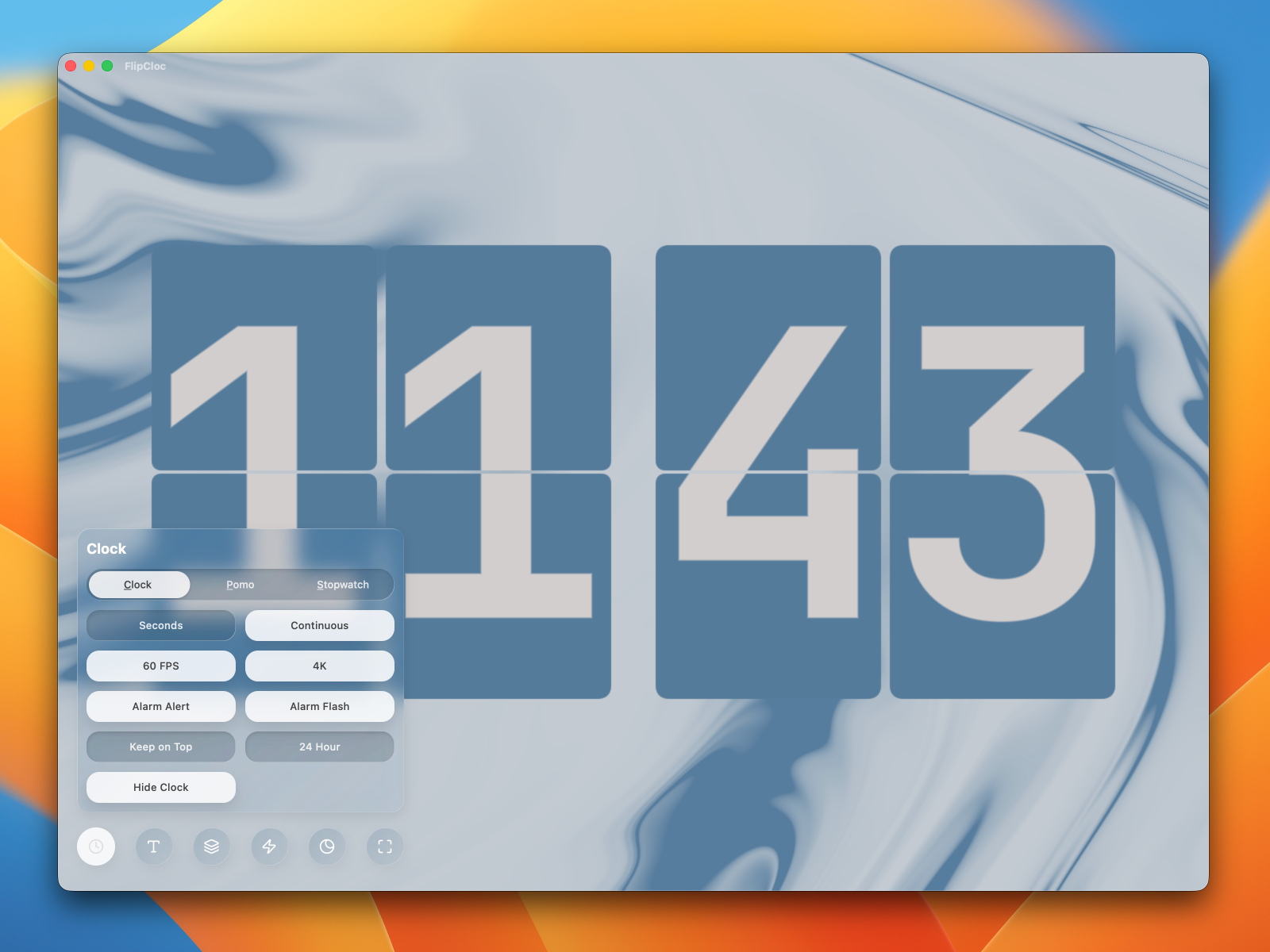
A precise clock is the beating heart of FlipCloc. Watch time beautifully flip by on a gorgeous, aesthetic clock
Pomodoro19 / 52
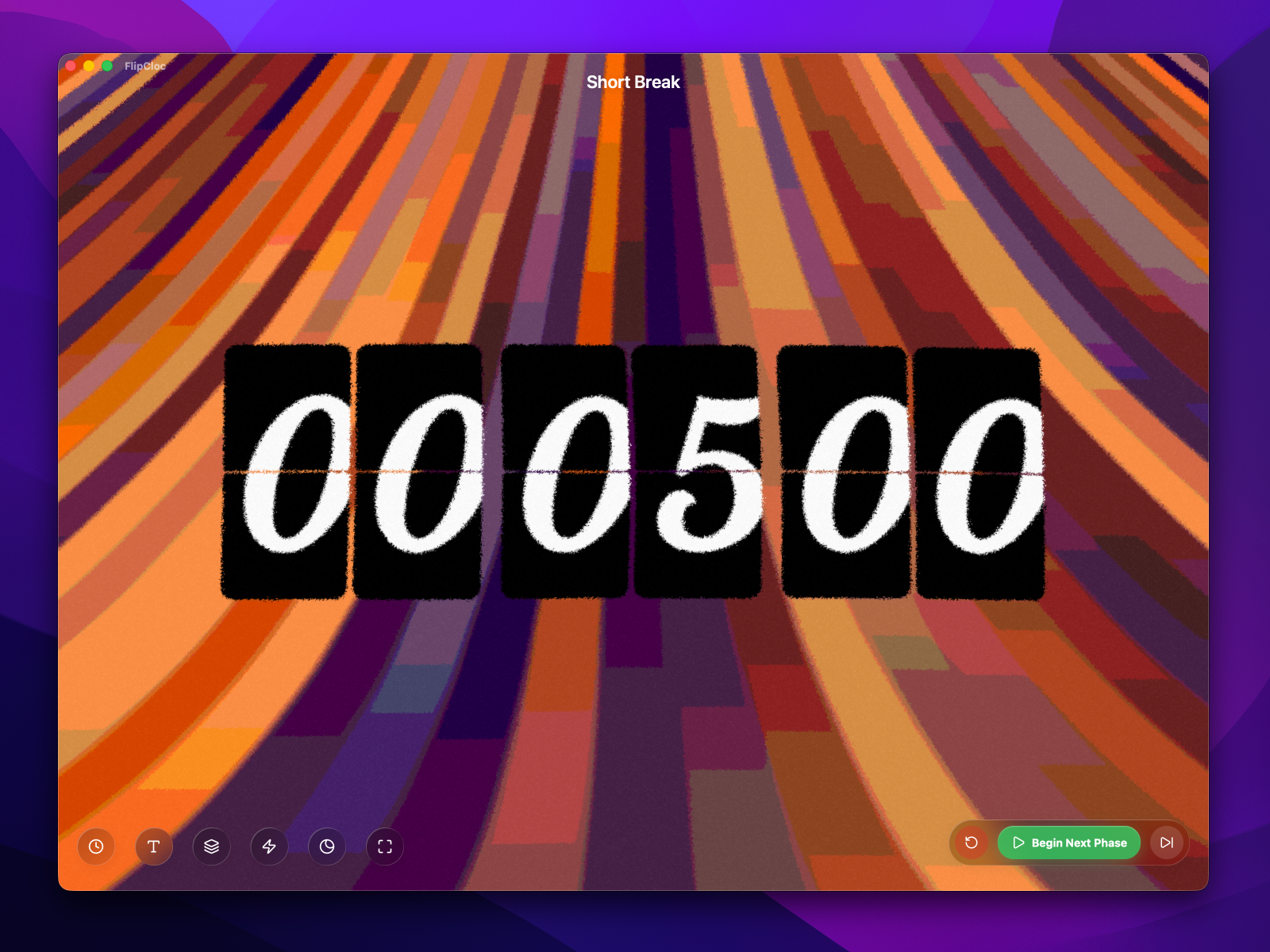
A Smarter Pomodoro Timer
Study, work, and play with a thoughtfully designed Pomodoro timer that keeps you perfectly on track
Set a dedicated countdown timer for your next task, big launch, deadline, or milestone event
Simply switch to Pomodoro and zero out the break intervals to run a pure, uninterrupted countdown that keeps you focused on the finish line
Stopwatch21 / 52
Track Your Time
Easily track the time spent on a task, whether you're locked into a study session or deep in a game
FlipCloc runs flawlessly in the background, ensuring your time is tracked perfectly with zero impact on system performance
Swap Modes22 / 52
Easily Swap Between Clock, Pomodoro, Stopwatch
No URL change or reloading the page, seamlessly switch modes without losing a beat. Keyboard shortcuts make it even faster allowing you to quickly peek at the clock and back to your pomodoro or stopwatch without losing track or having to open the menu
Labels23 / 52
Context When You Need It
Easily track your productivity with smart labels that display your current Pomodoro phase and completed cycles
Keep them on for quick, at a glance information, or toggle them off completely for a pure, minimalist clock experience
Auto Next Phase24 / 52
Decide Your Pace
Turn on Auto Next Phase to seamlessly transition through your pomodoro workflow without any manual intervention
Turn it off when you need a breather. It holds the timer between phases so you can collect your thoughts before diving into the next block
12 / 24H25 / 52
Your Time, Your Format
Switch between standard 12-hour and 24-hour time formats instantly with a single click
Resizable26 / 52
Perfectly Sized for Your Workflow
Fluidly scale the clock to any size you need whether that's a super tiny window or a massive full screen display
FlipCloc flawlessly adapts to your chosen window size, including dynamically boosting the resolution to make the clock sharper at smaller sizes and optimizing for resource usage at larger sizes
Keep on Top27 / 52
Always in Sight, Always Awake
Enable the Keep on Top option to keep FlipCloc above all other active windows so you never lose track of the time, session, or alerts
As an added bonus, enabling this feature automatically prevents your computer from sleeping so you don't lose focus
Follow Across Spaces28 / 52
Stays with You, Everywhere
Never lose track of your session when swiping between virtual desktops
Turning on Keep on Top makes the Mac app follow you across your spaces so you never lose focus
Clear UI29 / 52
A UI That Doesn't Get in Your Way
The beautiful frosted glass UI ensures the clock is never hidden as you make changes in real time. The UI dynamically tints itself based on your selected colors
Auto Hide UI30 / 52
Focus is Promised
When the app is shrunk into a smaller size, the UI automatically recedes to show you only the clock for a complete distraction-free experience
Resize the app to a bigger size and tap anywhere to unhide the UI
Immersive Mode31 / 52
Zero Distractions. Maximum Focus.
Lock in on your tasks. Tap anywhere to hide the UI & title bar. The interface completely recedes, giving you an uninterrupted, immersive view of your time and focus sessions
Mini UI32 / 52
Essential Controls, Instantly Available
Pause, play, and adjust your settings in a flash with the beautifully compact & smart mini menu
This unobtrusive interface puts all your essential controls right at your fingertips without hiding your clock or having to wade through menus. It flashes for alerts and hides away automatically
Picture in Picture33 / 52
Pop FlipCloc Out
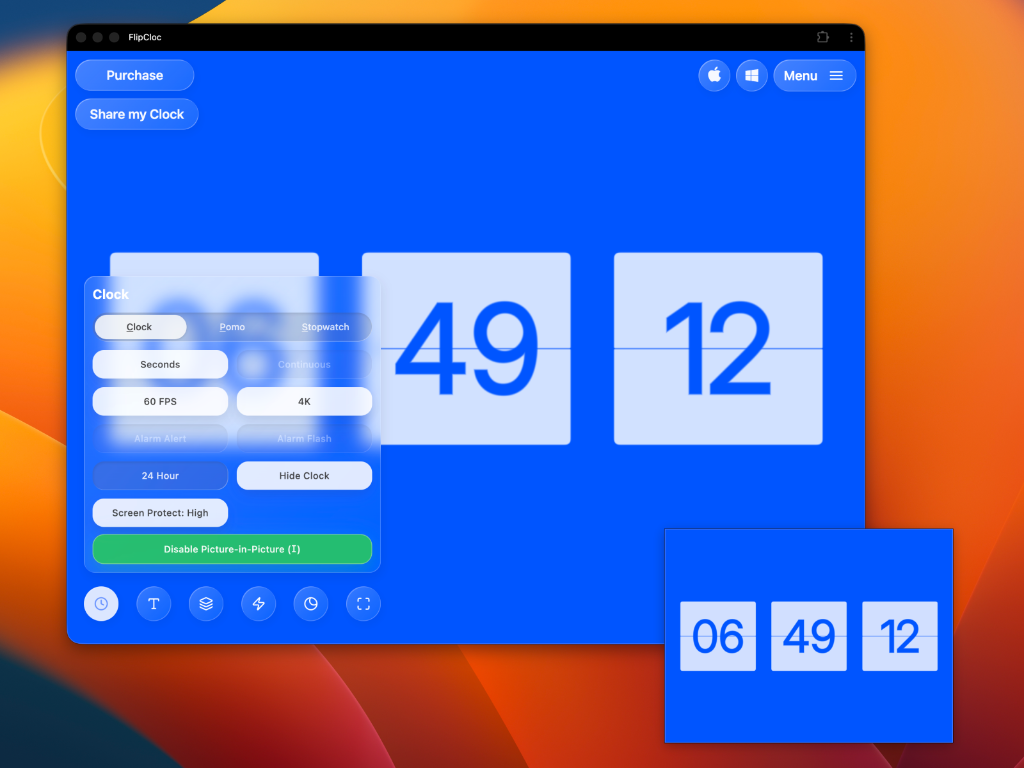
Bring FlipCloc into a resizable floating window that remains anchored on top of your workspace, ensuring FlipCloc is always just a glance away and your focus never strays
Progressive Web App34 / 52
One Tap Away on Any Device
Easily pin the web version to any device: Mac, Windows, iOS, Android, or iPad, for instant access to your favorite clock
Skip the app store entirely and enjoy a fully optimized, native like full screen experience without a traditional install
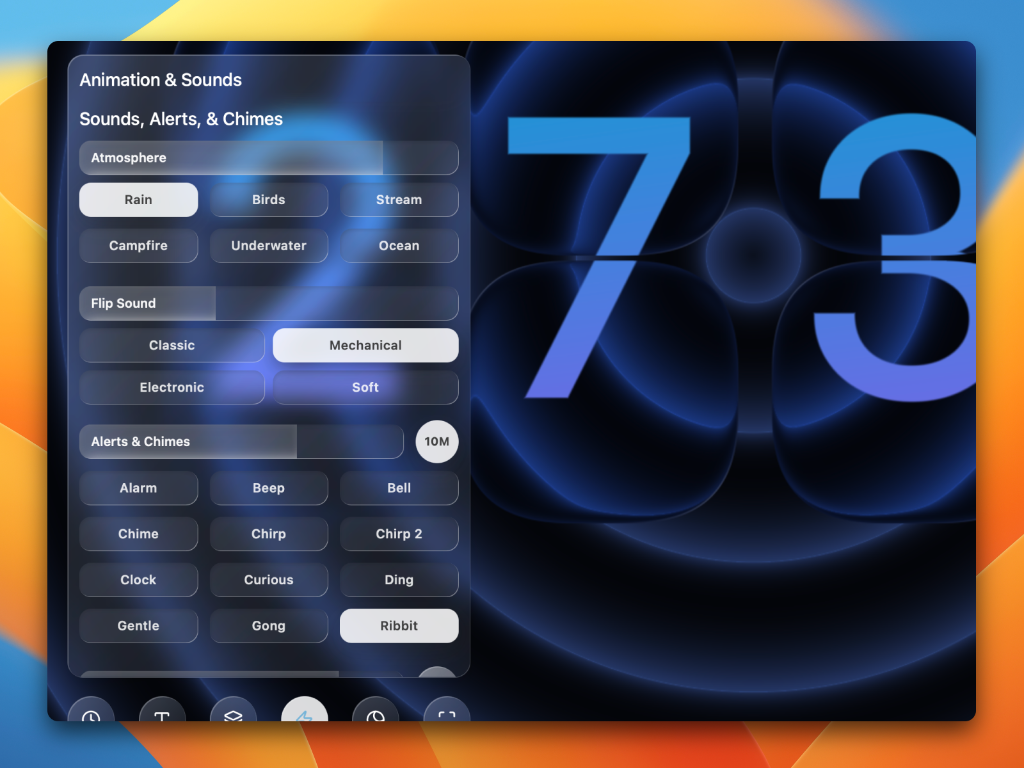
Sounds35 / 52
Create Your Own Unique Soundscape
Layer satisfying flip sounds, ambient noise, and custom chimes to set the mood. Adjust the volume for each track independently and build an audio experience completely tailored to you
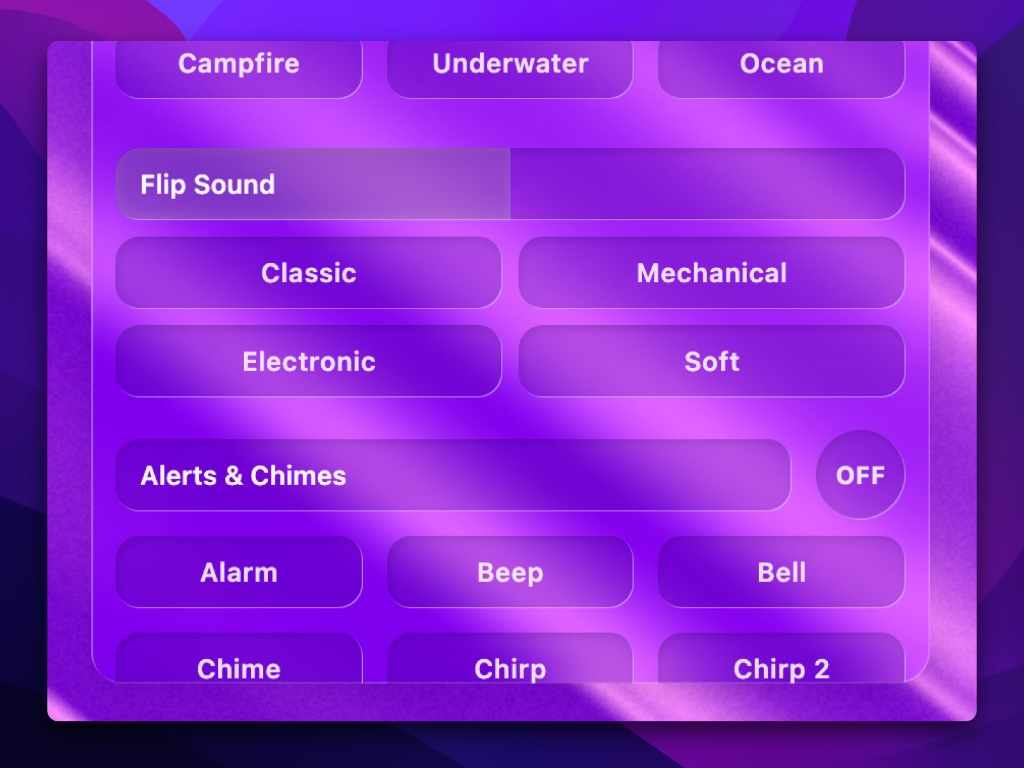
Flip Sounds36 / 52
A Rhythm for Deep Focus
Choose from an ever growing collection of rhythmic flip sounds that are incredibly satisfying and deeply relaxing
Whether you prefer a soft mechanical click or a classic clack, these sounds naturally help you lock into your work
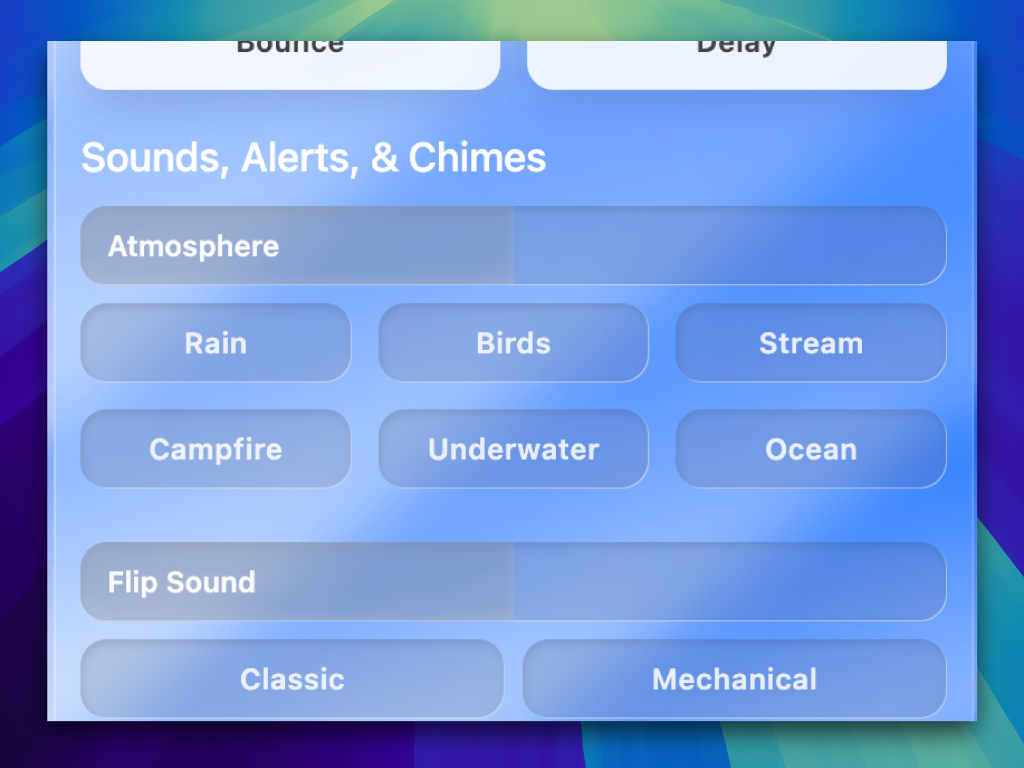
Ambient Sounds37 / 52
Set the Perfect Atmosphere
Block out the noise and lock into your tasks. Choose from a curated library of high quality ambient sounds to create a relaxing, focused workspace
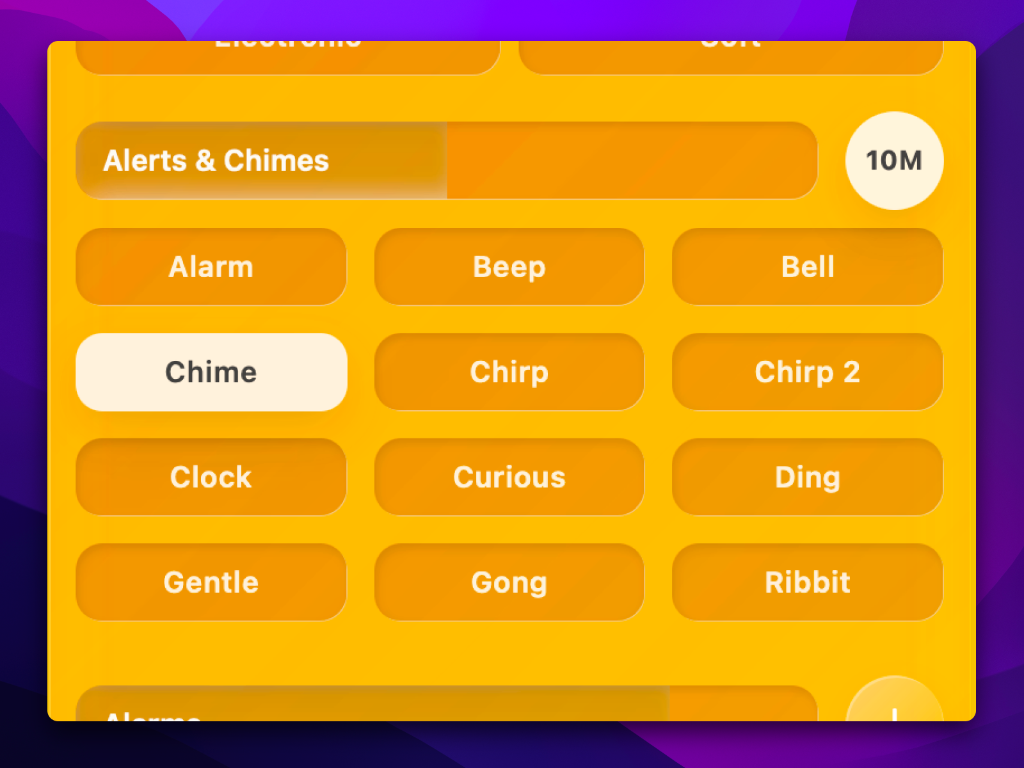
Alerts & Chimes38 / 52
Gentle, Non Intrusive Alerts & Chimes
Choose from 12+ gentle sounds to be notified at different intervals or when a pomodoro phase ends, including a playful Ribbit sound that croaks
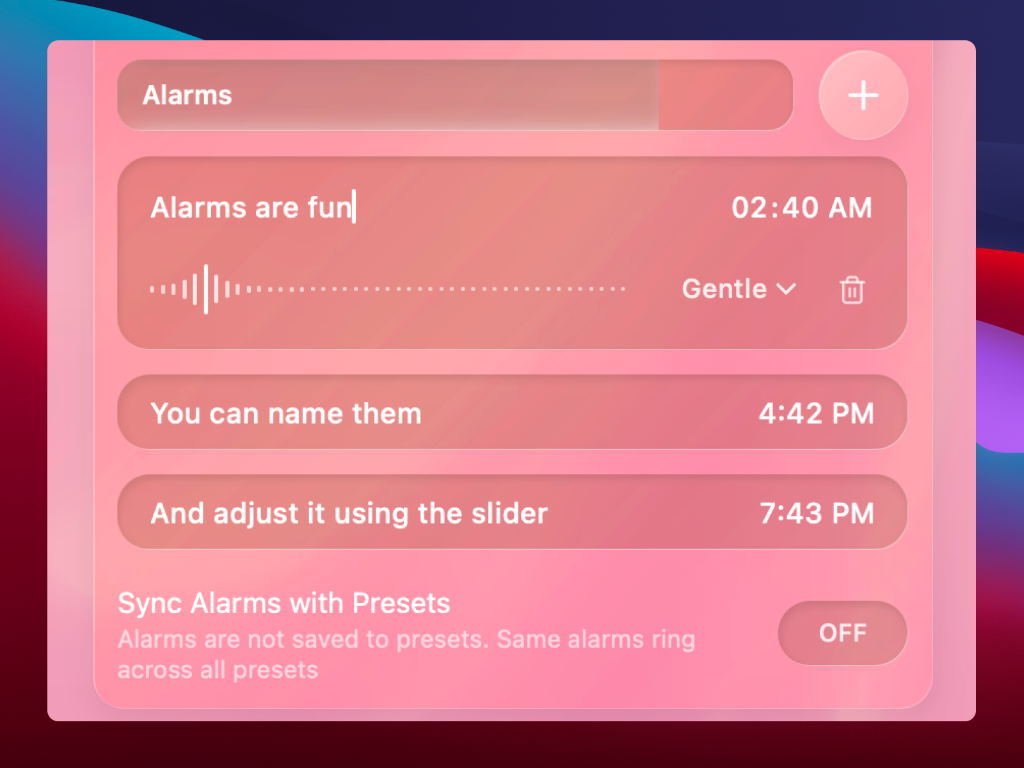
Alarms39 / 52
Custom Alarms When You Need Them
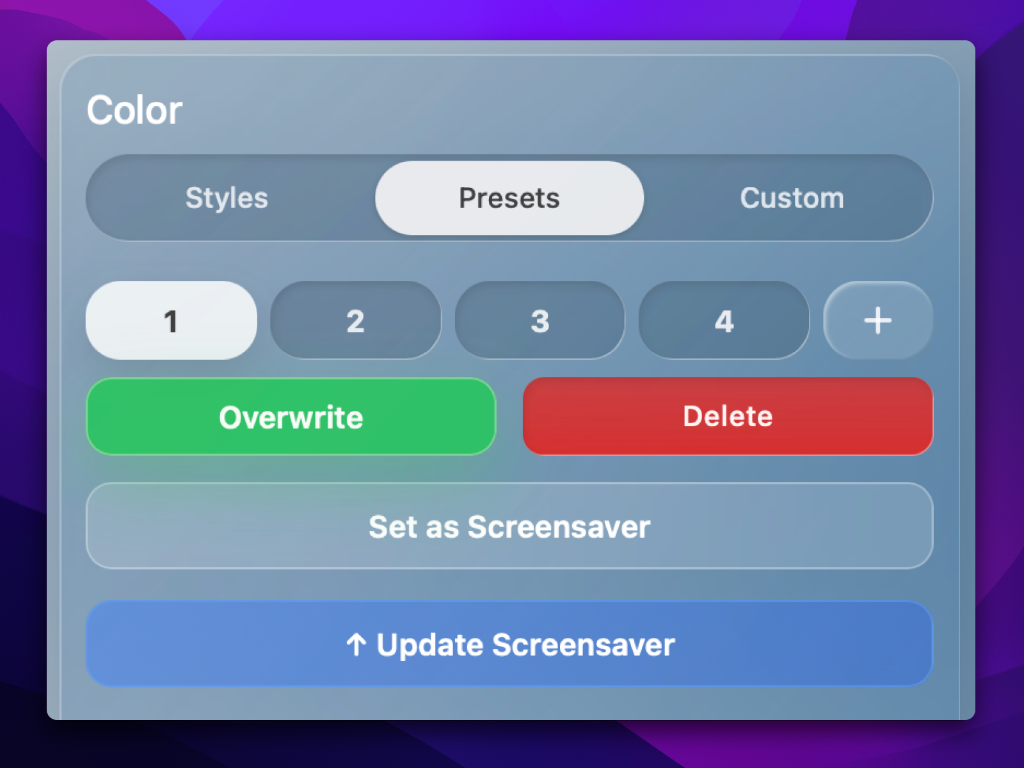
Set multiple recurring alarms, name them, select from 12+ gentle alarm sounds, save different sets of alarms, and even show alarms on the screensaver
Resolution Control40 / 52
Crispness on Command
Take full control over the rendering engine to find your perfect balance between visual fidelity and resource usage
FlipCloc is highly optimized and uses the 4K option by default, but if you're on an older device or want to use a lower resolution, you have the freedom to choose
60 FPS41 / 52
Perfectly Fluid 60 FPS Animations
Experience fluid, ultra smooth rendering at a flawless 60 frames per second. Need to save battery? Easily toggle down to 30 FPS with a single click
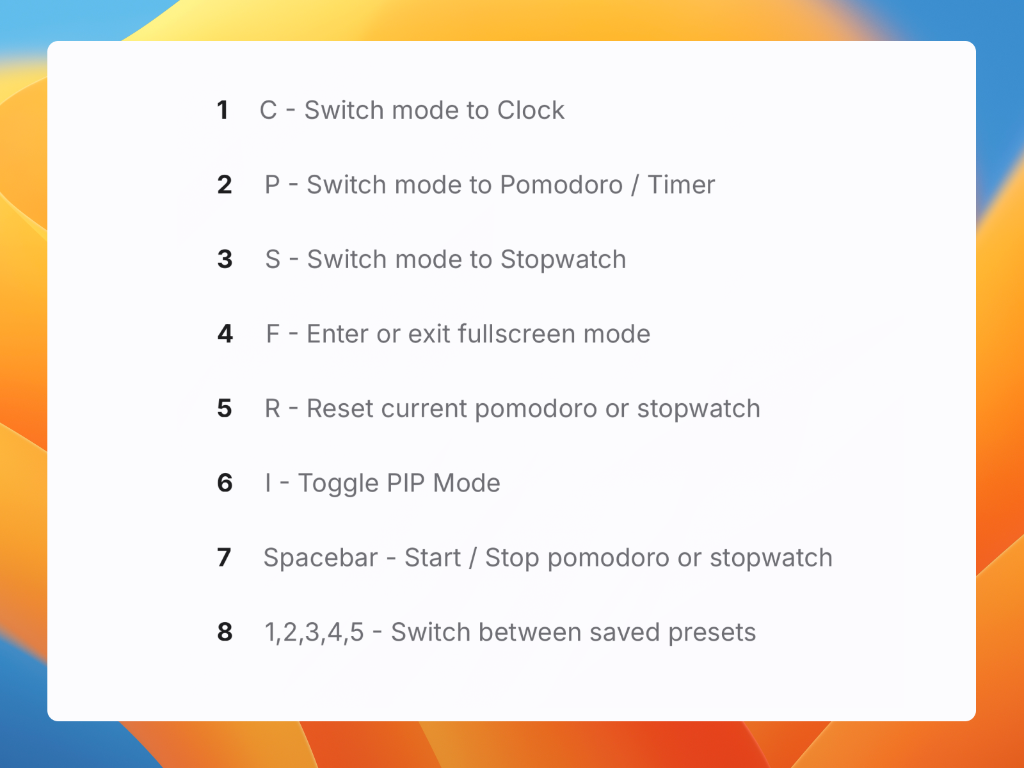
Keyboard Shortcuts42 / 52
Instant Control for Power Users
Speed up your workflow with intuitive keyboard shortcuts that let you control FlipCloc instantly
Use FlipCloc as a beautiful flip clock screensaver with endless ways to customize your look. Sync your style across all your devices and enjoy flawless multi monitor support
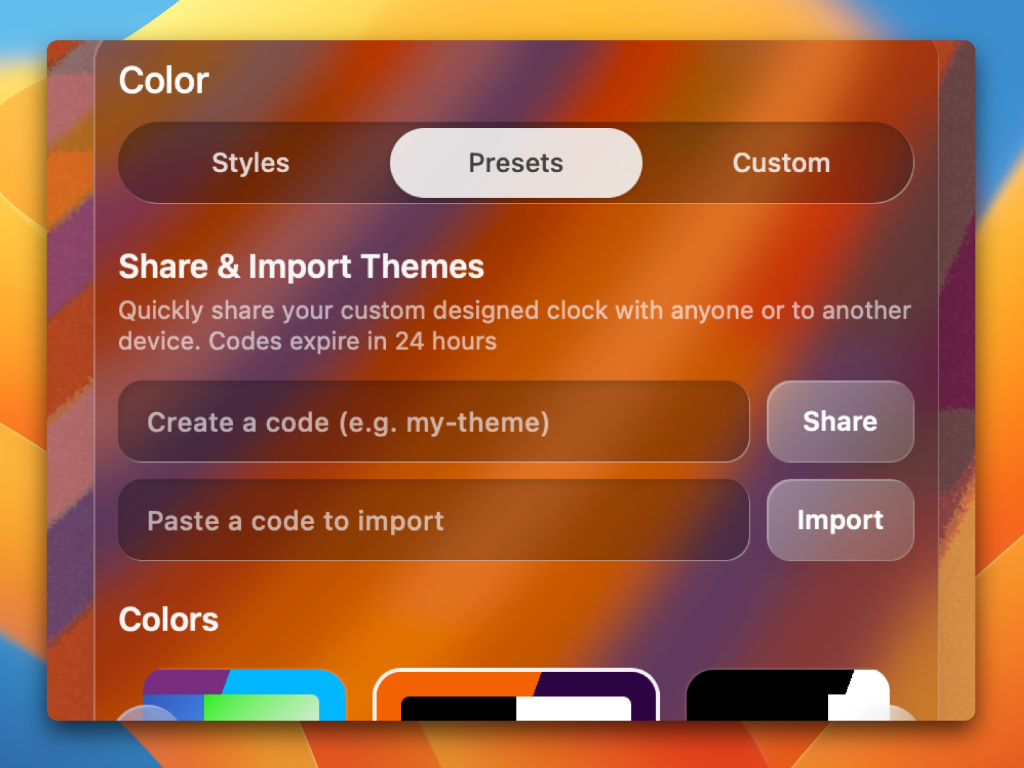
Customize your clock, share a code with anyone to share your custom clock design, or use it to quickly sync the design between two devices, or share it for the world to see
Screen Alerts48 / 52
A Gentle Visual Nudge
Get a smooth, subtle visual warning before your timer even finishes. FlipCloc slowly lightens your screen 30 seconds before an alarm or pomodoro phase ends
It's the perfect, unobtrusive way to know your session is coming to an end while you stay perfectly in the zone
Screen Flashes49 / 52
Unmissable Visual Cues
Enable screen flashes to get an immediate, impossible to ignore visual alert when your time is up
It’s the perfect way to make sure you never miss an alarm or pomodoro session end, even if your headphones are off and you're deep in your workflow
Continuous Mode50 / 52
Animate Continuously
By default, FlipCloc switches to animating every minute when seconds are disabled. Enable this setting if you would like the background to animate continuously even when seconds are disabled
Animate on Minutes51 / 52
Beautifully Efficient
A unique optimization exclusive to FlipCloc. It intelligently wakes up to update the time for just a few frames every minute, letting the animated background come to a gentle, gradual stop. This lets FlipCloc run at system idle for most of the time without sacrificing style, quality, or losing track of time
Cross Platform52 / 52
Available on All Your Devices
FlipCloc has a Web, Windows, and Mac version so you can use it on all your devices easily and sync them. Use Progressive Web App (PWA) to pin FlipCloc to mobile devices currently until native versions are released