
Webpage Embed Guide
Complete guide on how to use FlipCloc Webpage Embed
Quick Guide
- 1
Copy the iframe code snippet from our guide
- 2
Paste it into your website's HTML structure
- 3
Adjust width and height parameters as needed
- 4
Works with any CMS like WordPress, Webflow, or Framer
Embed FlipCloc Anywhere
Share the beauty of FlipCloc with your visitors. Whether you're building a portfolio, a blog, or a company portal, our responsive web app fits perfectly into any HTML-based structure
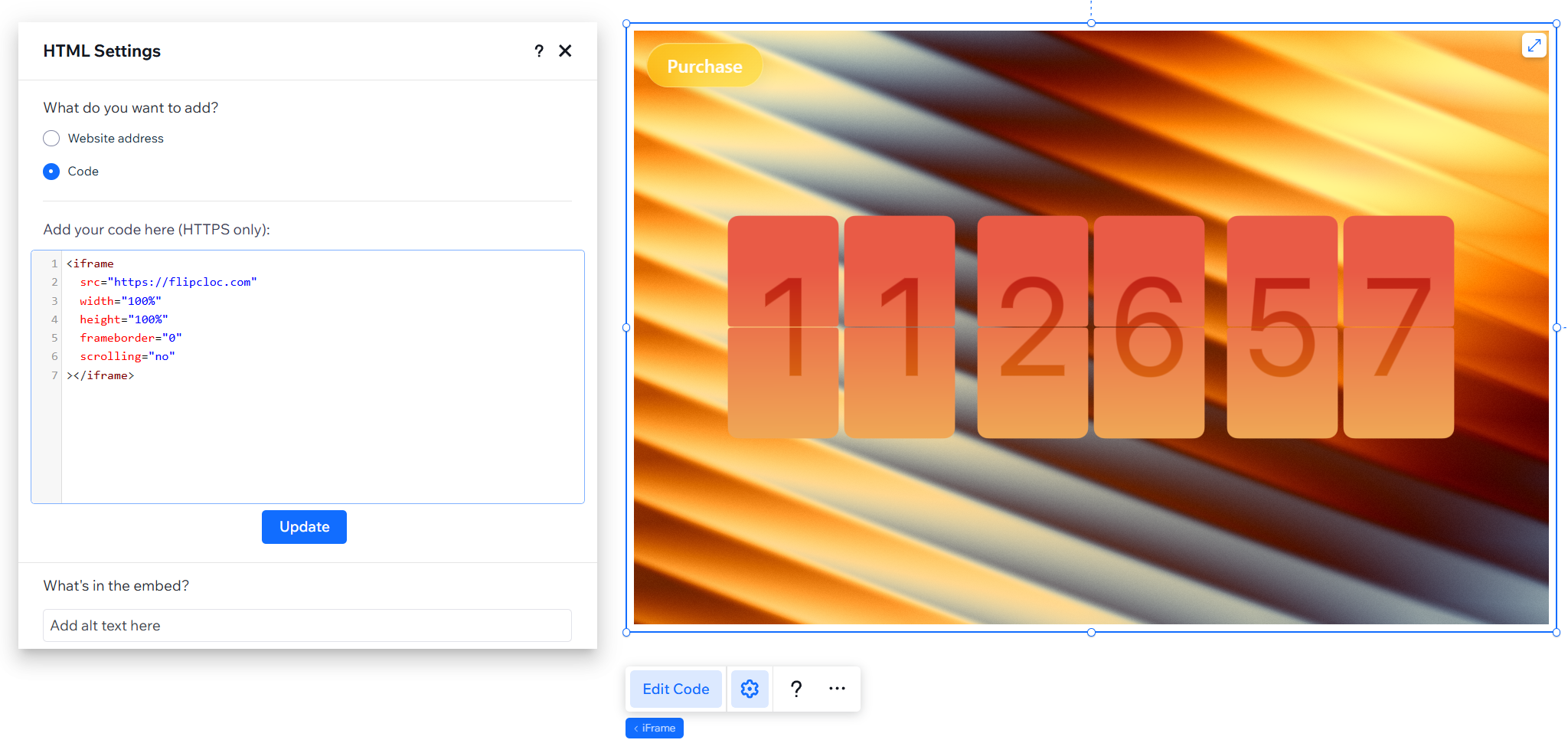
Configure your iframe settings for a seamless, scroll-free integration
Iframe Code
The simplest way to add FlipCloc to your site is via an <iframe>. Copy and paste the code below
into your HTML editor
<iframe
  src="https://flipcloc.com"
  width="100%"
  height="100%"
  frameborder="0"
  scrolling="no"
></iframe>
Custom Styling & Permalinks
Looking for a deeper integration? We offer custom permalink services for creators and businesses who need FlipCloc to match their brand exactly
Best Practices
- Aspect Ratio: FlipCloc is fully responsive and will look good in any ratio
- Responsiveness: Use percentage-based widths (like
100%) to ensure the clock scales perfectly on mobile devices - Loading: Add
loading="lazy"to the iframe to optimize your page's initial load speed