
Colors Guide
Complete guide on how to use FlipCloc Colors
Quick Guide
- 1
Customize Background, Tile, and Digit colors independently
- 2
Match your desktop setup with precision color pickers
- 3
Create high-contrast or low-profile minimalist looks
- 4
Perfect for matching moon aesthetics or specific workspace themes
The Power of Personalization
FlipCloc isn't just a clock; it's a piece of digital decor. We've designed our color engine to give you absolute control over every layer of the experience, ensuring your time-piece perfectly complements your desk setup, moon aesthetics, or mood
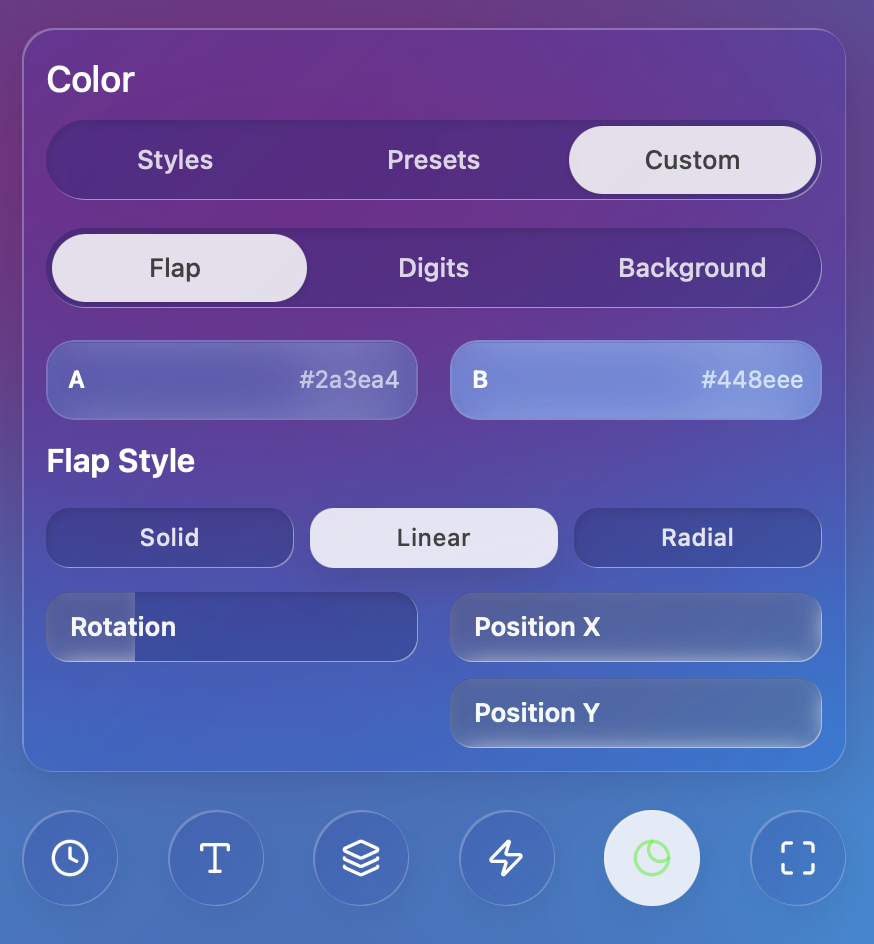
The body: Adjust the color of the physical flaps to create depth and contrast
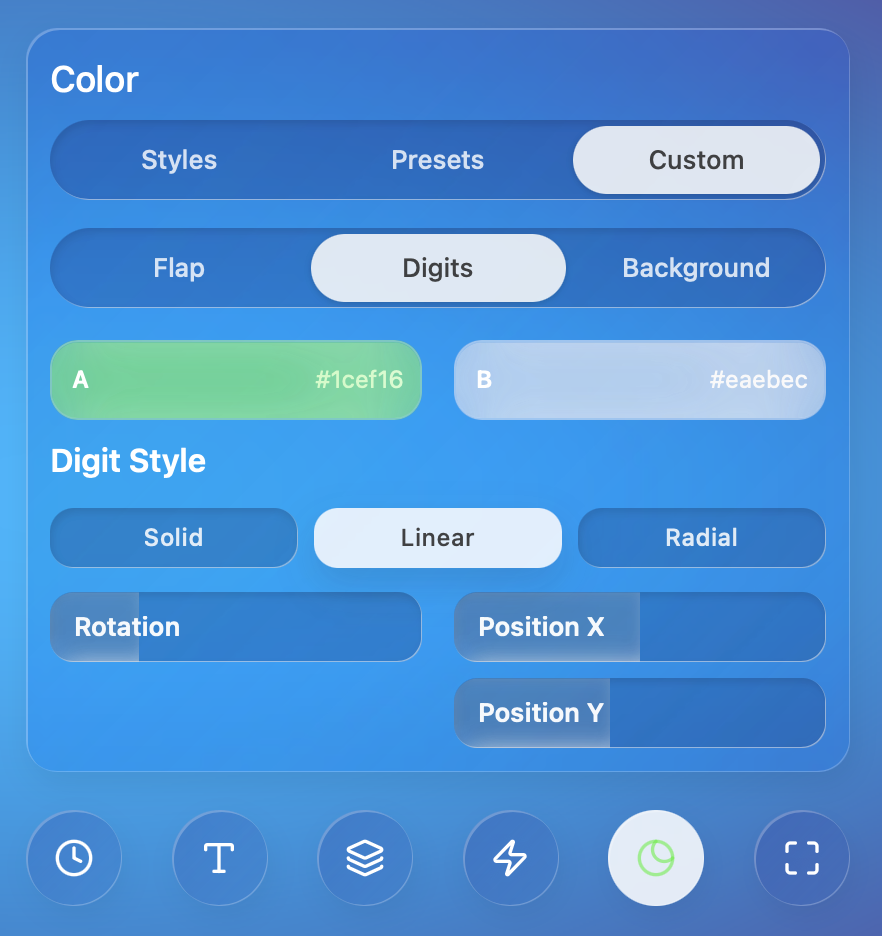
High visibility: Fine-tune the digit color for maximum legibility
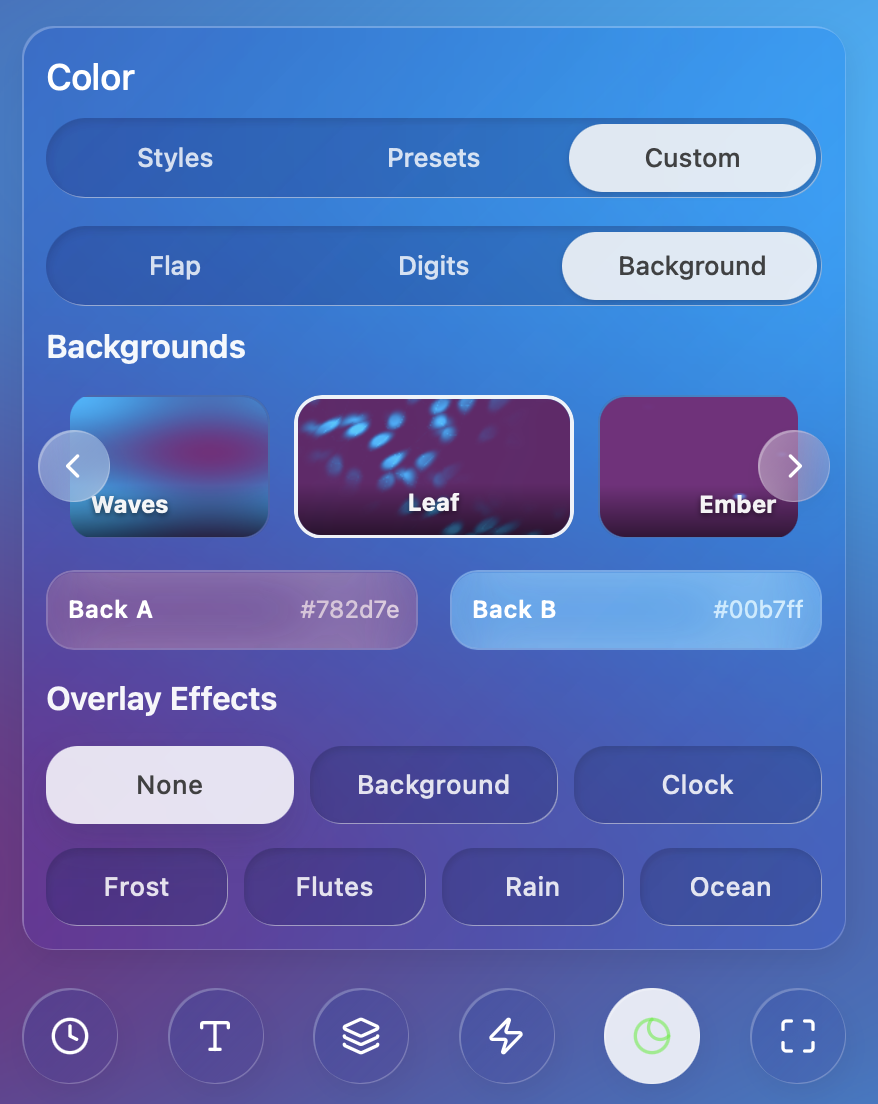
Setting the base: Transform your environment with any background hue
Infinite Combinations
By independentely adjusting the Background, Tile, and Digit colors, you can achieve thousands of unique looks. Whether you're going for a stealthy "blackout" setup or a vibrant neon workspace, our color pickers support full hex codes for pixel-perfection
Opacity slider on the background to blend your chosen colors with dynamic
backdrops or overlay effects for a truly unique atmospheric effect